
Case plan
Define the decision-maker, timing, options, constraints, and missing inputs before generation starts. Ambiguity becomes a visible part of the process, not a hidden assumption.
Turn a business question, source material, and constraints into a case plan, analytical working paper, and recommendation report. Recommendation Mode in Gixo Business keeps facts, assumptions, trade-offs, and recommendations separate so the output reads like advisory work, not generic AI prose.
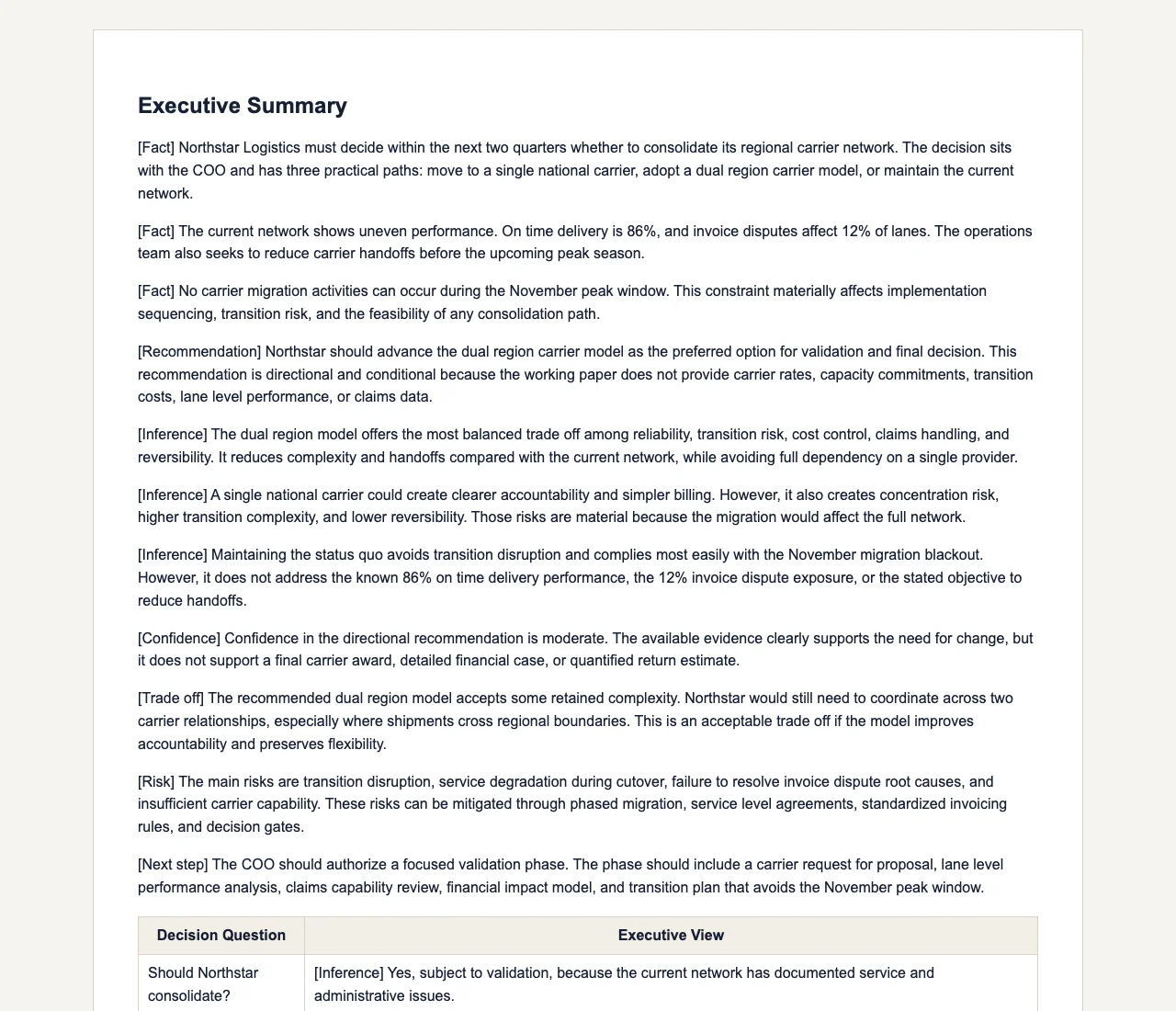
This is not a single-pass document generator. The workflow frames the case first, compiles the analytical layer, then produces the report from that working paper.
Define the decision-maker, timing, options, constraints, and missing inputs before generation starts. Ambiguity becomes a visible part of the process, not a hidden assumption.
Compile evidence, criteria, trade-offs, and scenario logic into a structured working layer that the final report can inherit without collapsing into marketing language.
Generate a consultant-style report with executive framing, options analysis, confidence, risks, and explicit next steps tied back to the case logic.
The strongest fit is any situation where the output needs a point of view, a defendable reasoning chain, and a clean executive deliverable.
Market entry, portfolio prioritization, build-vs-buy, operating model redesign, and expansion planning where decision quality matters more than word count.
Corporate strategy, finance, PMO, and transformation teams that need recommendation reports without running every decision through a long manual memo cycle.
Boutique and solo consultancies that want a faster way to produce case framing, working papers, and executive-ready reports from recurring source material.
Start with the business question, the decision to be made, the audience, known options, timing, and constraints.
Add documents, notes, research, or internal context so the working paper is grounded in actual evidence and not a generic prior.
Missing criteria, weak evidence, and unclear alternatives appear as explicit follow-up questions instead of being silently papered over.
Produce a report while keeping the recommendation, decision logic, and framework work connected to the same business case.
Updated