
How to create a business brief with Gixo from your files
A simple walkthrough for turning reports, notes, and source documents into a business brief you can review, improve, and share.
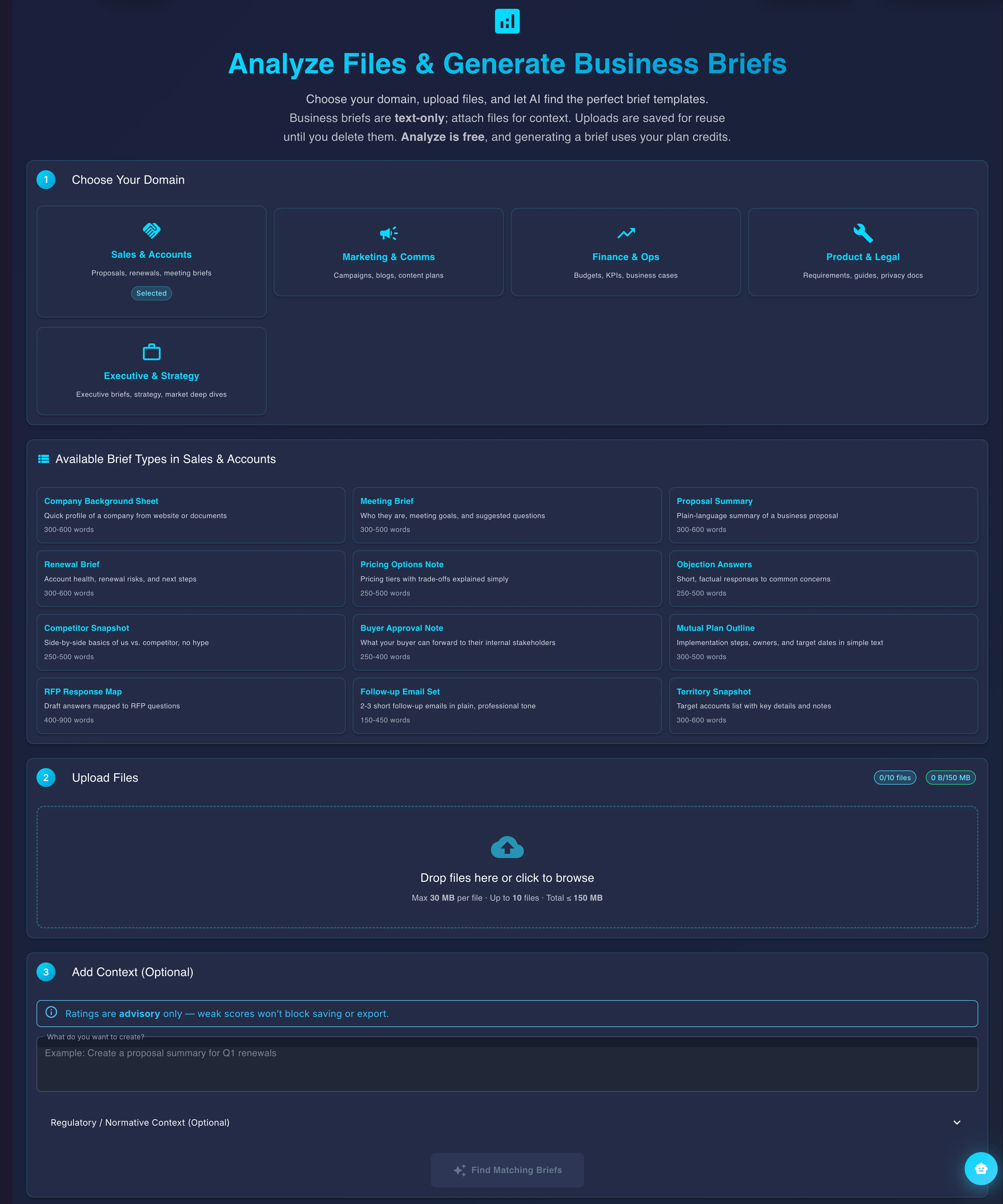
The briefs workflow combines source files, format selection, editing, and export so one workspace can take a document set to a finished brief.
A business brief is a short, structured document — built from your own reports, notes, and source files — that summarizes the key facts, figures, and recommendations a team needs to act on, without the reader having to read the underlying source material. In Gixo, a business brief is generated from your uploaded files in 6 steps, drawing on 59 brief recipes (formats like KPI summaries, comparisons, and checklists) so the structure matches the kind of brief you actually need. A repair stage compares figures in paragraphs and lists with the uploaded text; it skips tables and can retain an original figure when repair fails. Review the sources and the editor’s Evidence findings before sharing.
What does the Gixo business brief workflow actually include?
| Element | What it is | Where it appears on this page |
|---|---|---|
| Steps to produce a brief | 6 (upload sources, choose brief type, review draft, edit, team review, export) | Stats bar + step-by-step section |
| Brief recipes available | 59 | Stats bar |
| Number verification | Figures checked against the uploaded source files | Stats bar ("Checked" / "Numbers") + FAQ |
| Structuring format | "Semantic blocks" — pre-built section types (KPIs, steps, checklists, comparisons) | FAQ |
| Team review | Teammates can be brought into the same workspace to comment and edit | Step 5 + stats bar |
| Reusability | Source documents stay attached to the workspace for reuse across multiple briefs | FAQ |
| Editability | Brief remains editable in the workspace after export | FAQ |
How Do You Create a Business Brief From Your Files?
This is the easiest path if you already have documents and want a clear first draft instead of starting from a blank page.
Start with the reports, notes, transcripts, or research that should feed the brief.
Pick the recipe that best matches the output you want, then add any instructions that matter for this draft.
Gixo turns the source material into a structured brief, checks the output, and gives you something concrete to review.
Tighten wording, change sections, and improve weak spots without rebuilding the entire brief.
Bring in teammates, collect comments, and make changes in one shared workspace.
Once the brief looks right, export it in a shareable format and send it where it needs to go.
What Is a Business Brief and How Does Gixo Create One?
Updated