
Build a Reviewable Deck You Can Hand Off
Turn notes, briefs, articles, and source files into a structured first pass, then edit, review sources, present, and export from one workspace.
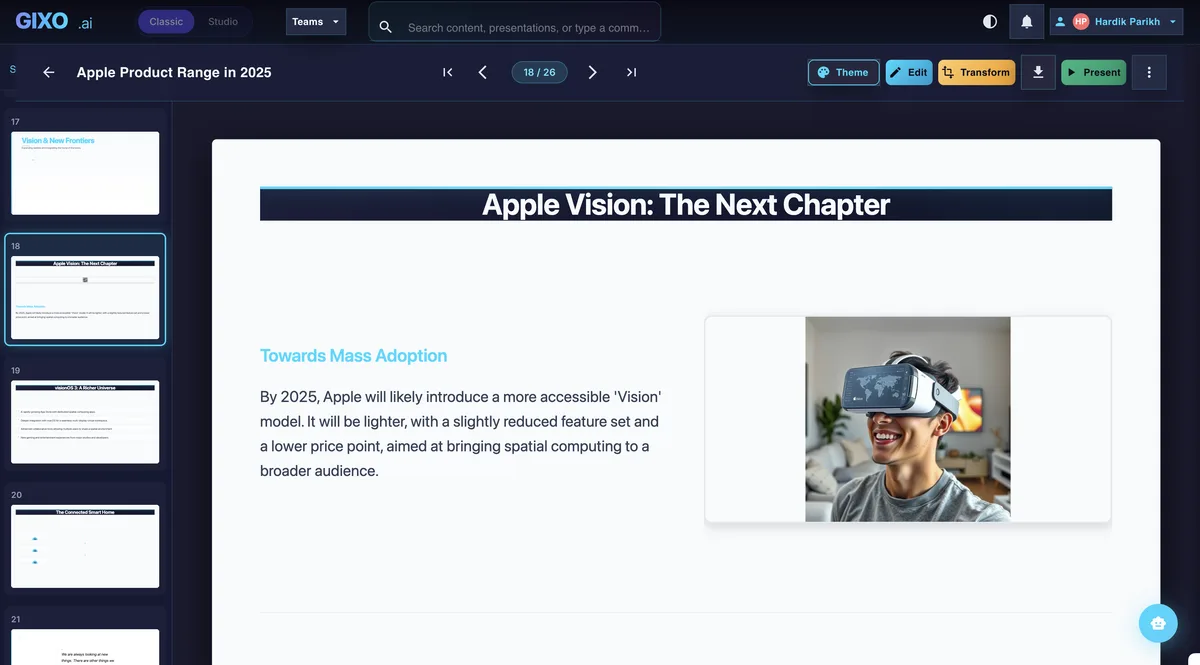
26 slide layouts, 34 active themes, and a full editor. Building a deck by hand is unlimited on every plan and uses no generation capacity, and the PPTX export carries no paywall - but creating one still needs an active Gixo Lumen trial or plan, the same access that generation needs.
Lumen's no-card 14-day trial includes AI generation and clean hybrid export. Downloads are not gated: a deck you generated stays yours to review, present, and export as PPTX, PDF, HTML, or slide images, unwatermarked, whether the trial is running, paid, or long over. Paid Lumen continues AI generation and AI editing after the trial. Public-link sharing is available during active trial or plan access; sharing with people, comments and Brand Kit controls require Professional or above, and saved brand themes require Business or above. Capacity and team controls depend on the selected tier.
Create a client-handoff presentation in one workspace, with outline planning, workflow-specific structure, slide editing, citations, presenter tools, and export attached to the same deck.
Explore Lumen Before You Commit
Take the guided product tour, inspect real business output, choose a workflow, review deck structures, try the checker, understand integrations, compare alternatives, and read the delivery guidance.
Keep the Deck Reviewable as It Grows
Keep the outline, source review, editing, theme, presenter tools, and export attached to the same working deck.
| Questions to test | Gixo Lumen | |
|---|---|---|
| As the deck grows | Can reviewers inspect the outline and visual consistency? | Outline, workflow, and theme stay attached |
| When the first pass needs work | Can you preview changes and keep the working deck? | Keep the working deck and refine it in place |
| After it generates | Which editing, source-review and export steps are included? | Edit, review sources, present, and export in one workspace |
| What you actually get | What still needs human review before handoff? | A strong first pass built for human review |
Why Gixo Lumen Feels Different
One presentation handoff workspace for teams that need a strong first pass, outline control, theme switching, citations, presenter tools, and delivery without rebuilding the deck somewhere else.
Create a Slide Deck From the Source You Already Have
Start with a plain-language prompt, rough notes, or a full article and let Gixo build a deck-shaped first pass instead of asking you to rebuild the story slide by slide.


See Sample Output
Open decks Lumen generated from public documents for executive, investor, buyer and consulting work, each with its PowerPoint and PDF.
Plan, Edit, and Present in One Workflow
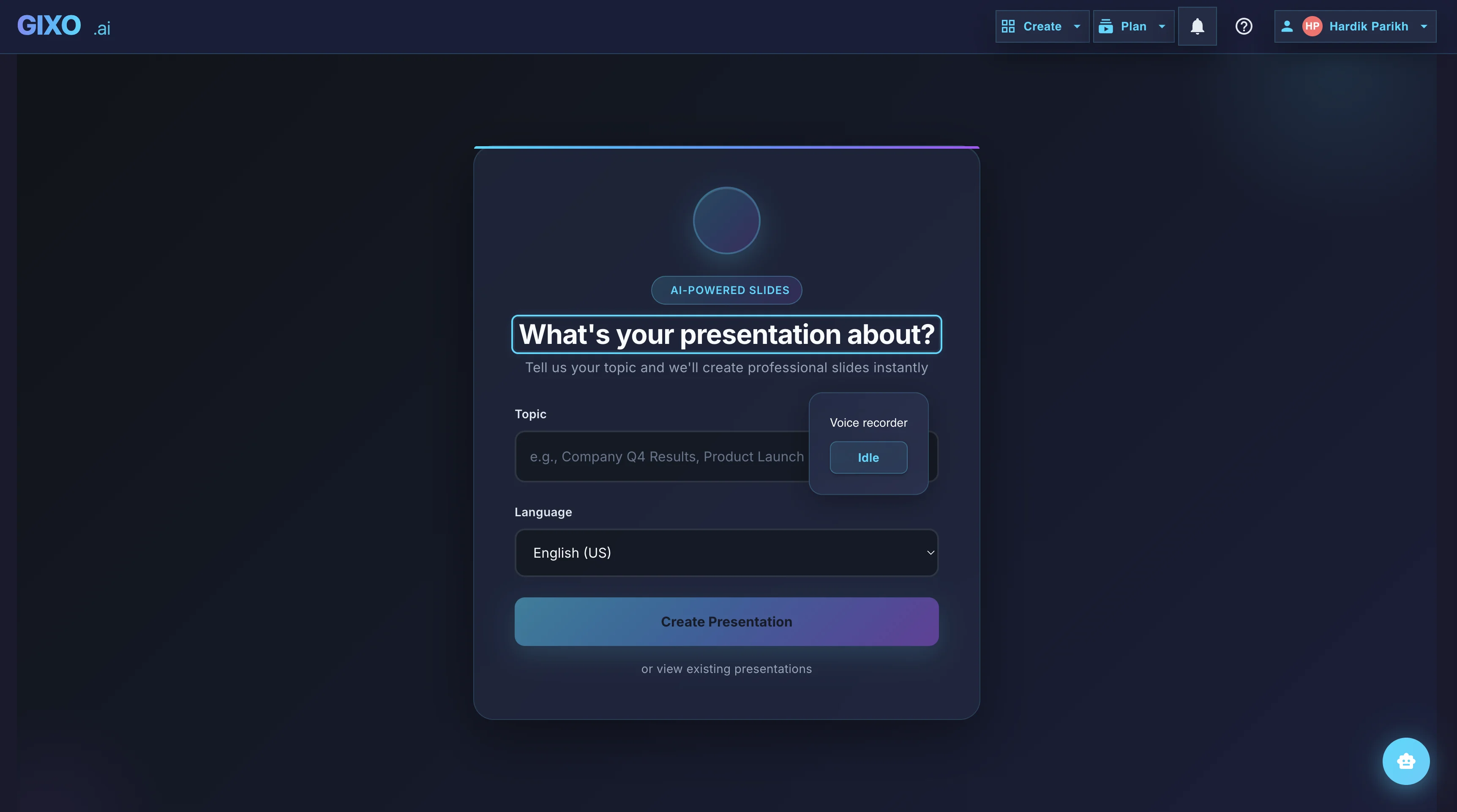
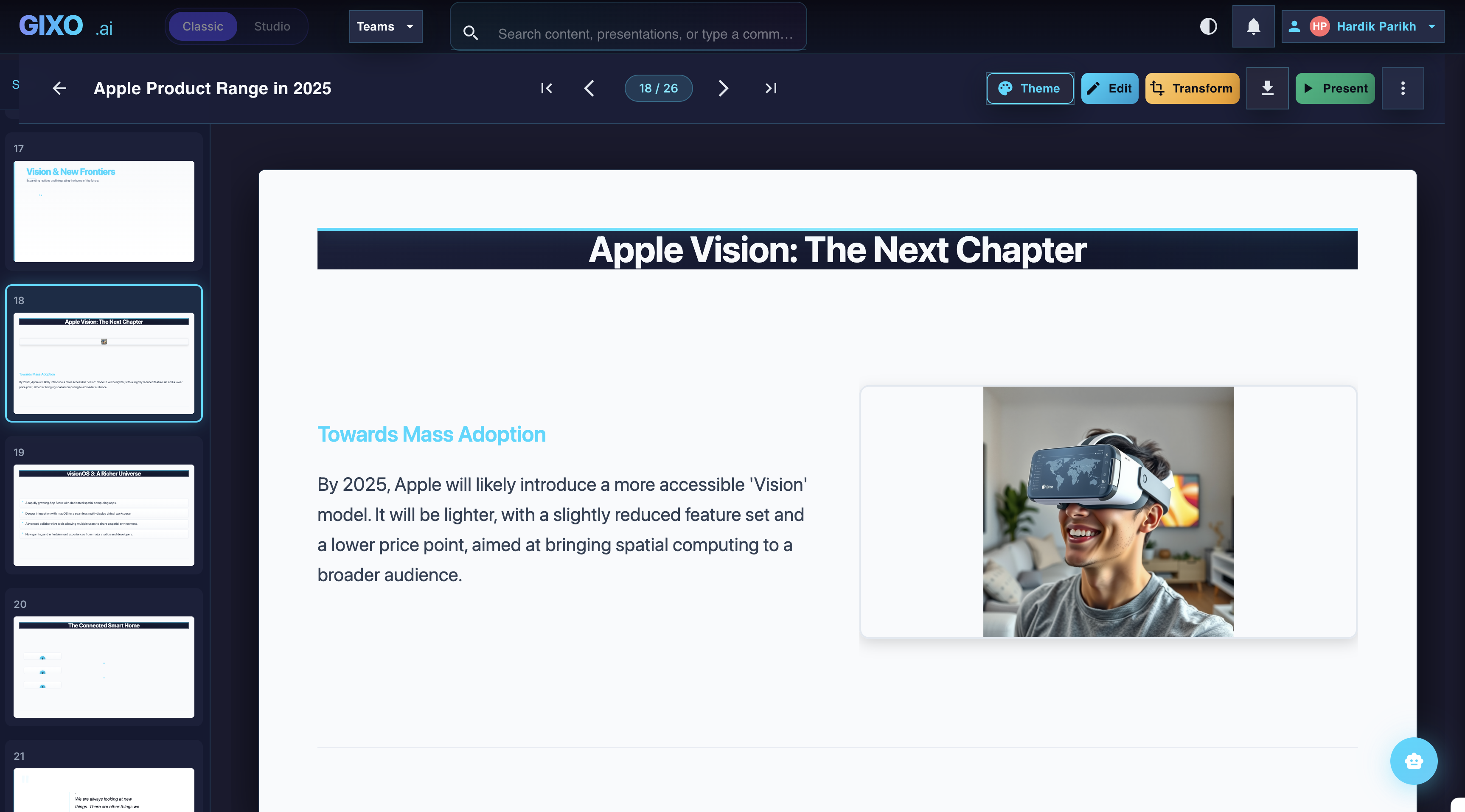
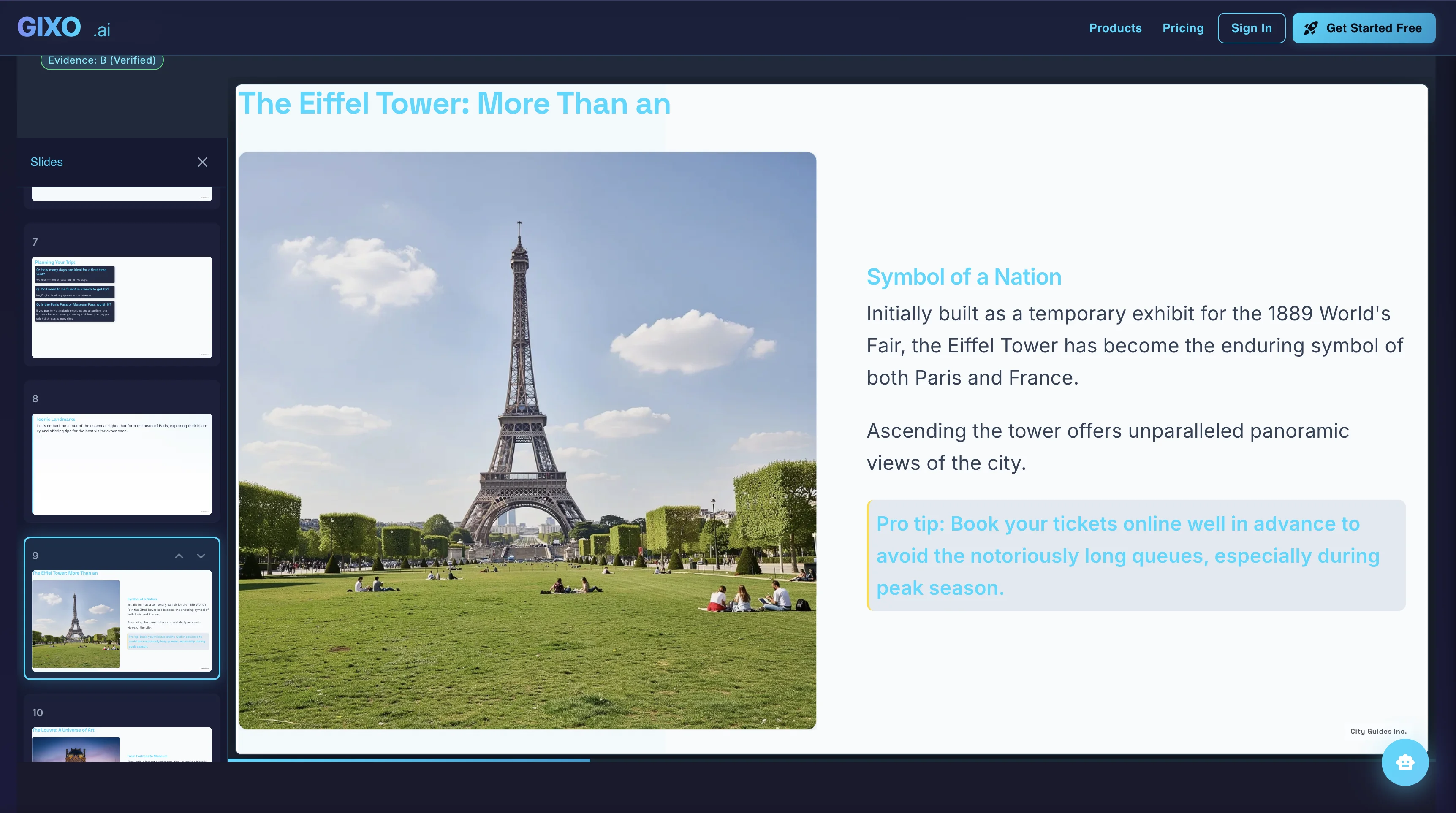
Use the AI presentation editor to review the structure, edit a slide or preview proposed Ask Lumen changes before applying them. Check source figures and the downloaded file before delivery.
Let readers move through a Stanza story at their own pace
Lumen includes Stanza for responsive visual stories. Plan scenes from the same source material, edit the writing and preview the design for the reading flow you want. Ask Stanza proposes text revisions for review; scene capacity and saved history help you continue the work.
Choose a scrolling HTML story, PDF, PowerPoint with editable text, or PowerPoint with exact appearance. The two PowerPoint modes trade independent text editing for a preserved scene image; creating a Lumen deck from the story is a separate conversion. Inspect the real story files and review Stanza editing and handoff choices.
Choose the Visual Direction After the Deck Exists
Switch between minimal, executive, editorial, hospitality, brutalist, organic, product-tech, campaign-pop, and workflow-specific directions without rewriting the content.







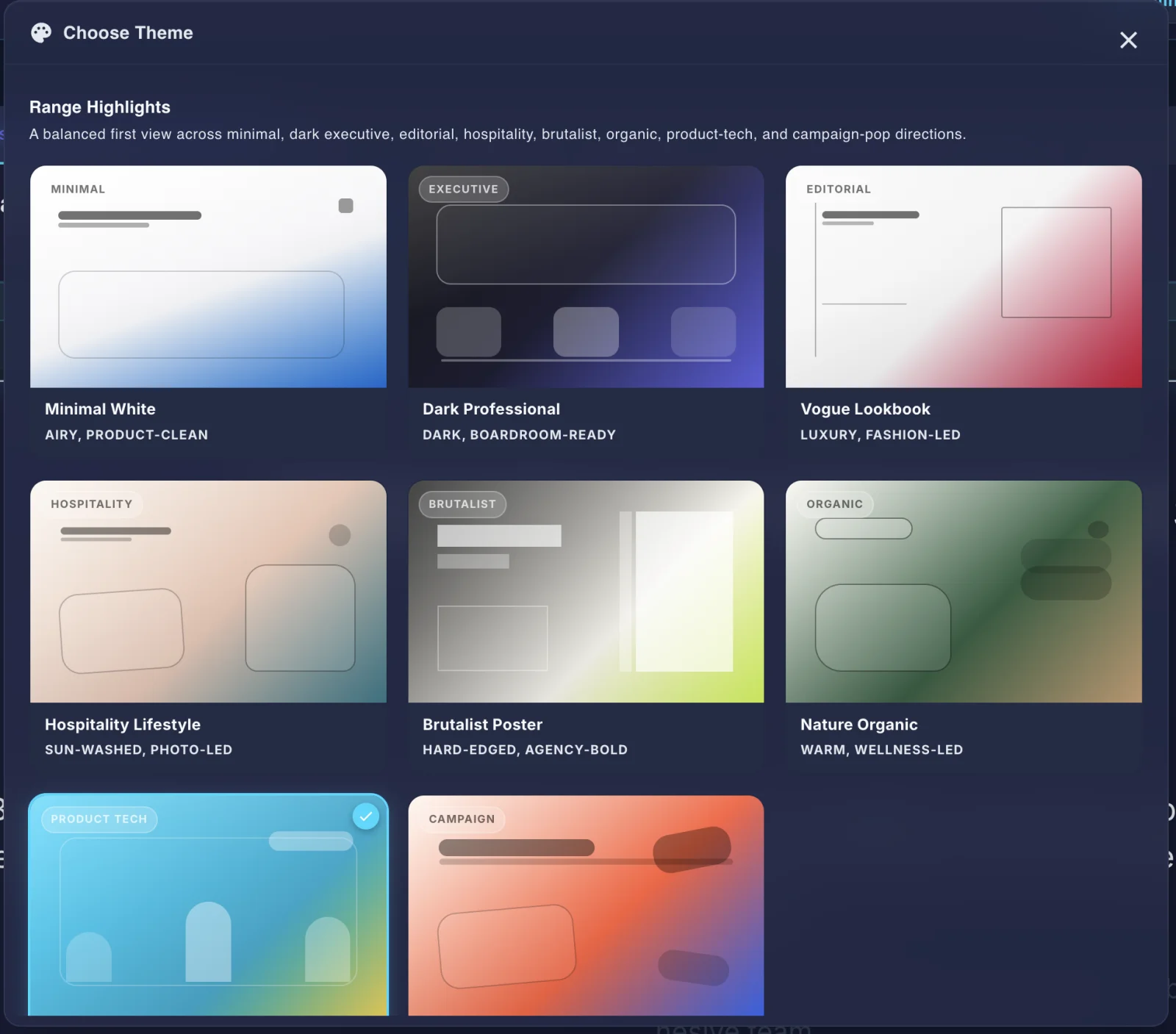
One sample deck in nine themes. Only the theme changes; the words and the picture on the slide are the same in every tile.
Present, Share, and Export Without Rebuilding the Deck
Move from working deck to delivery mode with hybrid PowerPoint export that preserves editability where the layout supports it and fidelity where it does not.
What Kind of AI Presentation Software Is Lumen?
The category now contains three different products wearing the same label. Knowing which one you are shopping for saves an evaluation.
| If you want | The tool you want | Is that Lumen? |
|---|---|---|
| A slide deck from a topic, fast | Any AI presentation maker or AI slide generator | Yes, and this is the least distinctive thing Lumen does |
| A deck built from your own documents | A source-grounded presentation tool | Yes — this is what Lumen is built around |
| A file you hand to a client or investor | A deck builder with real PowerPoint export | Yes — hybrid PPTX, PDF, HTML, and slide images |
| Several people editing one deck live | A collaborative presentation platform | Not yet — comments and collaboration are on paid Lumen, live co-editing is not the strength |
| Downloadable PowerPoint templates | A template marketplace | No — Lumen applies themes to decks it builds rather than selling template files |
The short version: Lumen is presentation software for the decks that get sent, not the decks that get skimmed once and thrown away. It starts from a topic, notes, a brief, an article, or an upload; it plans the slide order and picks a layout per slide; it keeps the sources, citations, and presenter tools attached to the deck; and it exports a file the recipient can open without an account. Lumen's no-card 14-day trial includes AI generation and clean hybrid export. Downloads are not gated: a deck you generated stays yours to review, present, and export as PPTX, PDF, HTML, or slide images, unwatermarked, whether the trial is running, paid, or long over. Paid Lumen continues AI generation and AI editing after the trial. Public-link sharing is available during active trial or plan access; sharing with people, comments and Brand Kit controls require Professional or above, and saved brand themes require Business or above. Capacity and team controls depend on the selected tier.
What your Lumen trial includes, and what paid access unlocks
Lumen's no-card 14-day trial includes AI generation and clean hybrid export. Downloads are not gated: a deck you generated stays yours to review, present, and export as PPTX, PDF, HTML, or slide images, unwatermarked, whether the trial is running, paid, or long over. Paid Lumen continues AI generation and AI editing after the trial. Public-link sharing is available during active trial or plan access; sharing with people, comments and Brand Kit controls require Professional or above, and saved brand themes require Business or above. Capacity and team controls depend on the selected tier.
- Open and review existing decks
- Present existing decks from the browser
- Keep your saved work and upgrade when ready
- Use Starter generation capacity and clean hybrid export; after the trial, AI generation requires a paid plan
- Continued AI generation after the trial
- Public share links with viewer analytics and embeds
- Team comments and collaboration
- Brand workflows and higher capacity
AI Presentation Maker: Common Questions
What is an AI presentation maker?
An AI presentation maker turns a topic, brief, article, or uploaded document into a structured slide deck: it decides the slide order, picks a layout for each slide, and writes the copy. The useful ones keep the deck editable afterwards, because the first pass is a draft you shape rather than a finished artifact.
Is Lumen a free AI presentation maker?
Lumen runs on a 14-day trial with Starter generation capacity and clean hybrid export. Lumen's no-card 14-day trial includes AI generation and clean hybrid export. Downloads are not gated: a deck you generated stays yours to review, present, and export as PPTX, PDF, HTML, or slide images, unwatermarked, whether the trial is running, paid, or long over. Paid Lumen continues AI generation and AI editing after the trial. Public-link sharing is available during active trial or plan access; sharing with people, comments and Brand Kit controls require Professional or above, and saved brand themes require Business or above. Capacity and team controls depend on the selected tier.
What makes an AI presentation maker good for business decks?
Three things separate them: whether the deck holds one argument across all its slides rather than being a set of individually plausible slides; whether the sources behind each claim stay attached so a reviewer can check them; and whether the export opens cleanly in PowerPoint for whoever reviews it next. A deck that has to go back through the generator for every edit costs more than it saves.
Can I edit the slides an AI presentation maker produces?
In Lumen, yes — you edit on the canvas in the same workspace that generated the deck, then export to PowerPoint or PDF. The generated deck is the starting point for the version you actually present.
What can an AI presentation maker not do?
It cannot know what your audience already believes, decide what you are asking them for, or verify a fact it was not given. Those stay with you. What it removes is the mechanical work between having the argument and having slides that carry it.