
draw.io Alternative
draw.io (diagrams.net) is the free, open-source benchmark for diagramming — no cost, no watermark, self-hostable, with a plain-text XML format built for hand-drawn technical and network diagrams. Gixo Prism is the AI-native draw.io alternative: describe a structure or paste your steps, pick one of 14 geometries, and it renders exactly — no manual dragging, connecting, or aligning shapes.
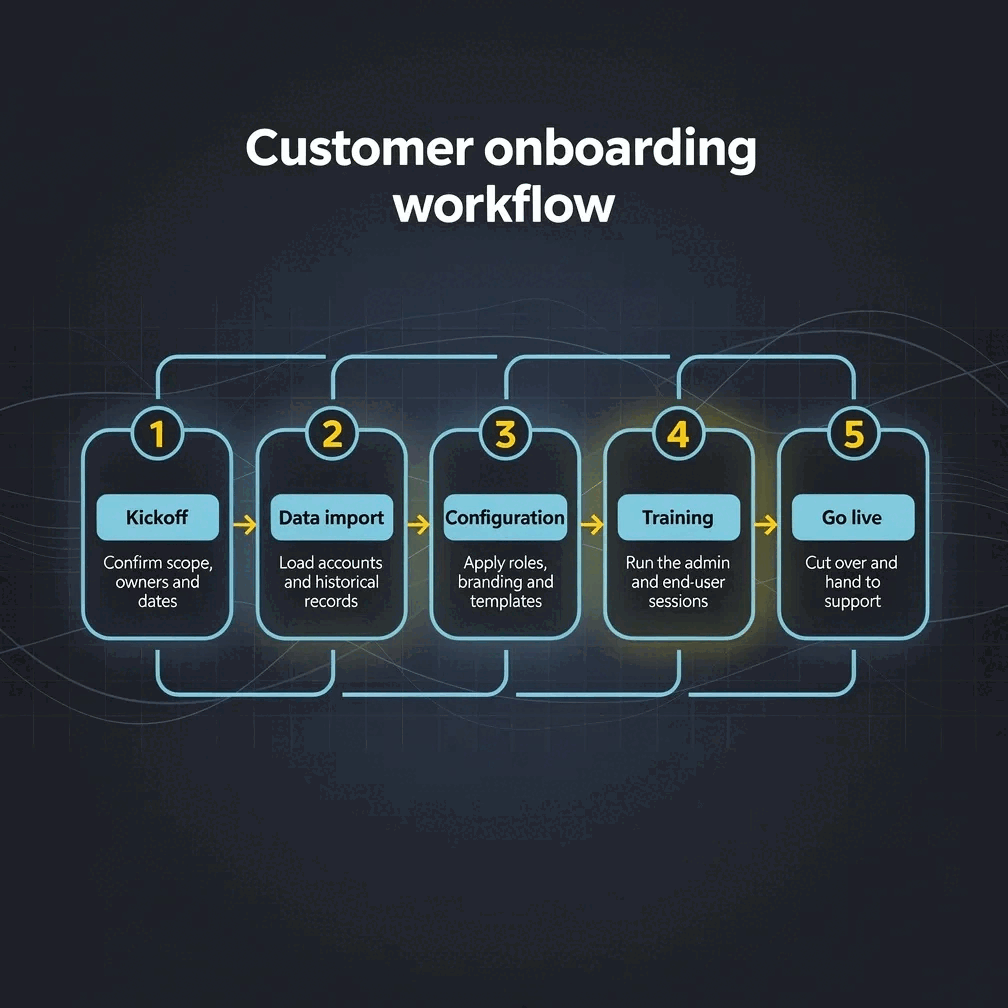
Gixo Prism is the AI-native draw.io alternative: instead of hand-placing and connecting every shape on a canvas, you describe a structure or paste your steps, choose from 14 diagram geometries, and Prism renders the layout deterministically to exact, on-brand SVG. draw.io remains the stronger choice when you need a permanently free, self-hostable tool with a Git-diffable plain-text format for engineering teams that version-control their diagrams — Prism trades that for speed and brand-consistent styling across a batch.
When should you use a draw.io alternative instead of draw.io?
draw.io is unmatched for free, offline, hand-built technical diagrams. Prism is built for the moment you'd rather describe the structure and have it render than drag shapes onto a canvas.
Describe a structure or paste your steps and Prism generates the diagram — no manual shape placement, connecting, or aligning required.
Process, cycle, pyramid, funnel, tree, pillars, matrix, Venn, concentric, stack, or graph — pick the shape that fits and Prism lays it out exactly.
Two modes — decision flows and swimlanes — render cleanly from your steps, with exact labels and consistent spacing instead of a hand-drawn layout.
Paste a CSV and get a data-exact chart in any of 22 types, from bar, line and pie to waterfall, Gantt and heatmap, rendered to SVG alongside your diagrams.
No AI image model is involved — the same input always produces the same exact SVG output, with labels that never garble.
Four theme presets — conservative, bold, brand-conservative (default), brand-bold — plus Brand Kit, applied automatically across a whole batch of diagrams.
Change the structure, labels, or theme and the diagram re-renders exactly. Export as clean, self-contained HTML/SVG.
Turn a single stat, quote, callout, definition, or comparison into a sharp, on-brand card without opening a blank canvas.
Need to promote the work a diagram explains? A Campaign kit cuts one AI picture to every channel you pick, with one design on all of them and captions to review.
How do you turn a structure into a diagram with Gixo Prism's AI diagram software?
No canvas, no manual connectors — describe it once and Prism renders it.
Write out a process, hierarchy, or set of steps in plain language — no dragging shapes onto a canvas.
Choose one of 14 diagram geometries, or a decision-flow / swimlane flowchart if that fits better.
Pick a theme preset or your Brand Kit and Prism applies it automatically — consistent styling across the whole diagram set.
Take the diagram as clean HTML/SVG into your deck, doc, or page — no redrawing needed.
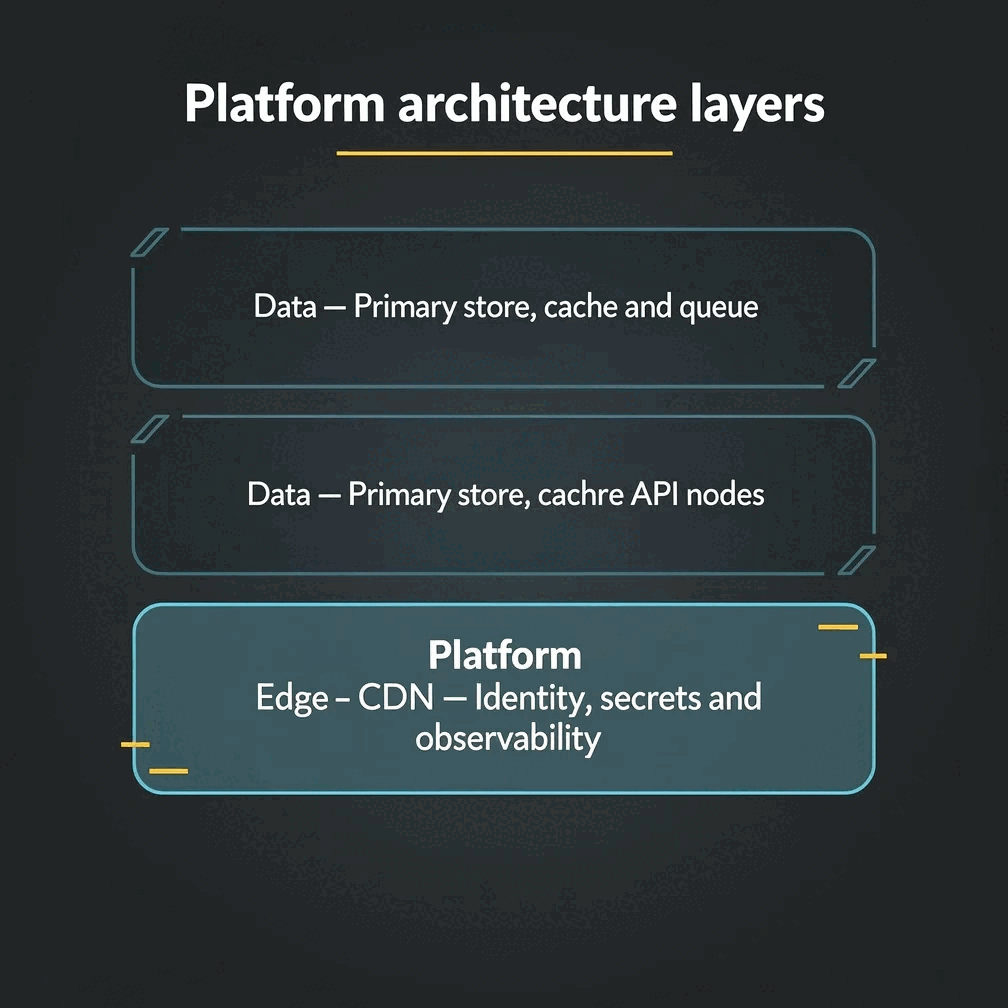
Gixo Prism vs draw.io: which diagram maker should you use?
Different tools for a different tradeoff — speed and brand consistency versus free, offline, hand-built control. Here's the honest split.
- draw.io wins on being free, forever. There's no trial, no subscription, and no watermark — it's open-source and free for anyone, indefinitely. That's a real, durable advantage Prism doesn't try to match.
- draw.io is self-hostable and works offline. You can run it disconnected from the internet, behind a firewall, or embedded in your own tools. Prism is a hosted product and doesn't offer that.
- draw.io's plain-text XML format is Git-diffable. Engineering teams that version-control their architecture and network diagrams alongside code get real value from that — every change shows up as a readable diff. Prism doesn't produce a diffable source format.
- Prism wins on speed. There's no canvas, no manual shape placement, and no connecting lines by hand — you describe the structure and pick a geometry, and Prism renders it in seconds instead of the minutes (or longer) manual layout takes.
- Prism wins on brand-consistent batch styling. Four theme presets plus Brand Kit apply automatically across every diagram you generate, so a whole set looks consistent without you re-styling each one by hand in draw.io.
- Use both. Keep draw.io for free, offline, version-controlled technical and network diagrams your engineering team maintains long-term. Reach for Prism when you need a fast, on-brand diagram now and don't want to draw it yourself.
Frequently Asked Questions
Explore the Prism visual toolkit
Updated