
Document Formatter
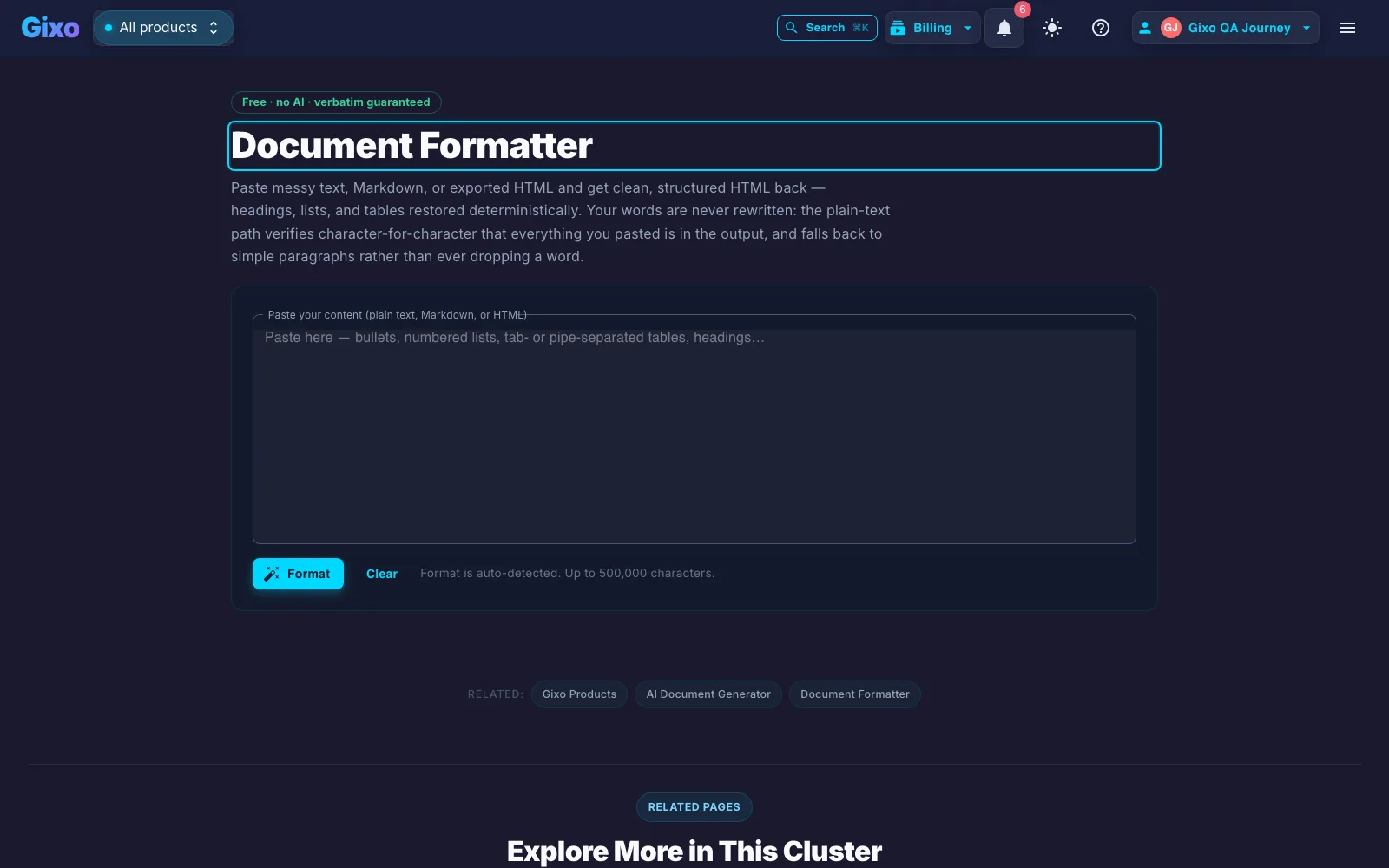
Paste messy text, Markdown, or exported HTML and get clean, structured HTML back — headings, lists, and tables restored deterministically. Your words are never rewritten: the plain-text path verifies character-for-character that everything you pasted is in the output, and falls back to simple paragraphs rather than ever dropping a word.
The Document Formatter converts messy pasted text into clean structured HTML using 4 deterministic paths and no AI model: Markdown conversion, HTML cleanup, plain-text structure restore, and a paragraphs-only fallback. It auto-detects which of the 3 input formats you pasted, then reports which path produced the output. Pasted HTML keeps its structure while 20 element types — script, style, iframe, form, embedded media, and the rest — are removed and only 7 attributes (href, src, alt, title, colspan, rowspan, and start) survive. Plain text is rebuilt into headings, bulleted and numbered lists, and tables of 2–12 columns, then verified character-for-character against your input; if that check fails, every line is kept as a plain paragraph instead. One paste is capped at 256,000 bytes by the endpoint's request-size limit, and the formatter rejects any input longer than 500,000 characters. There is no token limit because no model is involved, and no account is required.
Inside Quill
Restore structure without rewriting the words
Which path runs on what you paste
| Pasted input | How it is detected | Method reported | What the output guarantees |
|---|---|---|---|
| Markdown | A weighted signal score of two or more: ATX headings, code fences, and inline links score 2 each; bold and dash/asterisk bullets score 1 each. | Markdown → HTML | Converted with a standards-based Markdown engine. Raw HTML inside the Markdown is escaped, never passed through. |
| HTML | Any structural tag is present — html, body, p, div, h1–h6, ul, ol, li, table, section, article, br, strong, em, blockquote, or a. | HTML cleaned | Comments and 20 element types are removed; only 7 attributes (href, src, alt, title, colspan, rowspan, and start) are kept. Structure survives, tracking and styling do not. |
| Plain text with structure | Line-level heuristics: 9 bullet markers, numbered items of one to 3 digits, heading-like lines of 90 characters or fewer, and tables split on tabs, pipes, or runs of two or more spaces. | Structure restored · verbatim verified | Headings from h1 to h5, bulleted and numbered lists, and tables of 2–12 columns — with every letter and digit of your input confirmed present in the output. |
| Anything the heuristics disagree on | The character-for-character check against the input does not match. | Paragraphs (safe fallback) | Each blank-line-separated group becomes one paragraph. Nothing is dropped, reordered, or reworded. |
Frequently asked questions
What does the formatter change, and what does it leave alone?
It changes markup only. Headings, lists, tables, and paragraph boundaries are rebuilt; your sentences are not rewritten, summarised, reordered, or translated. No AI model is called at any point, so there is nothing to hallucinate and no token limit to truncate against.
How does it decide whether my paste is Markdown, HTML, or plain text?
HTML wins first: if any structural tag such as <p>, <div>, <table>, or <h1> appears, the paste is treated as HTML and cleaned. Otherwise the text is scored for Markdown signals — ATX headings, code fences, and inline links count double, bold and dash/asterisk bullets count single — and anything scoring two or more is converted as Markdown. Everything else falls to the plain-text path. The detection is deliberately conservative: it only upgrades on an unambiguous signal.
What does "verbatim verified" actually mean?
On the plain-text path the formatter strips every character that is not a letter or a digit from both your input and the HTML it just built, then compares the two strings. If they are not identical, the structured output is discarded and the safe paragraph fallback is used instead. That is why a word can never go missing: the only way to lose one is to fail a check that triggers the lossless path.
What is stripped out of pasted HTML?
20 element types and all comments: script, style, iframe, object, embed, form, link, meta, noscript, svg, canvas, audio, video, button, input, select, textarea, head, title, and base. Of the surviving elements, only 7 attributes are kept (href, src, alt, title, colspan, rowspan, and start); classes, inline styles, ids, and tracking attributes are dropped, and javascript: and non-image data: URLs are removed. Word and Google Docs exports come out readable rather than carrying a page of editor markup.
How does it decide that a block of lines is a table?
It tries three separators in order — tab, pipe, then a run of two or more spaces — and accepts the first one that gives every non-separator line in the block the same cell count, between 2 and 12 columns. The first surviving row becomes header cells and the rest become data cells; Markdown-style dashed separator rows are consumed rather than rendered. If no separator produces consistent columns, the block stays as text.
How does it decide a line is a heading?
A candidate heading is at most 90 characters long and does not end in sentence punctuation. Lines ending in a colon, lines where at least 60 percent of the letters are uppercase, lines with a numbered prefix such as 2.1, and short title-case lines of up to eight words all qualify. The first block becomes h1; after that, numbered prefixes set the depth (h3 for 2.1, h4 for 2.1.1, capped at h5), colon-terminated lines become h3, and the rest become h2.
Is there a size limit, and do I need an account?
Two ceilings apply and the smaller one binds first: the formatter endpoint accepts a request body of up to 256,000 bytes, and the formatter itself rejects any input longer than 500,000 characters. For ordinary pasted text the byte ceiling is the one you reach. No account or sign-in is required, and because the tool is deterministic there is no per-use charge. Format detection is automatic — there is nothing to configure before pressing Format.
What is this tool not?
It is not a writer, an editor, or a translator, and it will not improve, shorten, or fact-check your text — it restores structure and nothing else. It does not convert to PDF or DOCX, and it does not publish anywhere. If you need the document written rather than formatted, that is Gixo's document generation, which is a paid product with a 14-day no-card trial.