
Process Flow Diagram Maker
Supply ordered process steps and review the sequence before rendering a process diagram. Use explicit decision-flow or swimlane structures when branches or ownership matter. Prism lays out accepted inputs; it does not infer missing business rules or verify the process. Canva official workflow
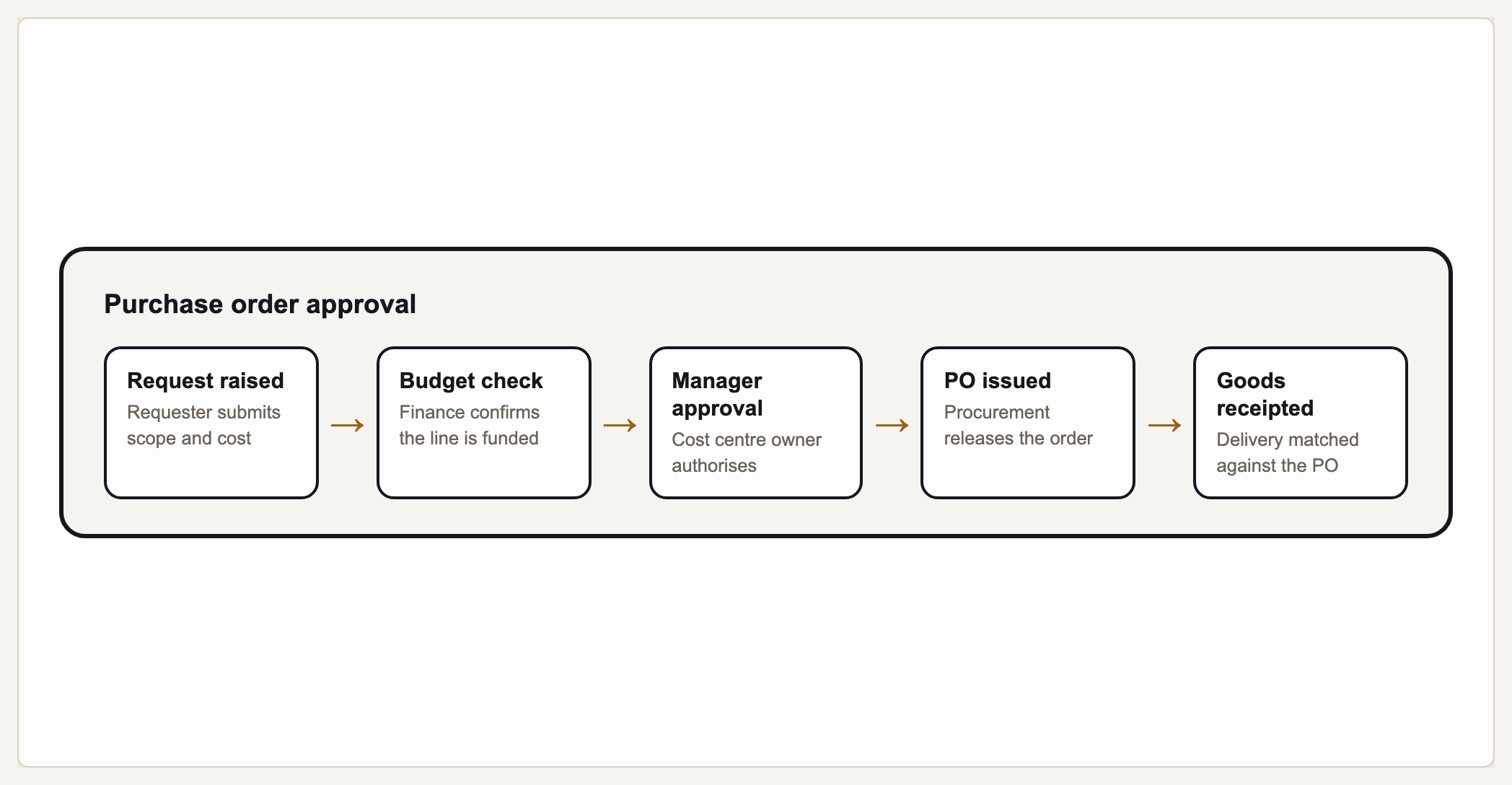
A process flow diagram shows the steps of a process in sequence, one leading to the next, so anyone can see how work moves from start to finish. Gixo Prism's diagram maker has a dedicated process geometry (PrismLayoutKind DiagramProcess / ProcessFlow) built for exactly this: you type your ordered steps and Prism lays out the flow deterministically — boxes and connectors placed automatically, with no AI image model in the loop. The steps you type are the steps that render, in the exact order you meant, every time. If your process has decisions or branches, that's a flowchart — use the AI flowchart generator for those.
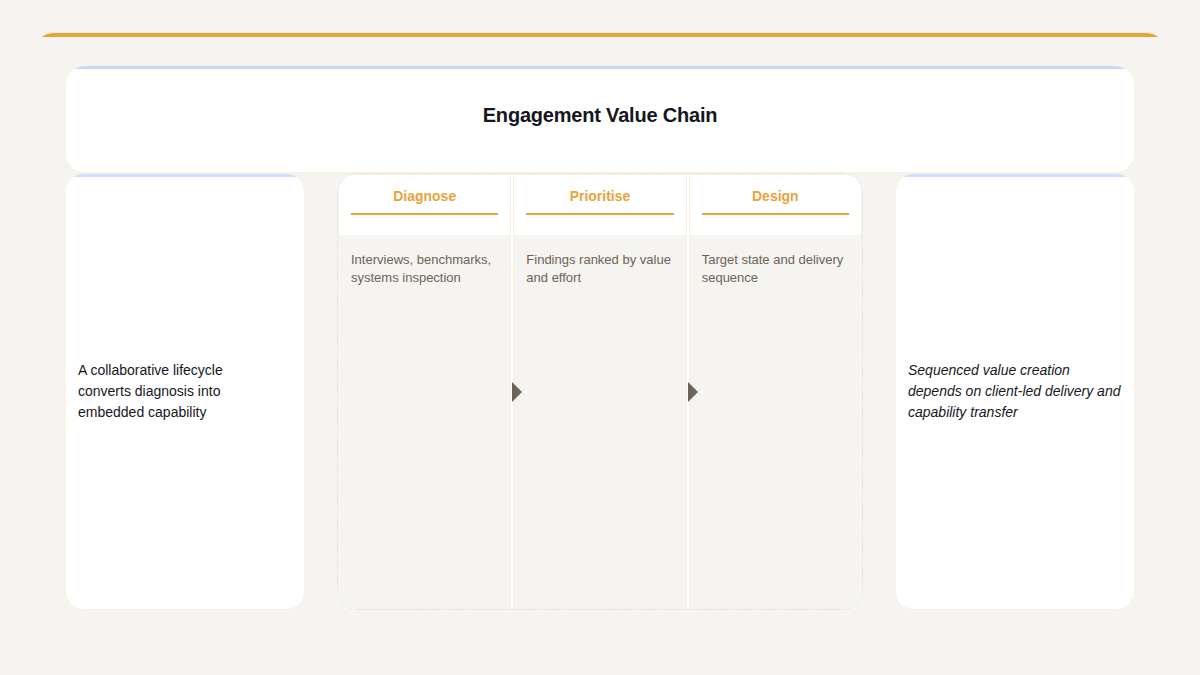
A real Gixo Prism process flow — the stages you supply, in the order you supply them.
What makes a process flow diagram maker actually usable?
A process map looks simple — a row of steps with arrows between them — but every box has to sit in the right order and every connector has to land, or the sequence it's describing reads wrong.
Type the steps in sequence and Prism's process geometry keeps them in that order — step 1 to step 2 to step 3 — no reshuffling, no drift. The order you type is the order that renders.
No dragging arrows between boxes or nudging them into alignment. Prism lays out the boxes and the connectors that join them for you, so the flow reads cleanly left to right or top to bottom.
No AI image model draws this. Prism renders the process geometry deterministically, so every step label sits exactly where it belongs — no garbled text, no missing arrows, no misplaced boxes.
The process geometry is for steps that run in sequence. If your process forks on a decision or loops back, that's a flowchart — Prism's flowchart generator handles the decisions and branches instead.
Apply your brand palette to the process flow and it stays consistent with every other chart and diagram you build in Prism — plus theme presets (conservative, bold, brand-conservative, brand-bold) to start from.
Add a step, reword one, or reorder the sequence and the flow re-renders exactly. Export as clean, self-contained HTML/SVG to drop into a deck, doc, SOP, or page. It's a generation tool you review and edit.
How do you make a process flow diagram or workflow chart with Gixo Prism?
Four steps from a list of steps to an exact, on-brand process map.
Type each step of the process in sequence — a short label per step, from the first action to the last.
Choose the process (ProcessFlow) layout in the diagram maker — the shape built for steps that run one after another.
The process geometry places your steps in order and draws the connectors between them automatically — no dragging boxes or aligning arrows.
Pick a theme preset or your Brand Kit, review and tweak, then export the process flow as clean HTML/SVG for your deck, doc, or page.
Frequently Asked Questions
Explore the Prism visual toolkit
Updated