
A DeepRFP alternative for proposals and governed review
Compare source-based proposal drafting, company knowledge, questionnaire handling, and review workflows against the requirements of your team.
How does Gixo Arc compare with DeepRFP?
Gixo Arc is a DeepRFP alternative for teams that need proposal first drafts from client files, approved-answer reuse, assigned requirement reviewers, and governed releases. DeepRFP documents a proposal workspace with RFP analysis, company libraries, compliance matrices, Excel form answers, and proposal reviews. Arc adds its own tracked buyer-delivery and response-workspace workflow. Evaluate both with the same source pack and questionnaire, and confirm figures and submission requirements yourself.
See what Arc helps your team review
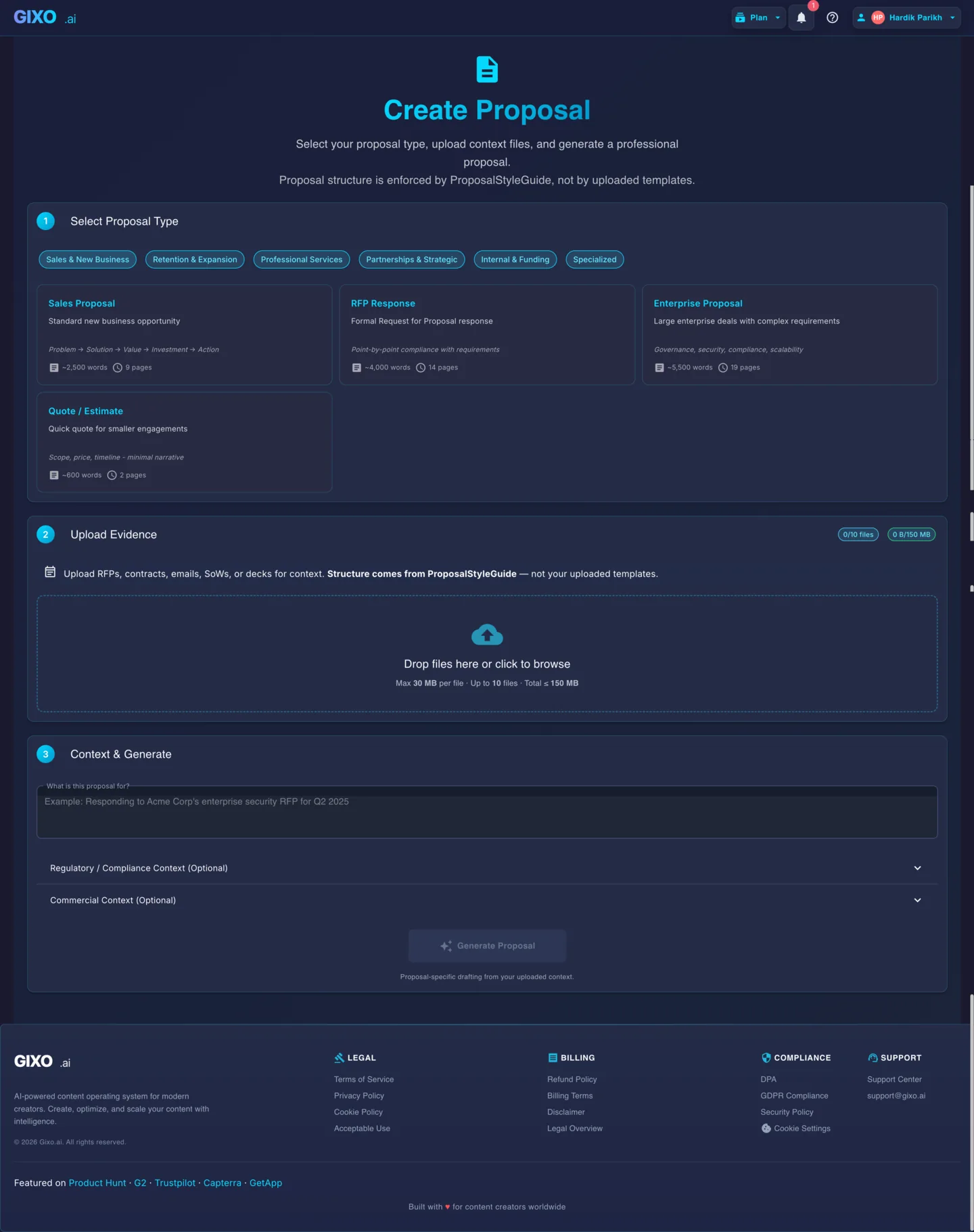
Choose the proposal type, add the RFP, brief, notes, or prior work, then review a structured first draft before it reaches a client.
- 1Add source materialRFPs, briefs, notes, decks, and prior work
- 2Draft to the proposal typeSections and structure follow the real opportunity
- 3Review before deliveryYour team checks facts, scope, pricing, and commitments
Compare the proposal workflow and plan terms
| What to compare | Gixo Arc | DeepRFP |
|---|---|---|
| Drafting and knowledge | Uploaded source files and approved-answer reuse | Proposal writing agent, company library, and company profiles |
| RFP workflow | Requirement matrix, evidence checks, and assigned owners | RFP analysis, compliance matrices, and guided workflows |
| Review | Named review gates and governed approved releases | Proposal reviews and compliance briefings, depending on plan |
| Buyer files | Response copies of supported Excel and Word questionnaires | Published Excel form answering; evaluate the file you must return |
| Published monthly pricing | Starter from $49/month; seat and feature tiers | Pro at $89/user/month; Elite at $149/user/month |
| Evaluation | No-card 14-day Starter-level trial | Seven-day trial with no card; monthly and annual purchase options |
Vendor information checked on : DeepRFP pricing · DeepRFP product. Check current vendor terms before purchasing.
Which workflow fits your team?
Compare the depth of RFP analysis, the evidence your reviewers need, and the exact questionnaire you must return. Arc is worth evaluating when requirement governance and tracked buyer delivery belong in the same workflow. DeepRFP is worth evaluating for its proposal agents, company knowledge, and compliance tools. Confirm plan-specific features with each vendor.
Where a generated draft leaves a price as a bracketed placeholder, Arc keeps it visibly unresolved, as [commercial amount: to be confirmed] in an English proposal and in the proposal's own language otherwise, so the draft analyzer and the response-quality review flag it as placeholder text instead of it reading like a finished sentence. A price the draft writes out is not checked against your files, so confirm every figure.
Questions before you choose
DeepRFP comparison FAQ
Answers describe Arc's current workflow and the linked vendor information.How does DeepRFP pricing compare with Gixo Arc?
DeepRFP publishes Pro at $89 per user per month and Elite at $149 per user per month, with discounted annual billing and a seven-day no-card trial. Gixo Arc starts at $49 per month and differentiates plans by seats, features, and support. Arc offers a no-card 14-day trial at Starter level; Enterprise is purchased through Azure Marketplace or a private offer.
Can Arc return a buyer questionnaire?
When the buyer issues a structured questionnaire as an XLSX or DOCX file, Arc deterministically writes the answers from your response workspace into a copy of that file, leaving the file you uploaded unchanged and preserving the workbook formulas, styles, and layout as well as Word content controls and response-table cells. A direct export writes each answered requirement whatever its review status; only an approved release requires every answered active requirement to be approved first. A preflight previews every target before writing and blocks on protected sheets, formula cells, merged cells, dropdown values the buyer does not allow, missing required or scored answers, and conflicting requirements, so a person still runs the final check and submits.
Do all Arc exports require approved answers?
No. A direct questionnaire export can include answered requirements that have not been approved. An approved release requires every answered active requirement to be approved and each approved review gate to match the current revision. Your team checks the buyer file and owns submission.
How does proposal acceptance differ from signing?
On a tracked link, the buyer can accept the proposal by entering a full name and a business email. The acceptance appears in your delivery history, and the proposal workspace keeps an acceptance record of that name and email, the time, and the proposal revision it covers. Where electronic signature is enabled, the buyer can choose Accept and sign instead, and Arc then emails them a request to sign the accepted proposal. When the link shares a reviewed proposal edition, the buyer can also record a question or next-action suggestion for your team without changing that edition. Acceptance on its own is a recorded response, not a signature.
What kind of electronic signature does Arc support?
Arc includes native simple electronic signature: a frozen PDF snapshot, named signers on tokenized links, typed-name adoption, and a sealed PDF with an audit certificate. It is not a qualified or certificate-based digital signature.
Can my team connect a CRM itself?
Arc can push the stage, close date, and amount of a proposal to a linked Salesforce opportunity, HubSpot deal, or Pipedrive deal once Gixo has configured a connection for your organization on its servers. Your team cannot connect a CRM itself, so Arc does not provide self-serve automated CRM sync. Your team can add outgoing webhooks from the proposal workspace, which send signed proposal events to Zapier, Make, or your own endpoint.
Updated