
Narrated video production
Gixo documents in, proof out
Turn saved Gixo documents, PowerPoint slides, PDFs and screen recordings into narrated videos with on-screen citations, named approvals, SHA-256 proof records and timeline editing exports.
Start here
Sequence builds structured, multi-scene corporate videos from the material your team has already reviewed. Anyone signed in can assemble scenes and play the browser preview; uploading source media and rendering a finished MP4 require an active Sequence trial or plan in the workspace.
About the examples
The screenshots in this guide show fictional sample drafts captured in a local preview. They illustrate actual Sequence controls and saved records rather than customer results.
1. Bring Gixo documents, slides, PDFs or recordings
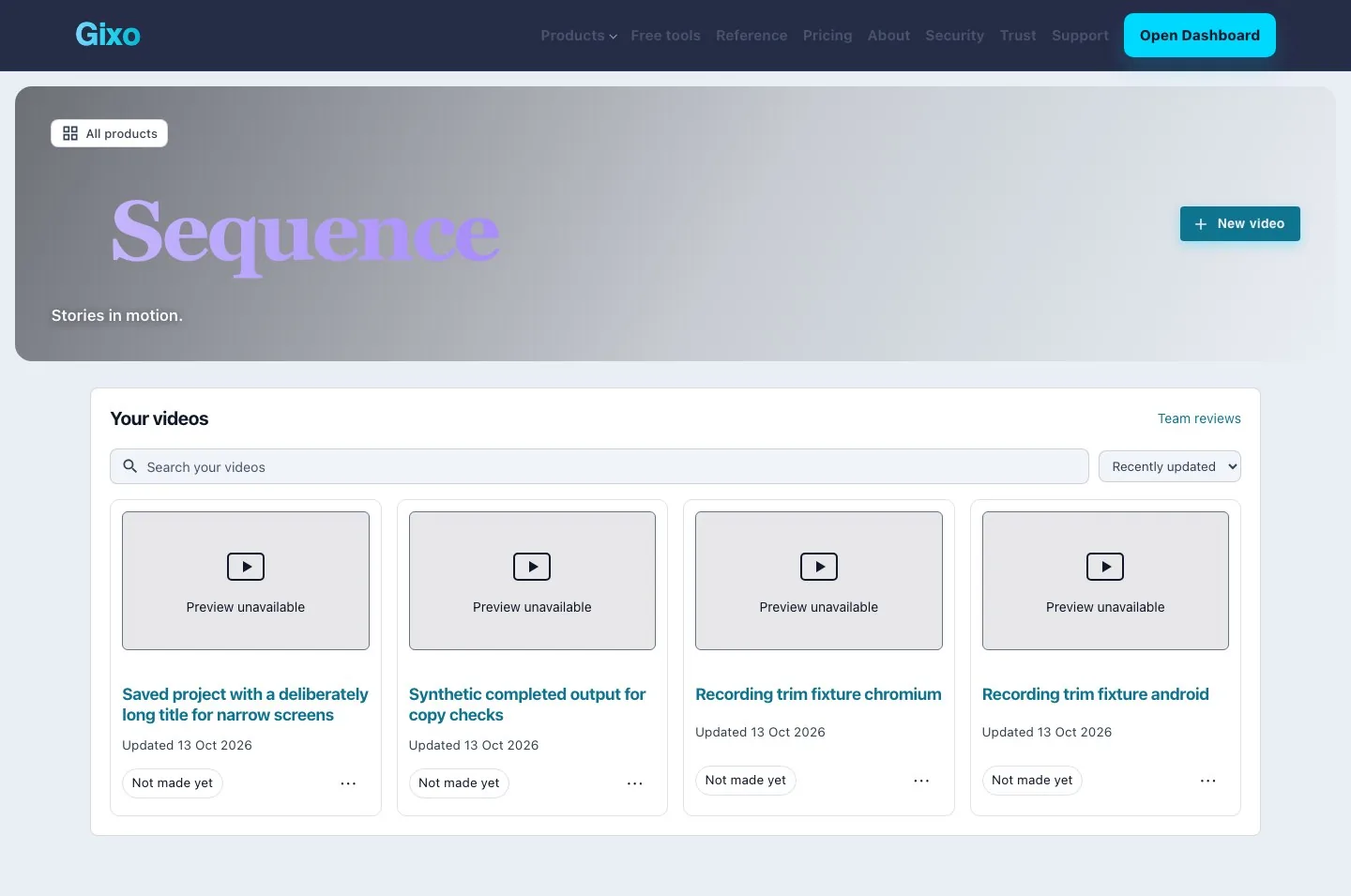
Open New video and pick the source you already trust. Sequence accepts saved Gixo work — Quill articles, Lumen slide decks and charts, Prism visuals, Gixo Business facts and charts, Folio book chapters, and Gixo Arc proposals — alongside PowerPoint files (.pptx), PDF pages, uploaded pictures, screen recordings, or pasted narration.
When you bring a saved Gixo item or uploaded file into a project, Sequence resolves it at its exact revision and records a SHA-256 hash on the project source list. Before an uploaded slide, page, image or recording appears in a rendered frame, confirm that your workspace has permission to use it.
2. Shape scenes, narration, citations and masks
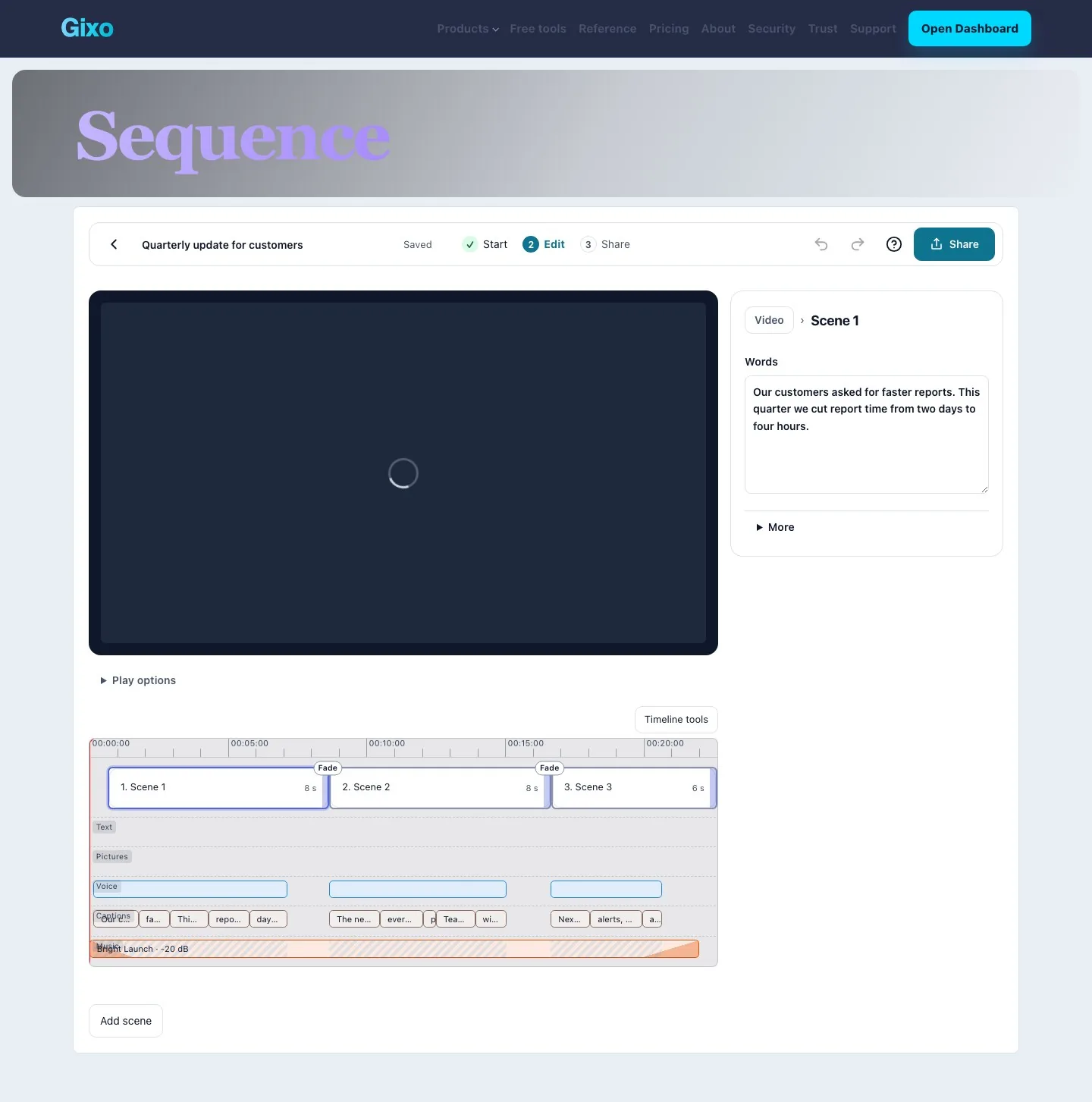
Each scene pairs spoken narration with the visual shown on screen. Edit the spoken words directly, reorder scenes, trim a screen recording clip, or swap in a slide, PDF page or picture from your project sources. Choose a stock neural voice for the video language, or pick a distinct stock voice for an individual scene, and listen in the browser preview before rendering.
- Exact on-screen text and figures: headlines, callouts and figures appear on screen exactly as typed for the duration you set.
- On-screen source citations: attach structured source metadata — title, slide number, page, section and date — so the viewer sees which source backs the scene.
- Redaction masks: place a rectangular mask over sensitive names, email addresses or account identifiers in a screen recording so they stay hidden in preview and in the rendered MP4.
3. Record named approval and inspect changes since sign-off
When a draft needs a second pair of eyes before release, assign a colleague in your workspace as reviewer. Reviewers open their queue in the Sequence review inbox, watch the preview, inspect the scene wording and sources, and record named sign-off or revision notes.
Approval is pinned to the draft candidate the reviewer inspected. If someone edits a scene’s narration, visual or timing after approval, Sequence computes a scene-by-scene diff showing which scenes were added, removed or modified since that sign-off, and records a post-approval change finding on the release manifest rather than discarding your render.
4. Render the MP4 and inspect the proof index
Press Create video when the scenes are ready. Today, the Solution demo and Business results workflows render to finished MP4 packages; other workflows stay available for planning, preview and draft export.
Every finished render produces a revision-pinned release package containing:
- Finished video and captions: the rendered MP4, poster image, WebVTT and SRT caption files, and a plain-text transcript when narrated.
- Proof index and PDF delivery record: a machine-readable JSON proof index, an HTML proof page and a printable PDF delivery record listing every scene, its pinned source revisions and SHA-256 hashes, rights confirmations, loudness and source-check results, named approval evidence, and the SHA-256 checksum of every output file in the package.
- Shareable Watch page and aspect copies: enable a Watch link when you want colleagues or customers to stream the finished video in the browser, or duplicate the project into
9:16or1:1as a new editable draft.
5. Hand off an editing ZIP to Final Cut, Premiere or Resolve
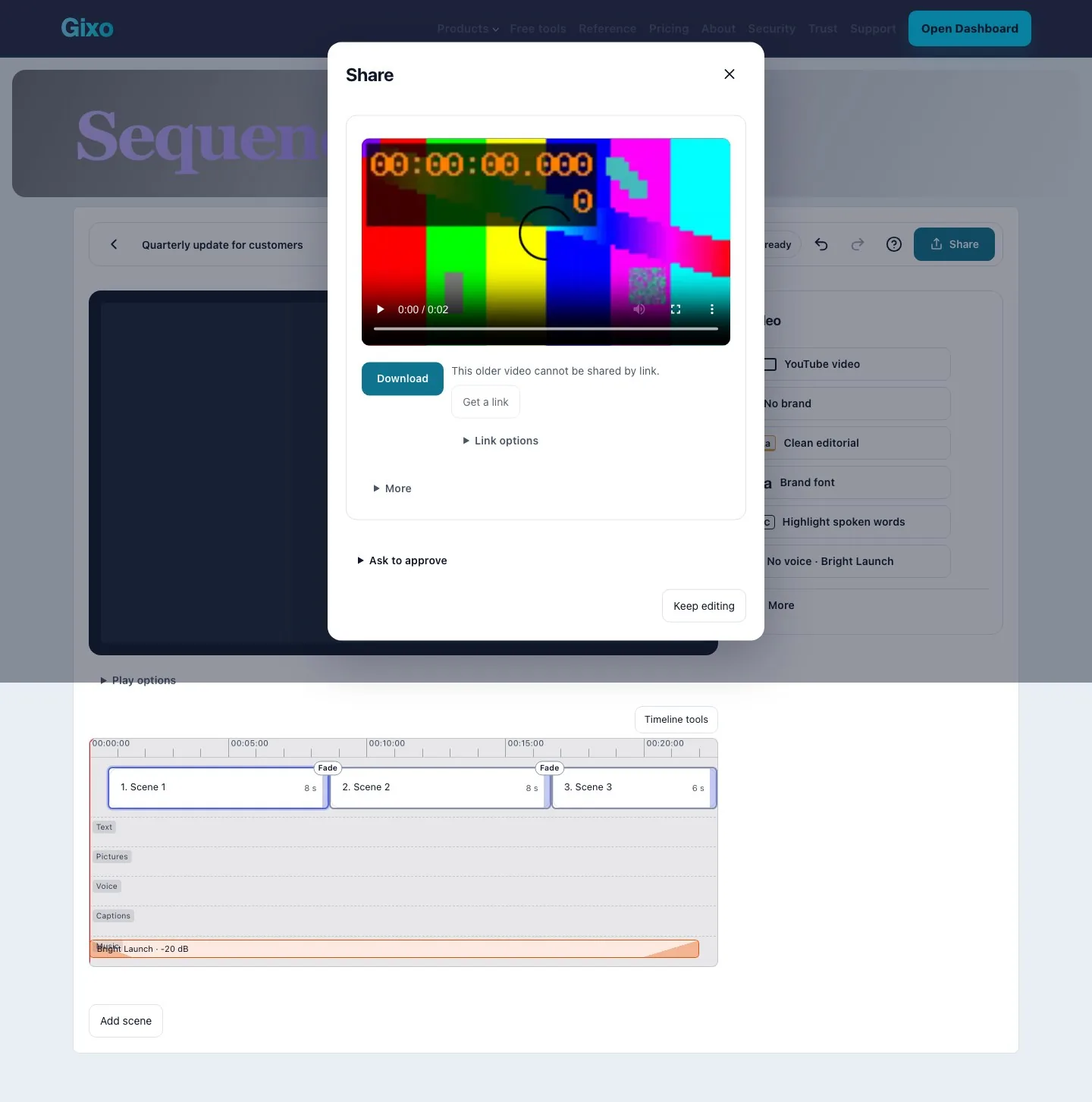
When a video editor wants to polish transitions, colour or room audio in a desktop non-linear editor, download edit-in-final-cut-or-resolve.zip from the finished release.
One archive contains the individual rendered scene MP4 clips alongside three timeline project files pointing at those clips: project.fcpxml for Final Cut Pro, project.xml for Adobe Premiere Pro, and project.otio (OpenTimelineIO) for DaVinci Resolve.
6. Trigger Zapier, Make or n8n with signed release webhooks
To automate downstream publishing or archival steps, configure an HTTPS webhook endpoint on your delivery destination — such as a Zapier Catch Hook, a Make Custom Webhook, an n8n Webhook node, or your own HTTPS service.
When a release finishes, Sequence sends a sequence.release.ready JSON event signed with an HMAC-SHA256 Gixo-Webhook-Signature header. The payload carries the project and manifest identifiers, scene count, duration and output file SHA-256 checksums so your automation can confirm authenticity and fetch the MP4, captions or proof record through the authenticated API.
7. Plans, trials and workspace access
New accounts can start a 14-day Sequence trial with no card required in a personal workspace. Paid Sequence plans run on flat monthly or annual workspace subscriptions; higher tiers add 4K UHD output, saved Brand Kit colours, fonts and logos on rendered scenes, and team workspaces.
Planning scenes and playing browser previews stay open while signed in. Uploading source files and rendering finished videos use your workspace’s Sequence trial or plan. If a trial or plan ends, your finished videos and proof records remain available to open and download.
Continue exploring
Sequence overview · Training video maker · PowerPoint to narrated video · Video production workflow guide