The Campaign kit is part of Gixo Prism. Answer three questions: what you are promoting (a document, your own photos, or a topic), where it will go, and what it should say.
You get one saved set: one picture, made by AI or chosen from your own photos, cut to each channel's exact size, one of 7 designs on every image, alt text for each image, and caption variants for each channel that takes a caption.
Cut to each channel's size. Your words spelled as you typed them. You review, then you post.
A kit is one saved set, not a folder of unrelated images: the same picture, design, and message
carried to every channel you choose.
01
What are you promoting?
A document in your Gixo account, your own photos, or a topic. With a document, the captions are written from its facts. With photos, one of yours becomes the kit's picture. Otherwise Prism makes an AI picture.
02
Where will it go?
Pick the channels. Instagram post, Instagram Story, LinkedIn post, and X are chosen to start; add or remove any of them. Each channel gets its own image at its own size.
03
What should it say?
A headline and a supporting line, with a character count for each channel you picked. Then choose Make my kit.
Polish the picture before the post
Keep the message and refine its presentation: change the kit design, then edit a channel image's supported finish, photo and on-image words. Prism adapts the picture to each channel. Earlier image versions stay available to compare or restore. A kit-wide design change leaves individually edited channels in place.
Changes that produce new campaign output require an active Prism trial or plan. Manual design, photo and text changes and downloads do not use AI generation capacity. New AI pictures and captions are separate operations that do. Review each channel's image, caption and alt text before downloading.
With Professional or higher Brand Kit access, campaign designs can use your saved colours and fonts. The current campaign editor has no independent custom-colour picker. To set a palette for an infographic or supported maker, use that visual's own colour controls.
One picture, cut to each channel
A kit can be made for 11 channels:
Instagram post, Instagram Story, LinkedIn post, X, Carousel, TikTok cover, YouTube thumbnail, Website banner, Email header, Banner ad, and Section background.
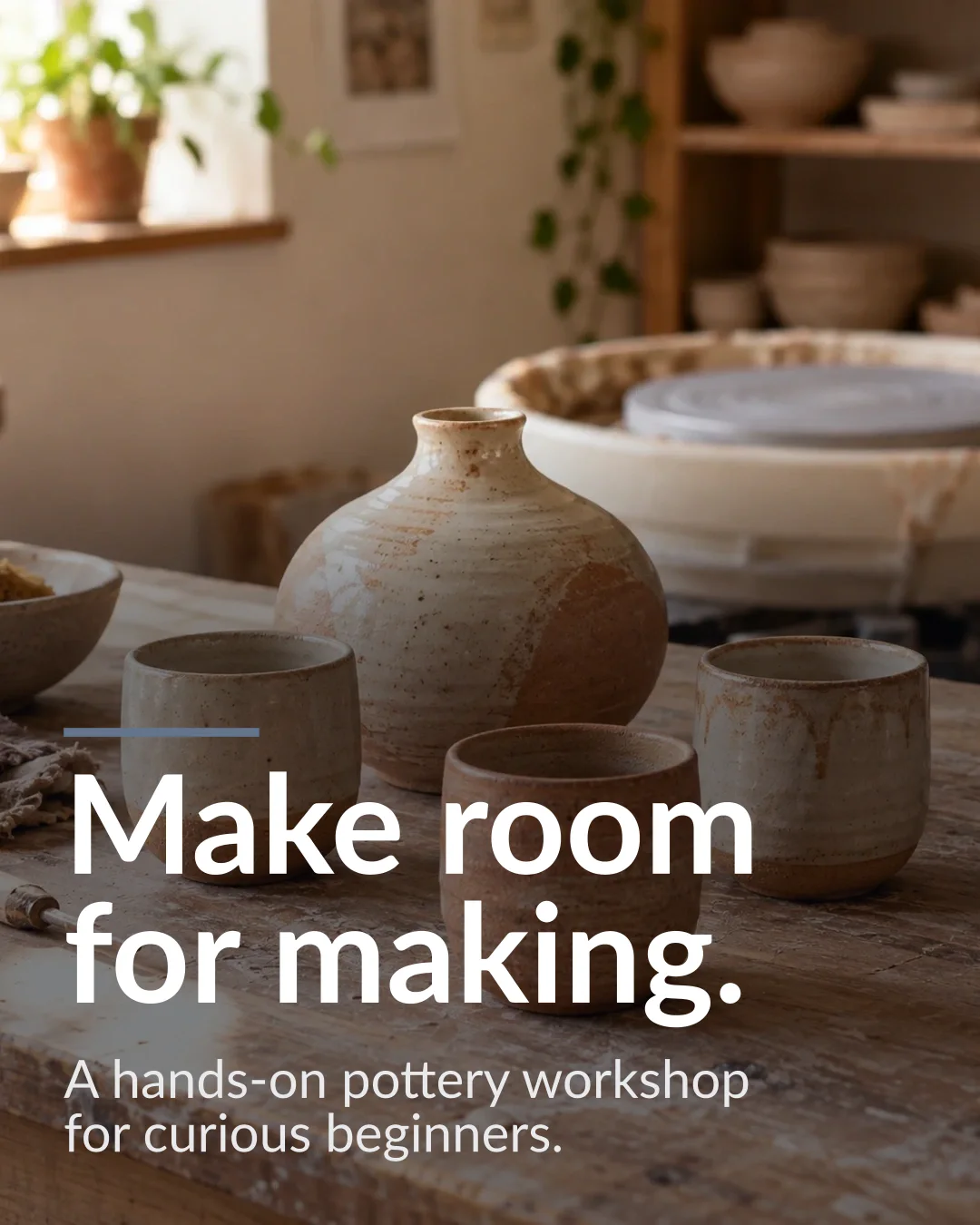
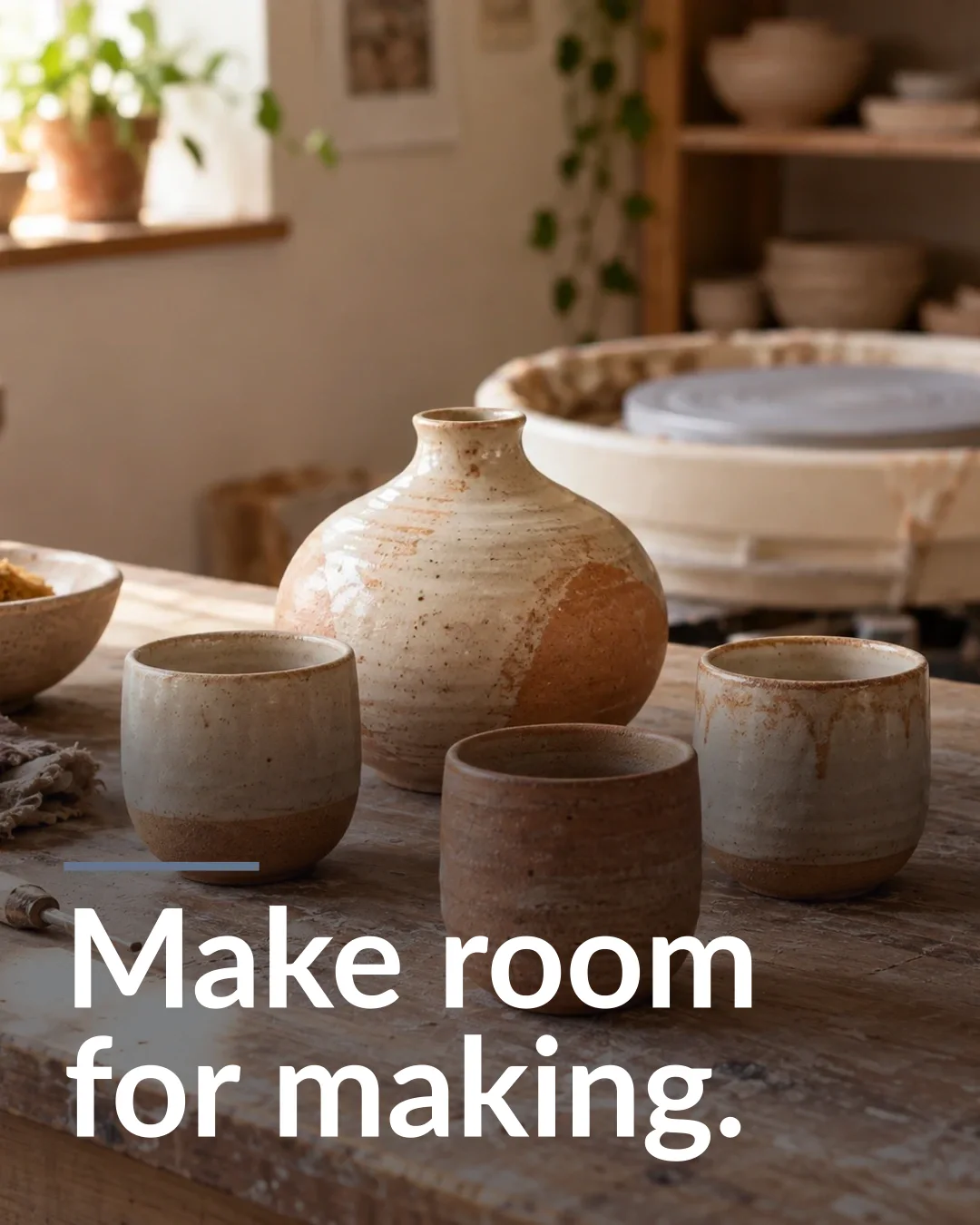
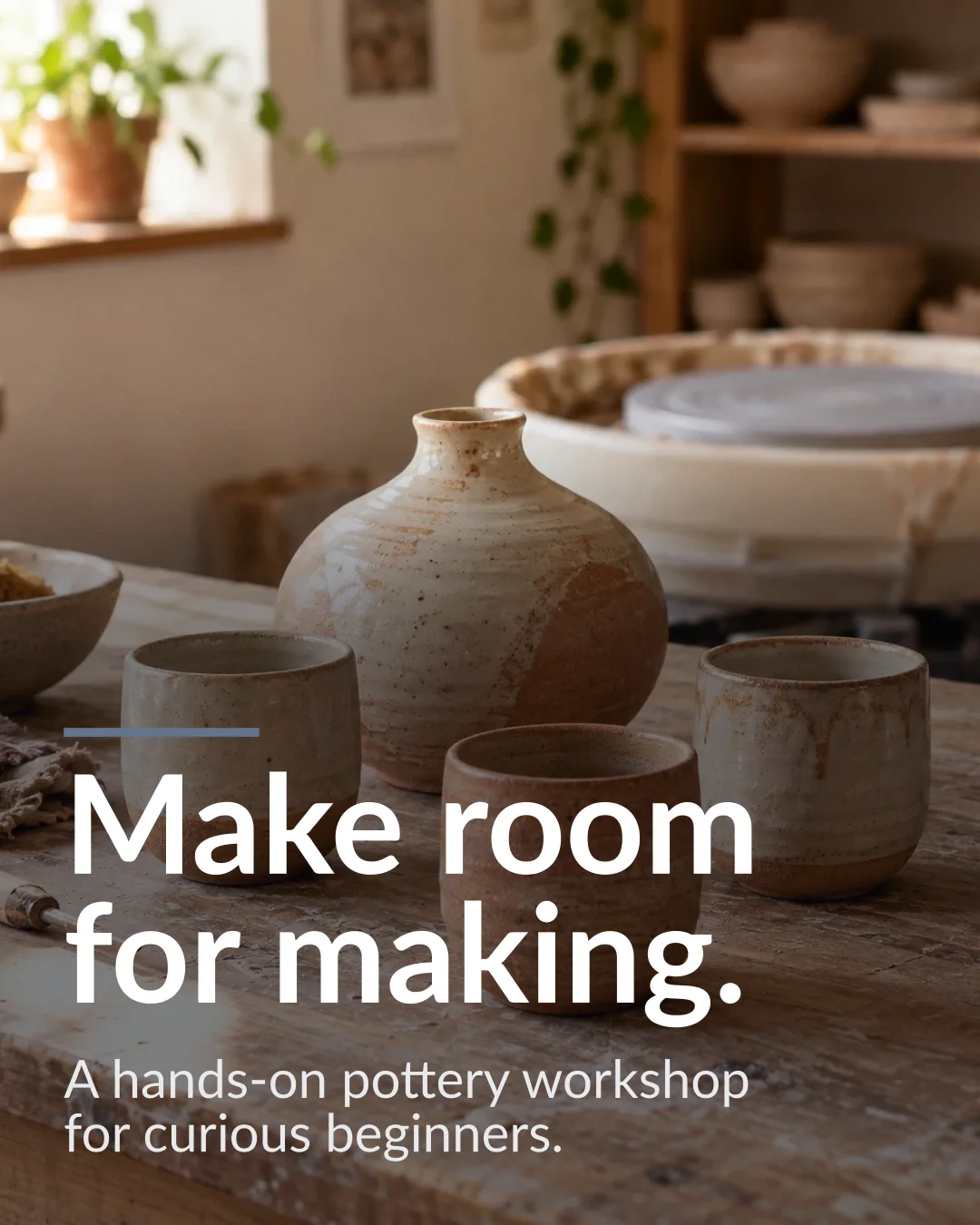
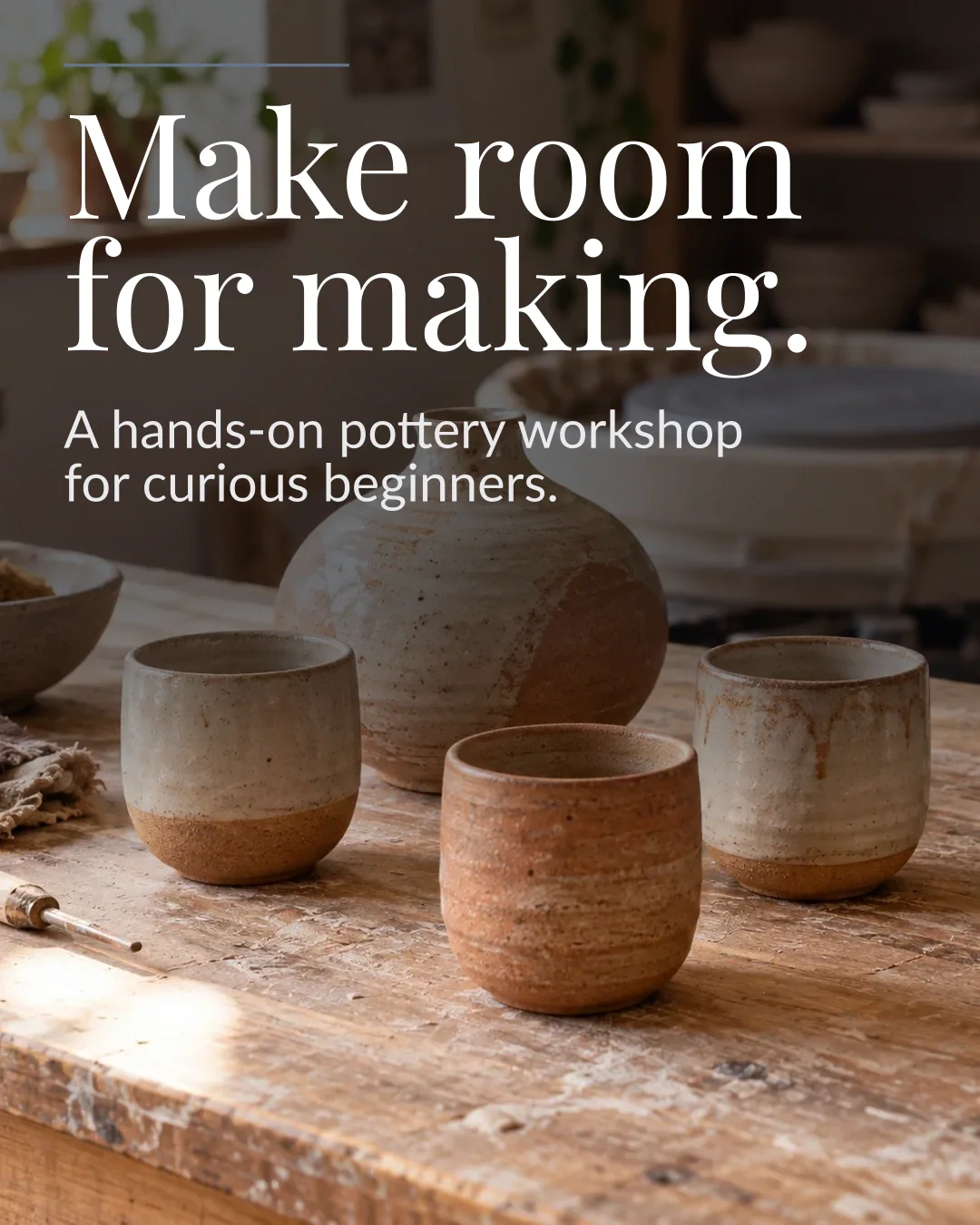
Instagram post1080 × 1350 px
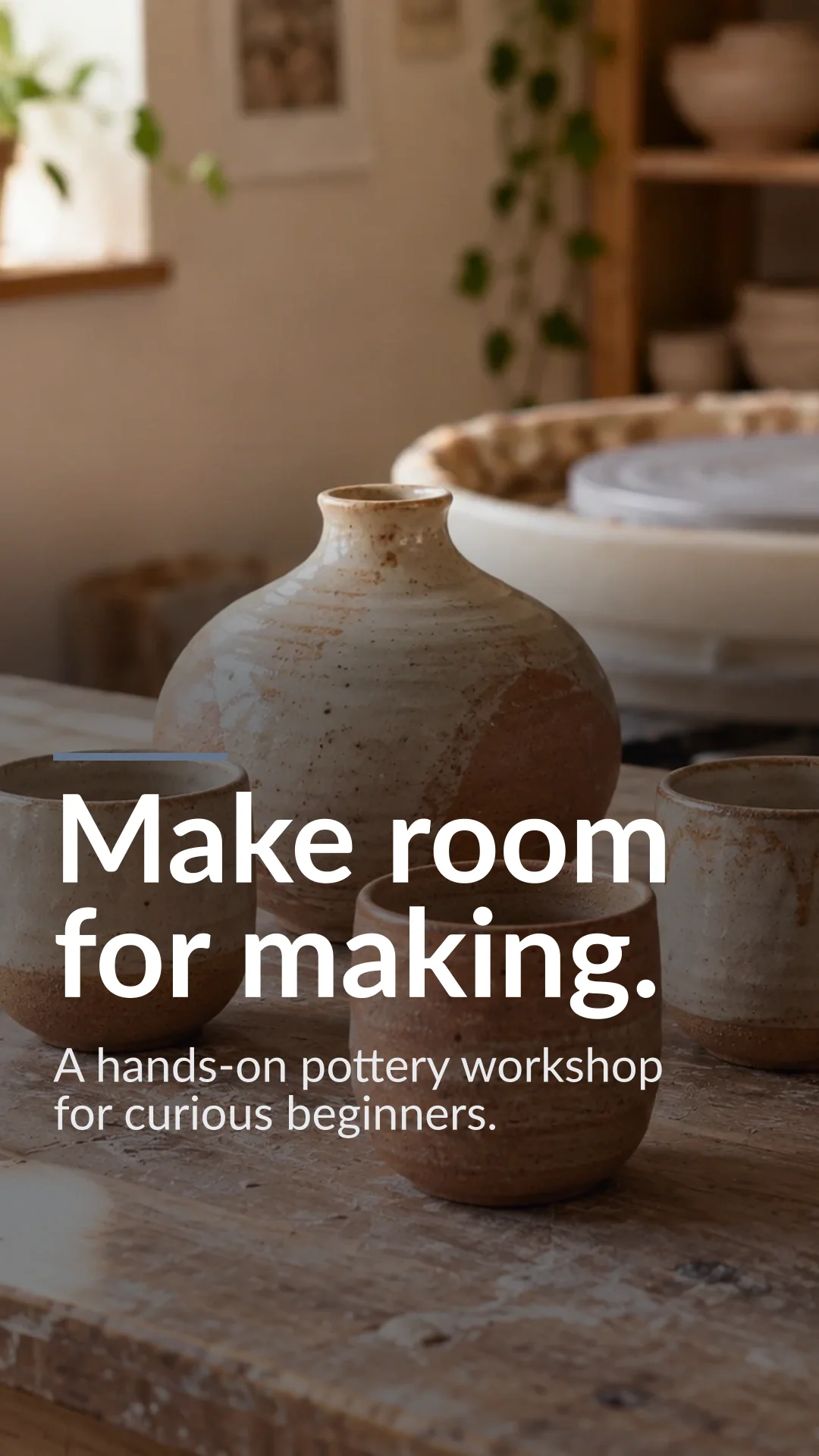
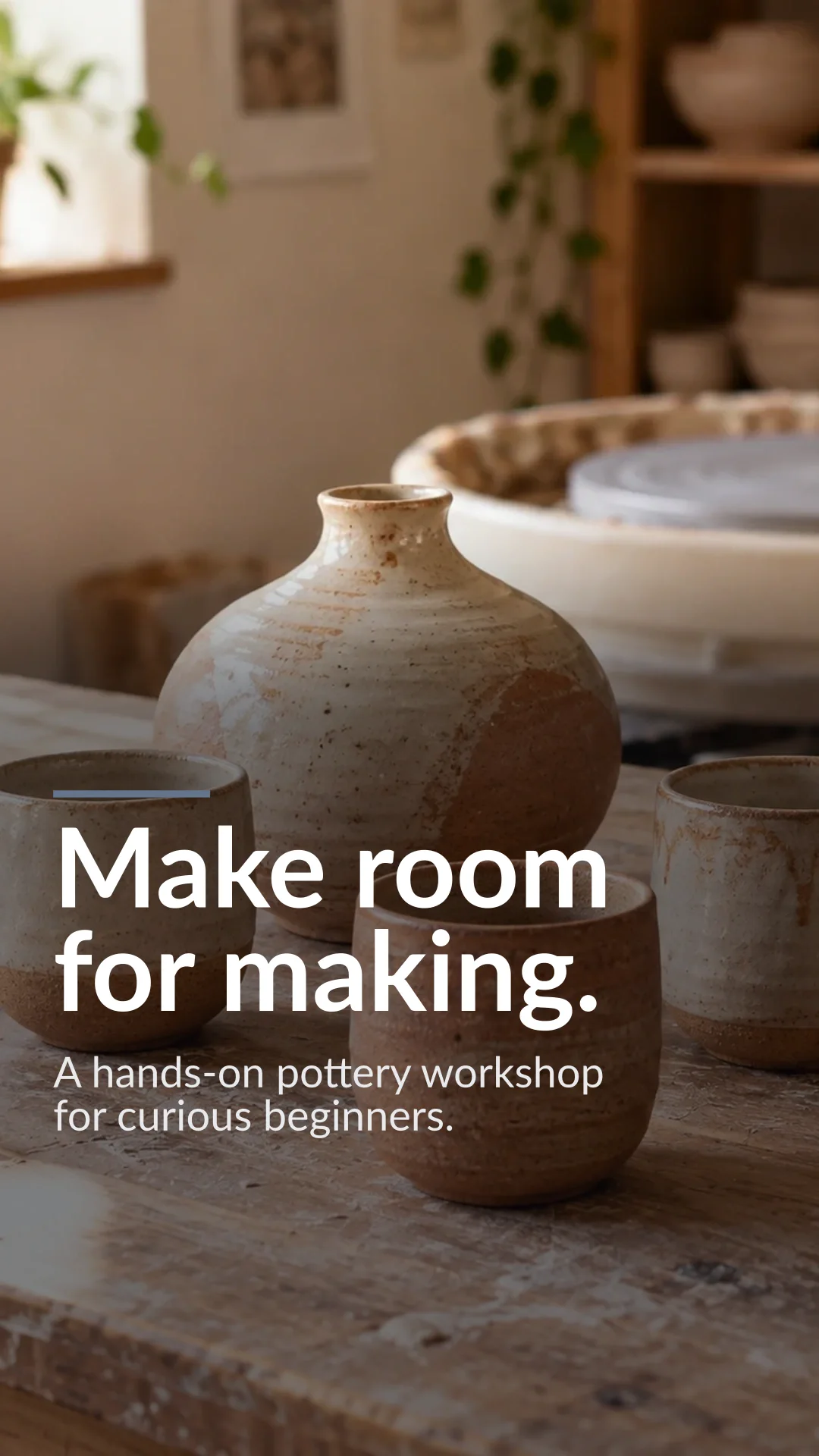
Instagram Story1080 × 1920 px
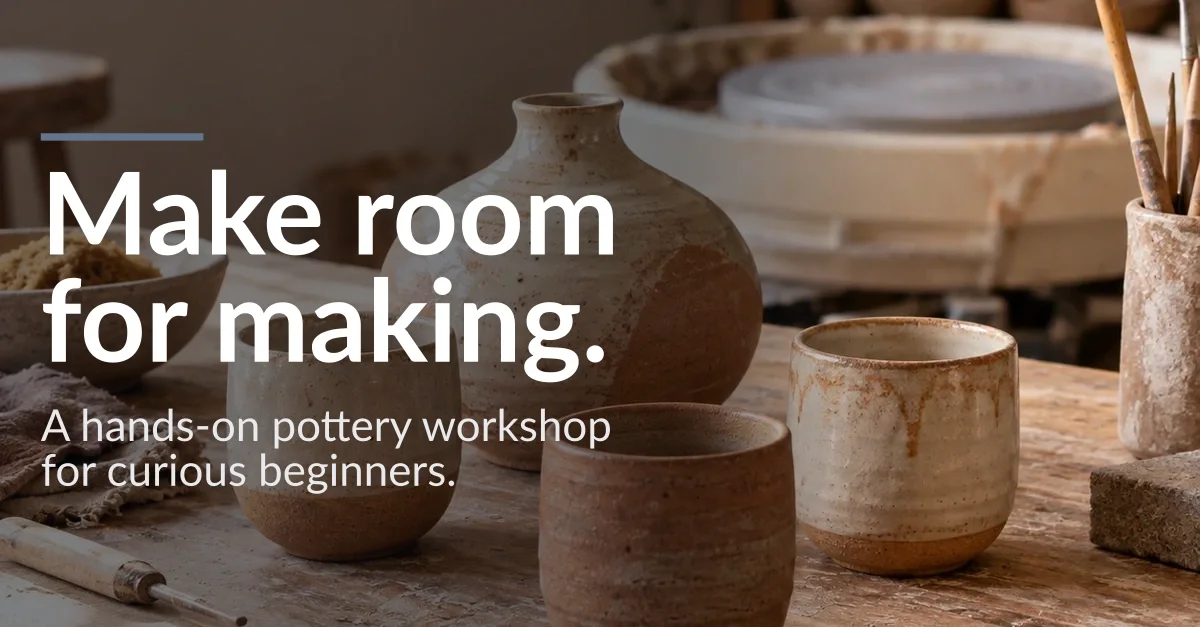
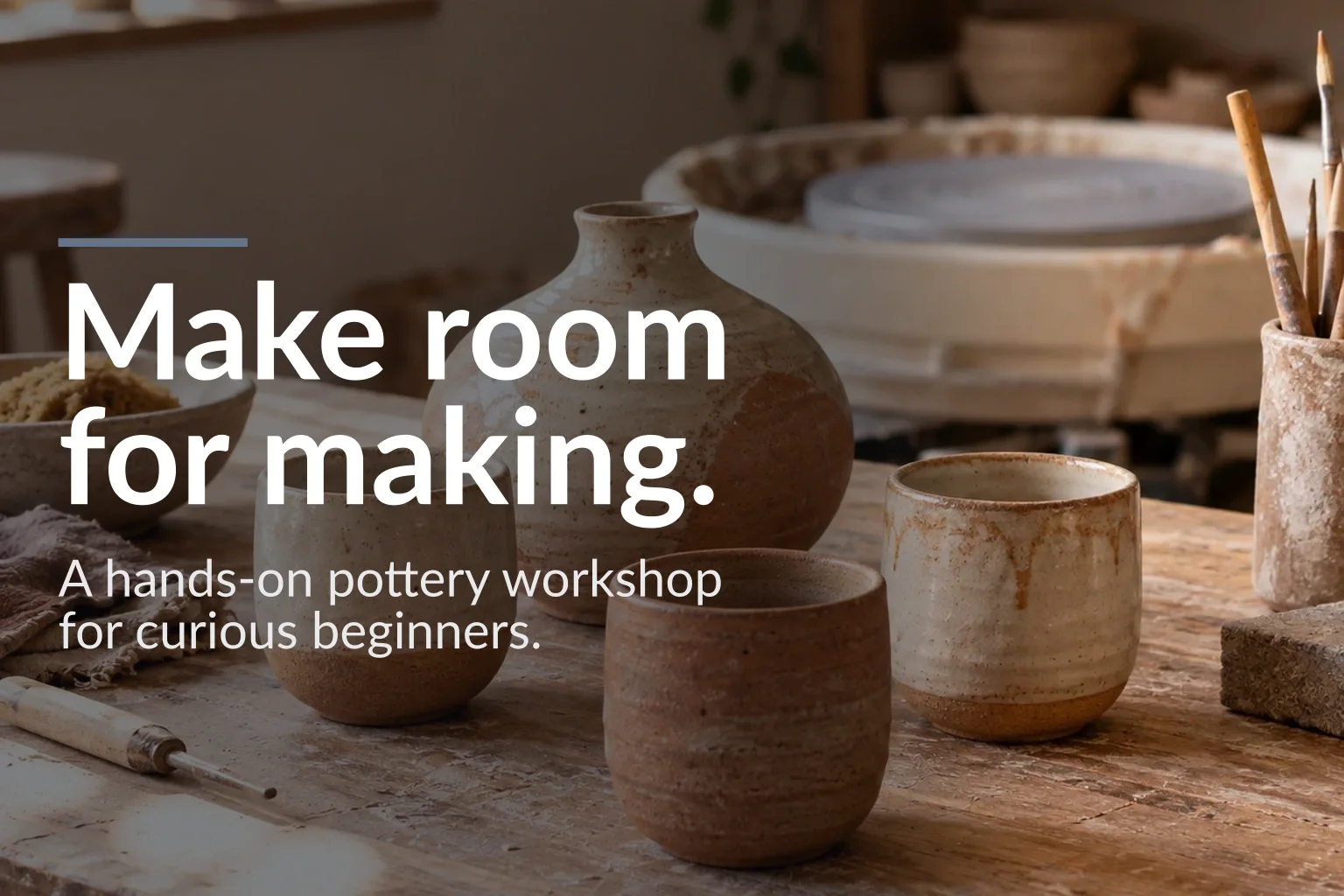
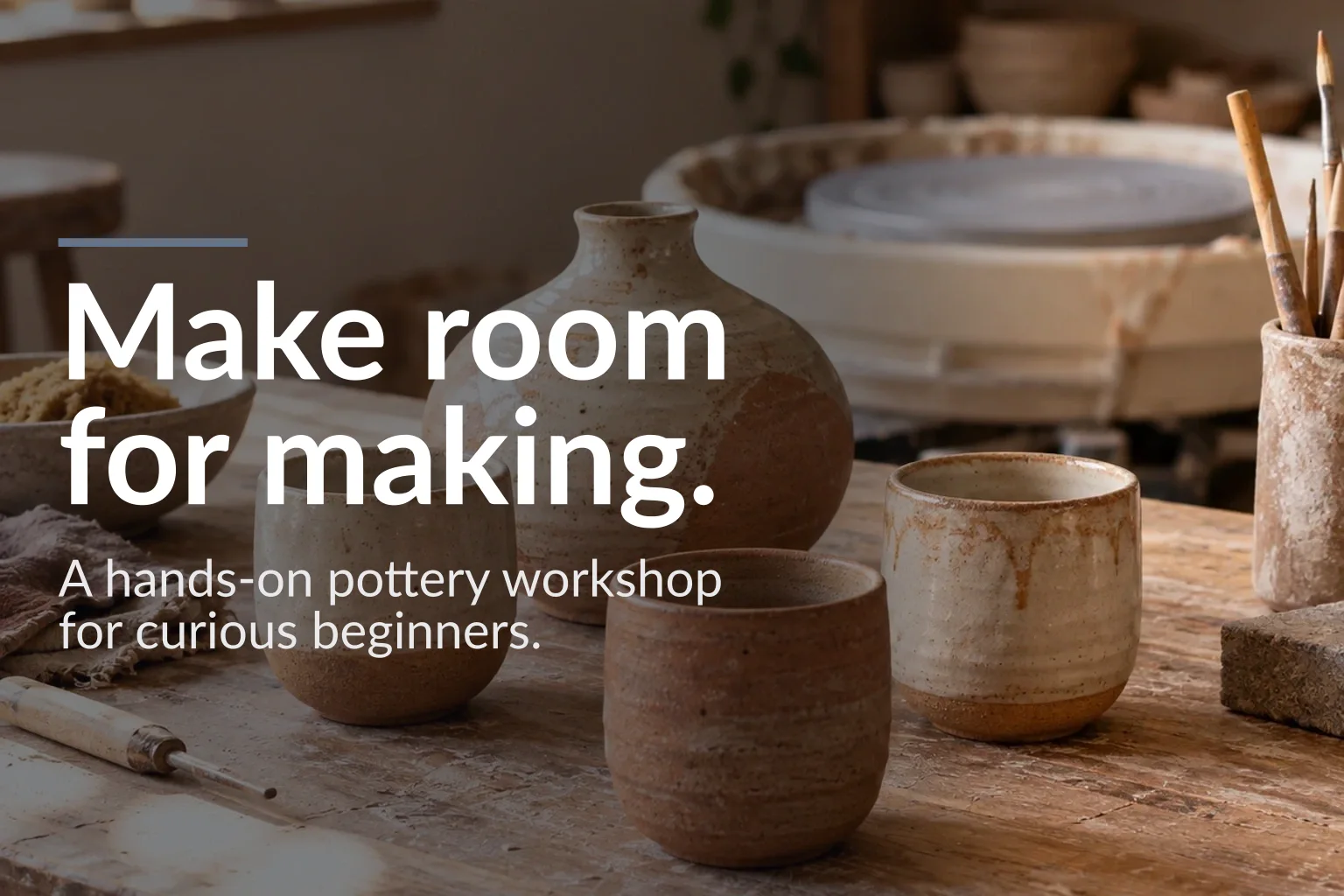
LinkedIn post1200 × 627 px
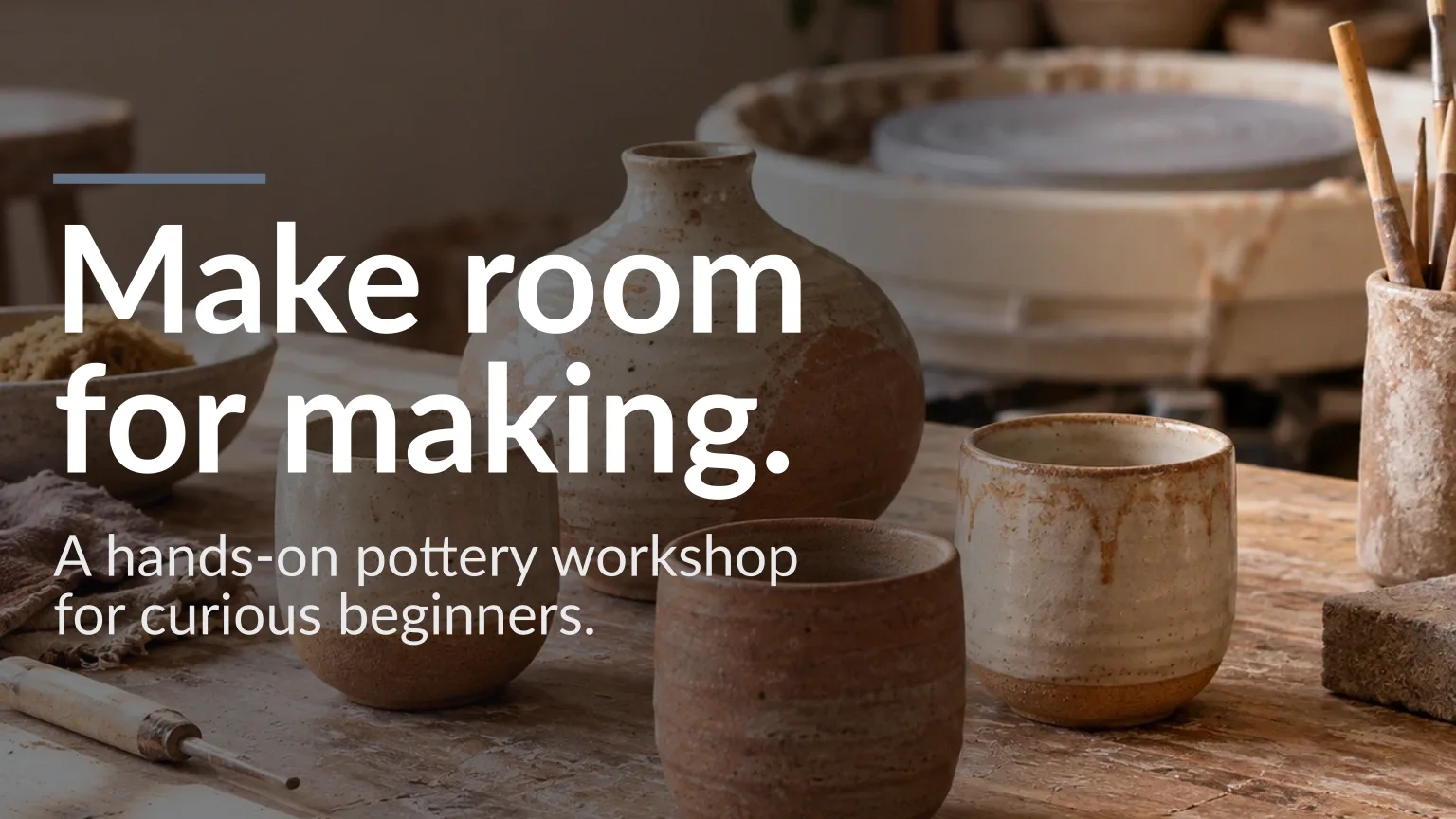
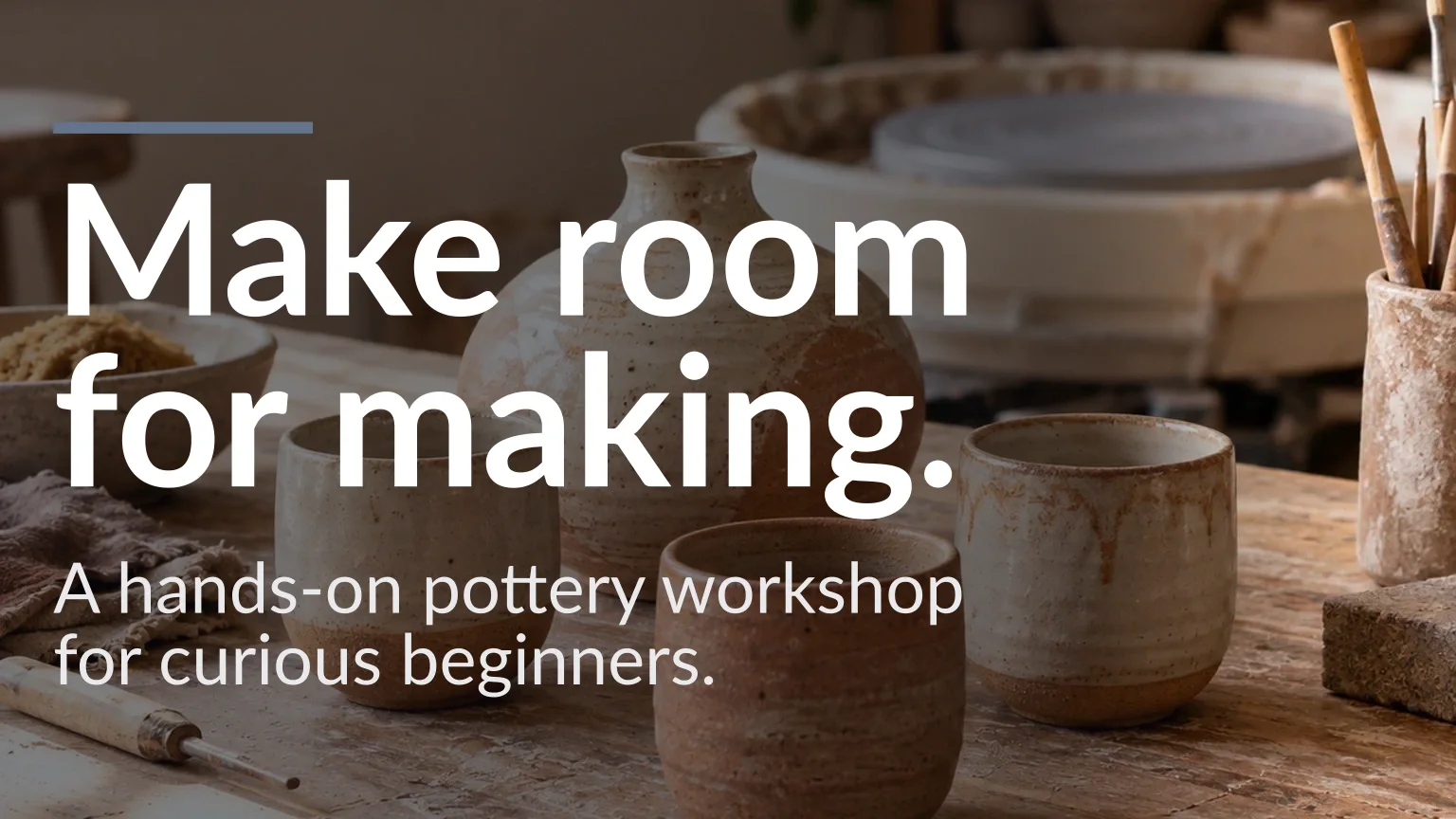
X1536 × 864 px
Carousel cover1080 × 1350 px
TikTok cover1080 × 1920 px
YouTube thumbnail1536 × 864 px
Website banner1536 × 1024 px
Email header2048 × 1024 px
Banner ad728 × 90 px
Section background1536 × 1024 px
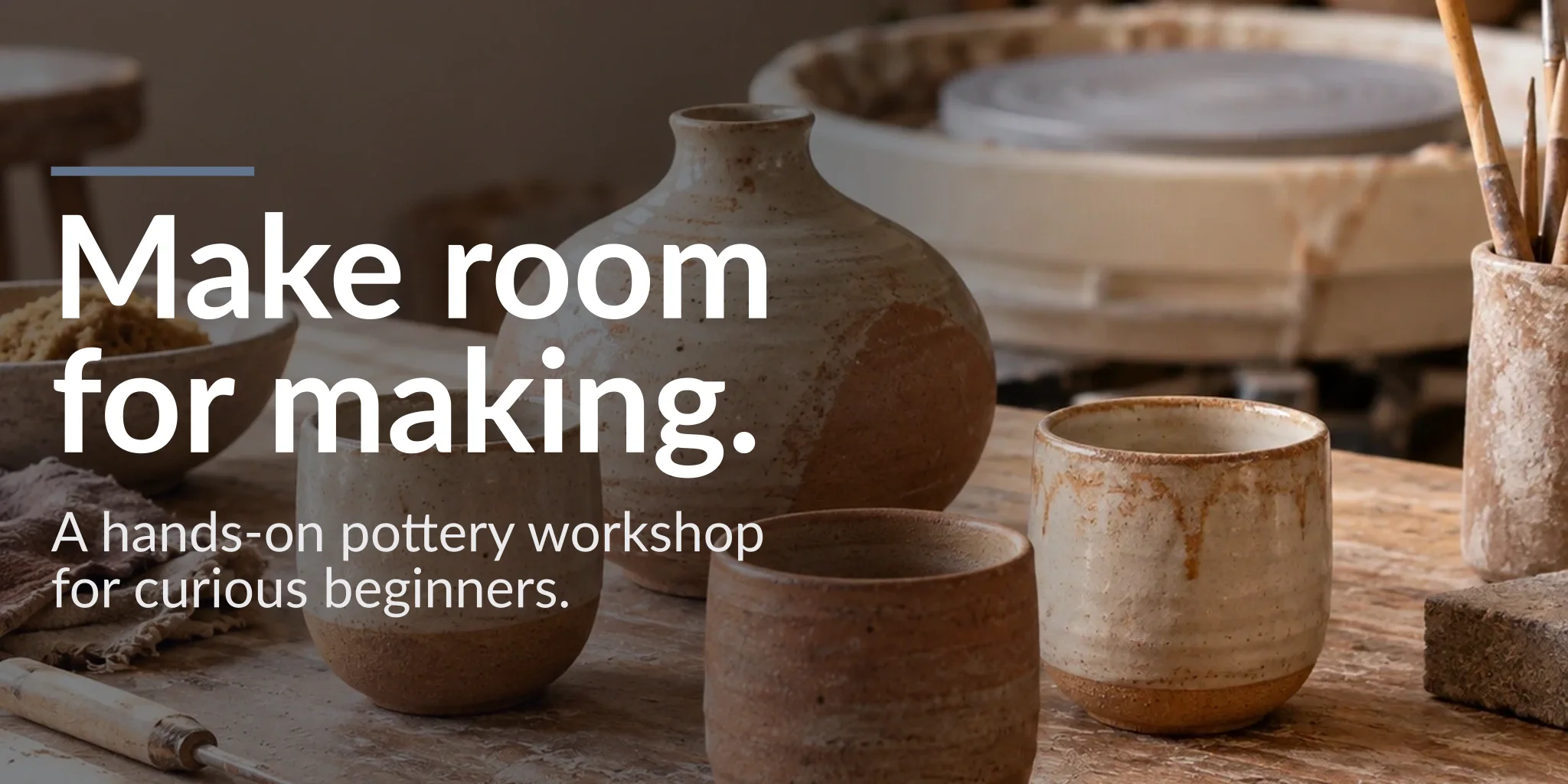
Actual Campaign Kit outputs · Clean Brand
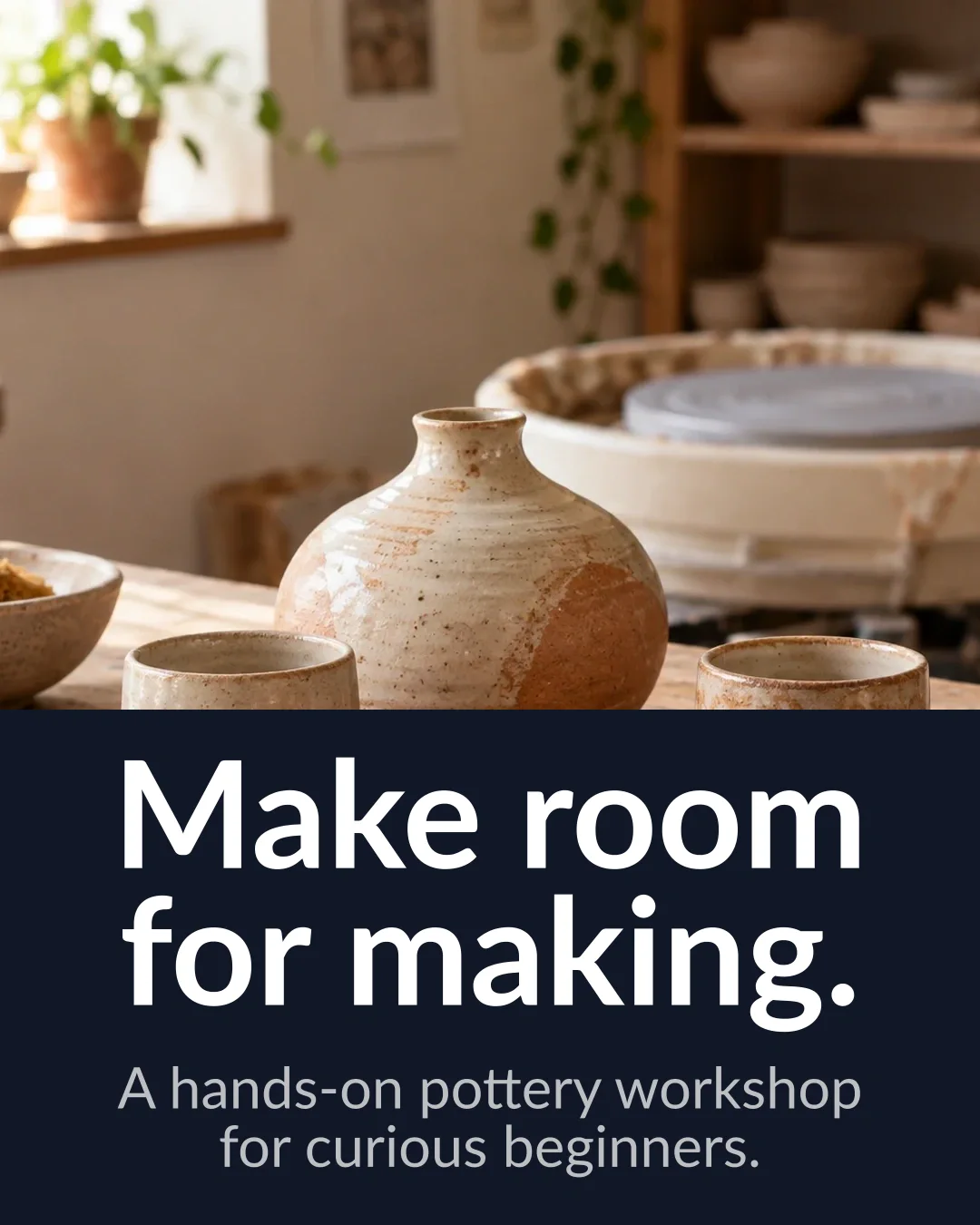
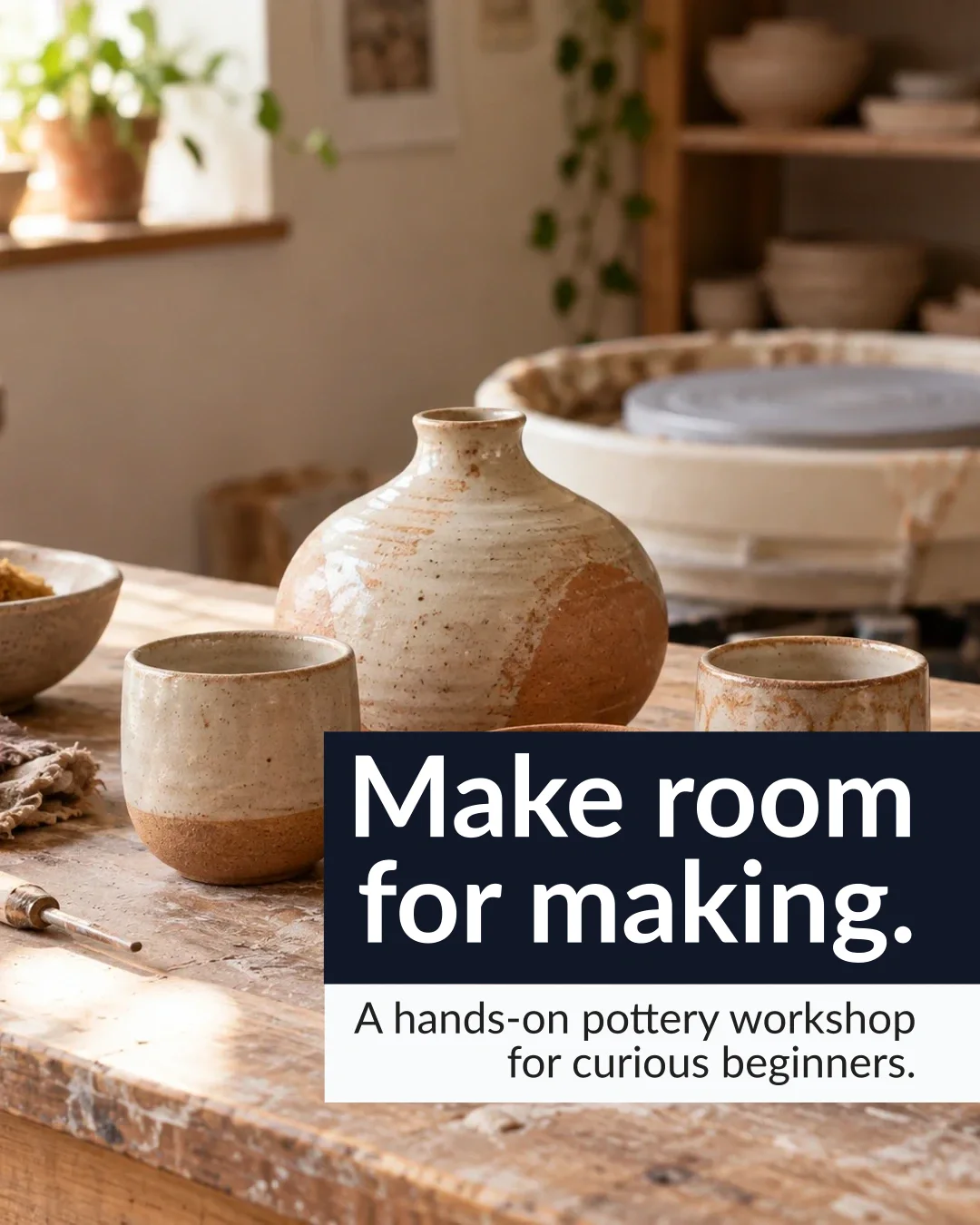
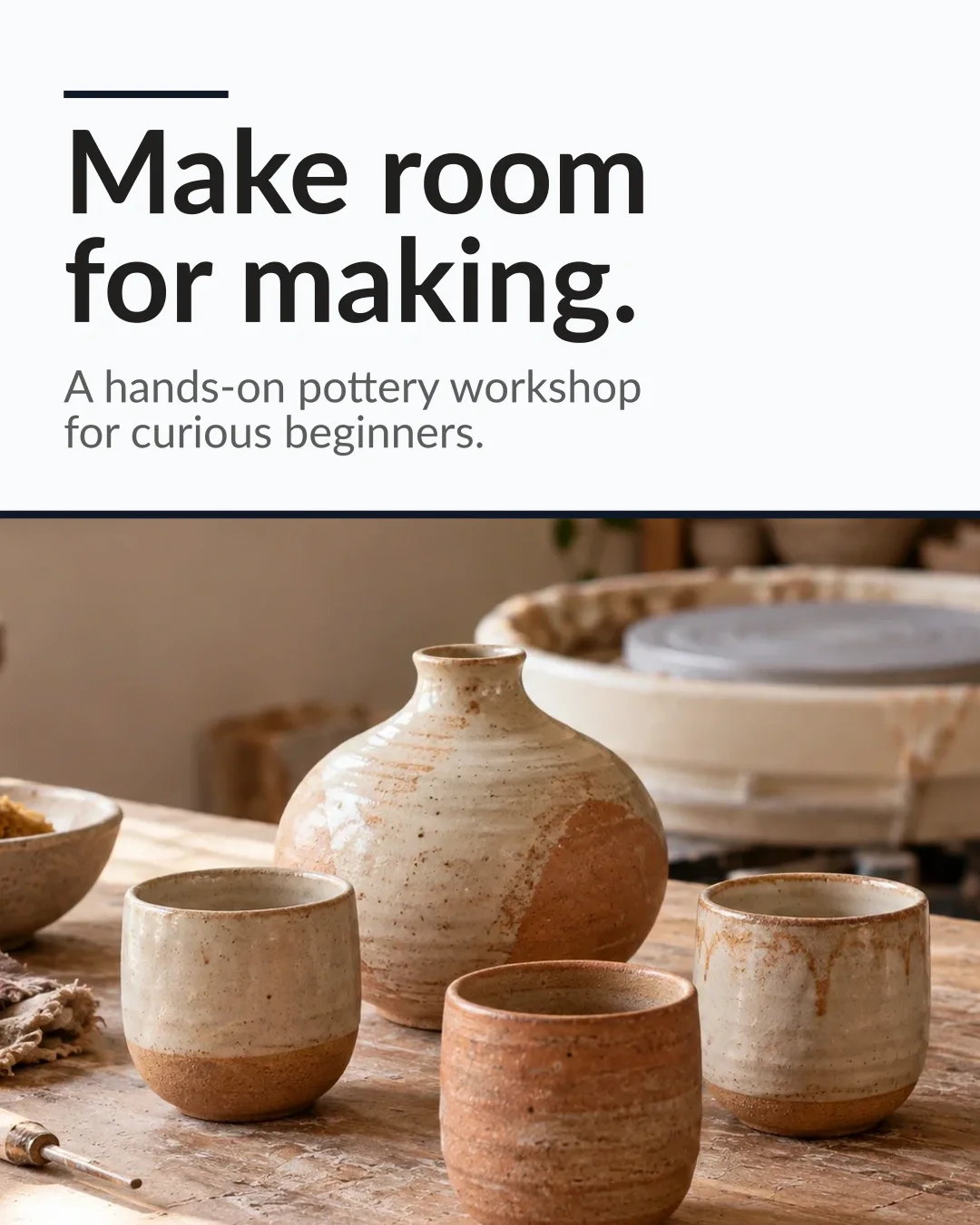
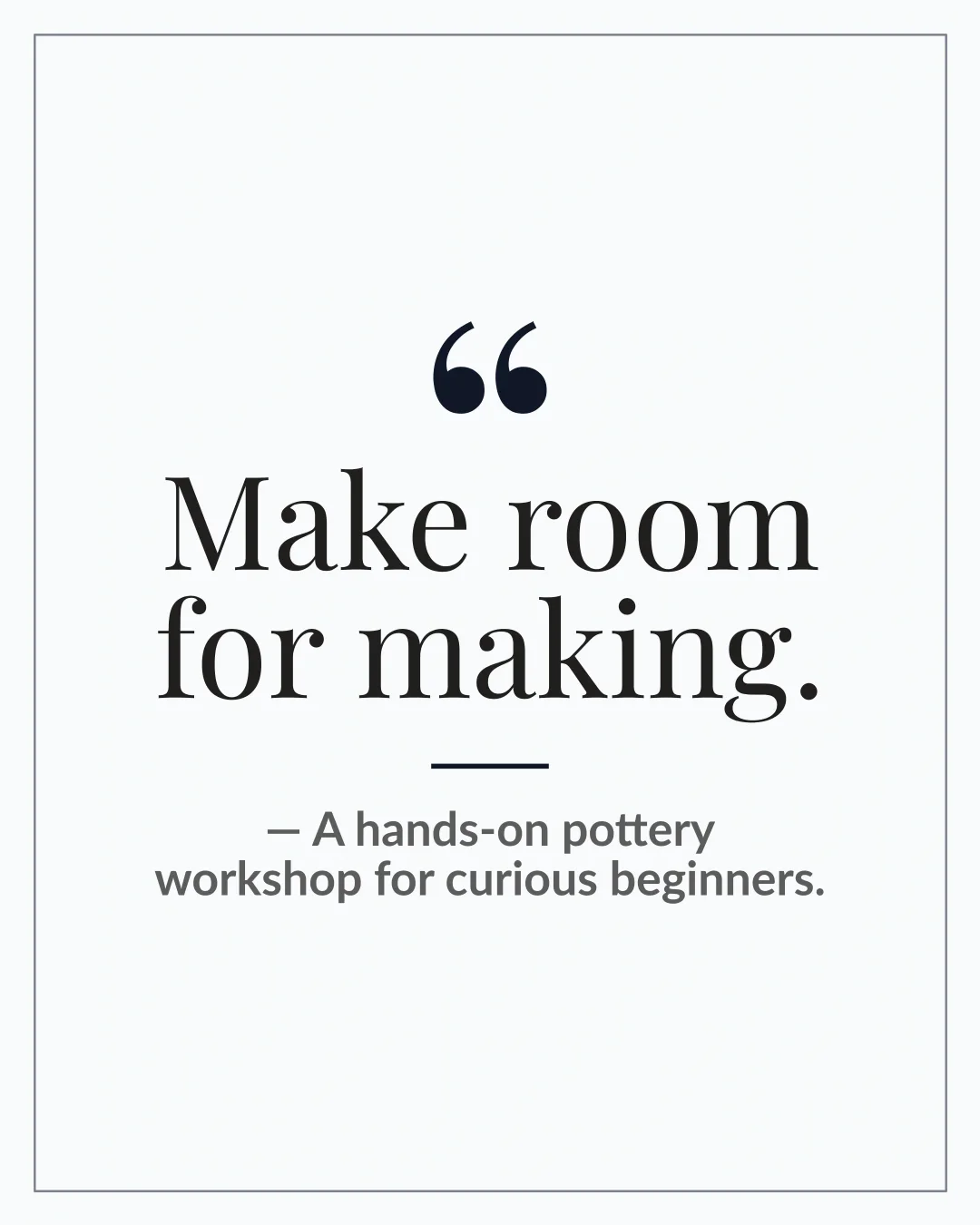
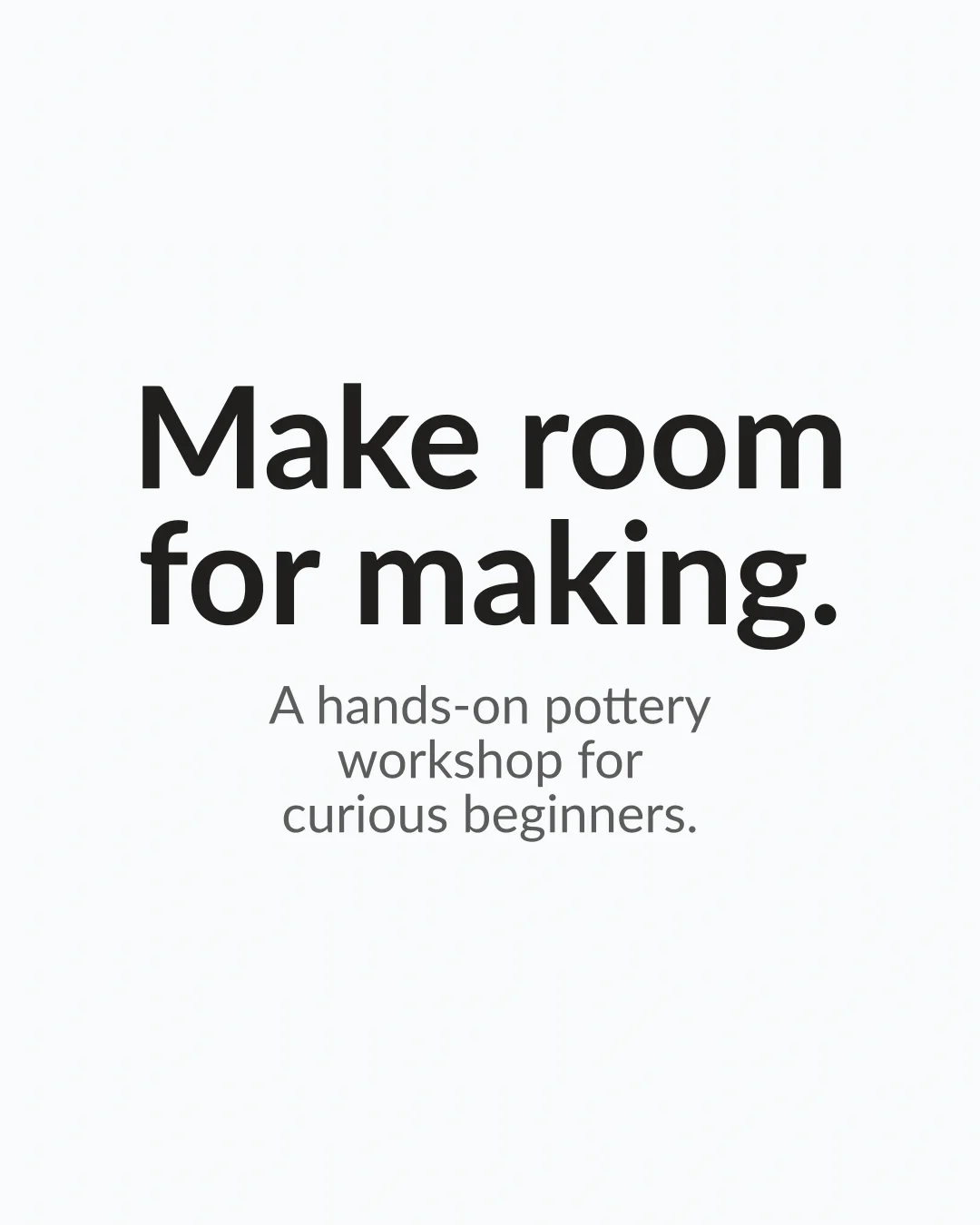
Make room for making.
One message, with captions written for each channel and alt text generated from the picture. Open the caption options to compare the wording.
Instagram feed 1080 × 1350
Generated caption
Make space for hands-on creativity. Discover the pleasure of making something by hand in our beginner pottery workshop, and find your next creative project. #Pottery #Ceramics
See all 3 caption options
Make space for hands-on creativity. Discover the pleasure of making something by hand in our beginner pottery workshop, and find your next creative project. #Pottery #Ceramics
Looking for a creative project to explore? Our beginner pottery workshop is a chance to discover the pleasure of making something by hand. #Pottery #Ceramics
Ready to explore a new creative project? Discover our beginner pottery workshop and the pleasure of making something by hand. #Pottery #Ceramics
Generated alt text
A rustic wooden table holds a speckled ceramic vase, three matching cups, a bowl of crumbs, cloths, and pottery tools. Text on the image: "Make room for making.".
LinkedIn 1200 × 627
Generated caption
Make space for hands-on creativity. Our beginner pottery workshop offers a way to discover the pleasure of making something by hand and find your next creative project. #Pottery #Ceramics
See all 3 caption options
Make space for hands-on creativity. Our beginner pottery workshop offers a way to discover the pleasure of making something by hand and find your next creative project. #Pottery #Ceramics
Looking for a creative project to explore? Discover our beginner pottery workshop and the pleasure of making something by hand. #Pottery #Ceramics
Explore our beginner pottery workshop to discover the pleasure of making something by hand. Find your next creative project. #Pottery #Ceramics
Generated alt text
A rustic wooden table holds a speckled ceramic vase, three matching cups, a bowl of crumbs, cloths, and pottery tools. Text on the image: "Make room for making.".
X 1536 × 864
Generated caption
Make space for hands-on creativity. Discover the pleasure of making something by hand in our beginner pottery workshop. #Pottery #Ceramics
See all 3 caption options
Make space for hands-on creativity. Discover the pleasure of making something by hand in our beginner pottery workshop. #Pottery #Ceramics
Looking for a creative project to explore? Discover our beginner pottery workshop and the pleasure of making something by hand. #Pottery #Ceramics
Explore our beginner pottery workshop and find your next creative project. Discover the pleasure of making something by hand. #Pottery #Ceramics
Generated alt text
A rustic wooden table holds a speckled ceramic vase, three matching cups, a bowl of crumbs, cloths, and pottery tools. Text on the image: "Make room for making.".
Sample pottery workshop kit: one uploaded picture, one message, and Clean Brand design, rendered
in Campaign Kit at each channel's actual size. The carousel preview shows its cover; the download includes every slide.
What is in a kit
Every image, caption, and line of alt text stays together, saved under the kit's name.
🎨
One design on every image
Choose one of 7 designs and every channel wears it.
Change the design later and it is applied to every image you have not changed by hand.
Aa
Words spelled as you typed them
Your headline and supporting line are set on the image by Prism's renderer, not painted by the image model, so they are spelled as you typed them, including Hindi, Gujarati, and other Indic scripts.
✎
Captions and alt text
Caption variants for each channel that takes a caption, kept inside that platform's length
limit and written in your source's language, plus alt text for every image. Pick a variant
or rewrite it.
✂
Edit any image
Open one image in the editor to change its words, design, or picture on its own. Earlier
versions are kept, so you can go back.
⇩
Download all
Download each image as PNG, JPG, and WebP, or Download all as one ZIP with every image, caption, and alt text, plus a CSV you can import into schedulers such as Buffer, Hootsuite, or Later.
◆
Your Brand Kit, from the Professional plan
A Brand Kit (your saved colours, fonts, and logo) comes with the Professional plan and up. When your account
has one, the kit's designs are built on it.
What a kit does not do
Worth knowing before you start.
It does not post for you. Download the kit, then schedule it in your own tool; the CSV is there for that.
Its outputs are images and carousel slides. No print, poster, video-overlay, or book-cover formats.
Its picture, captions, and alt text are AI output. Read them and look at every image before you publish.
Making the AI picture and the captions uses plan capacity. Using your own photos, changing the design, re-cutting a channel, and downloading do not.
Start with what you are promoting
A document, your photos, or a topic. Prism makes the kit; you review it and post it.
A campaign kit with channel-specific copy and actual sized artwork
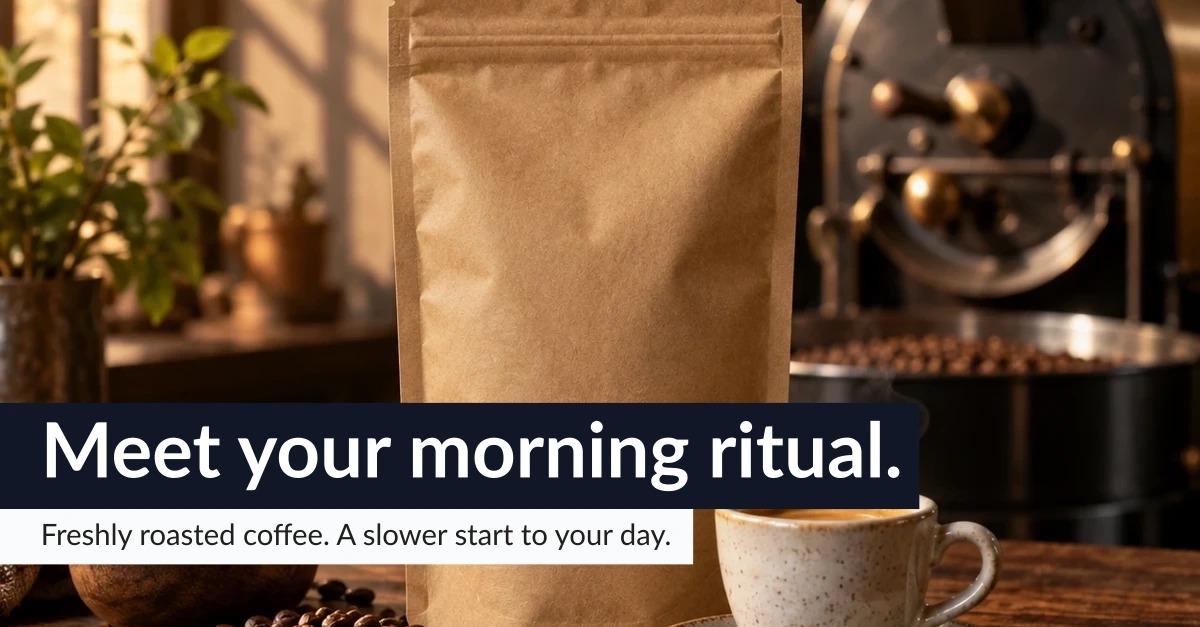
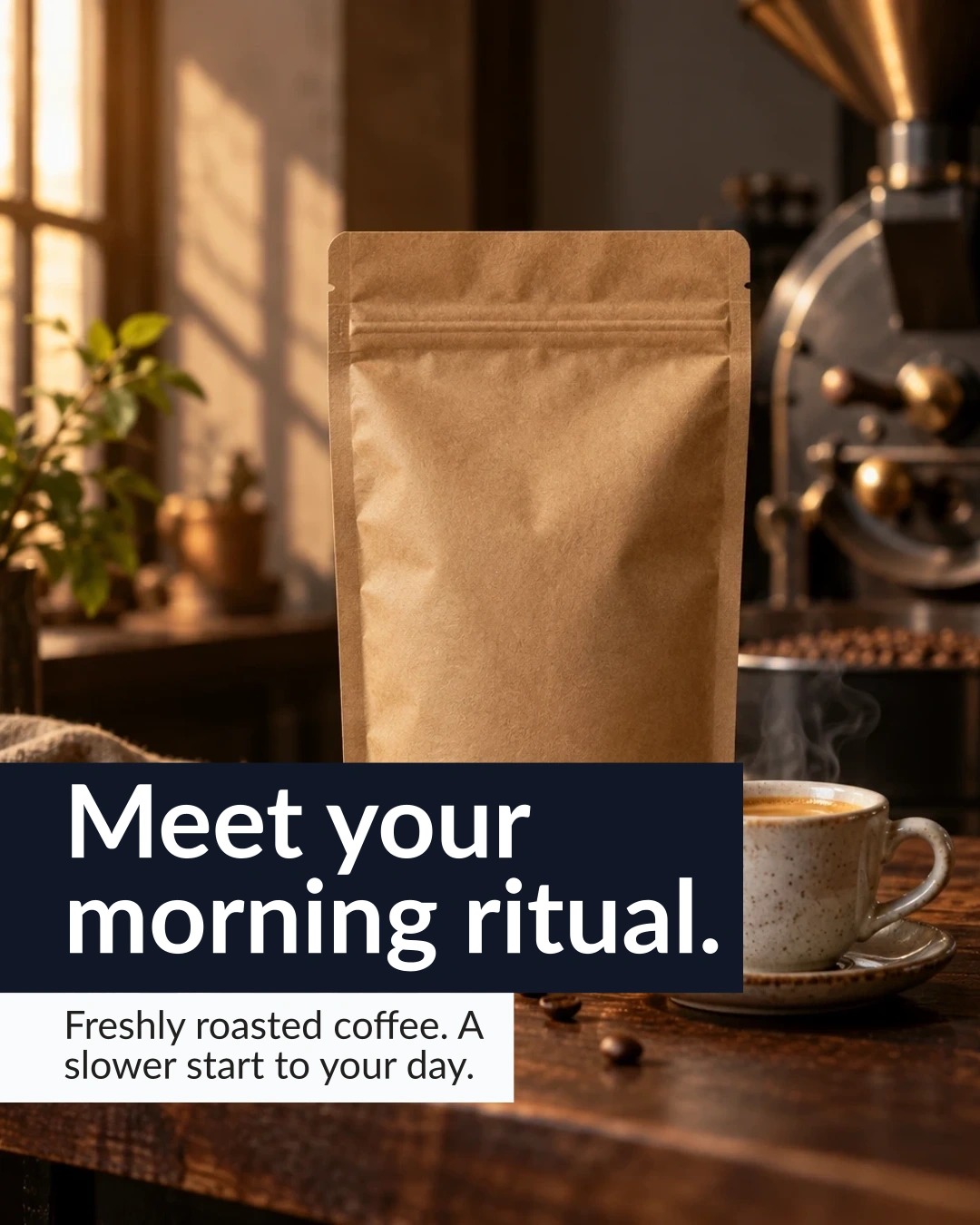
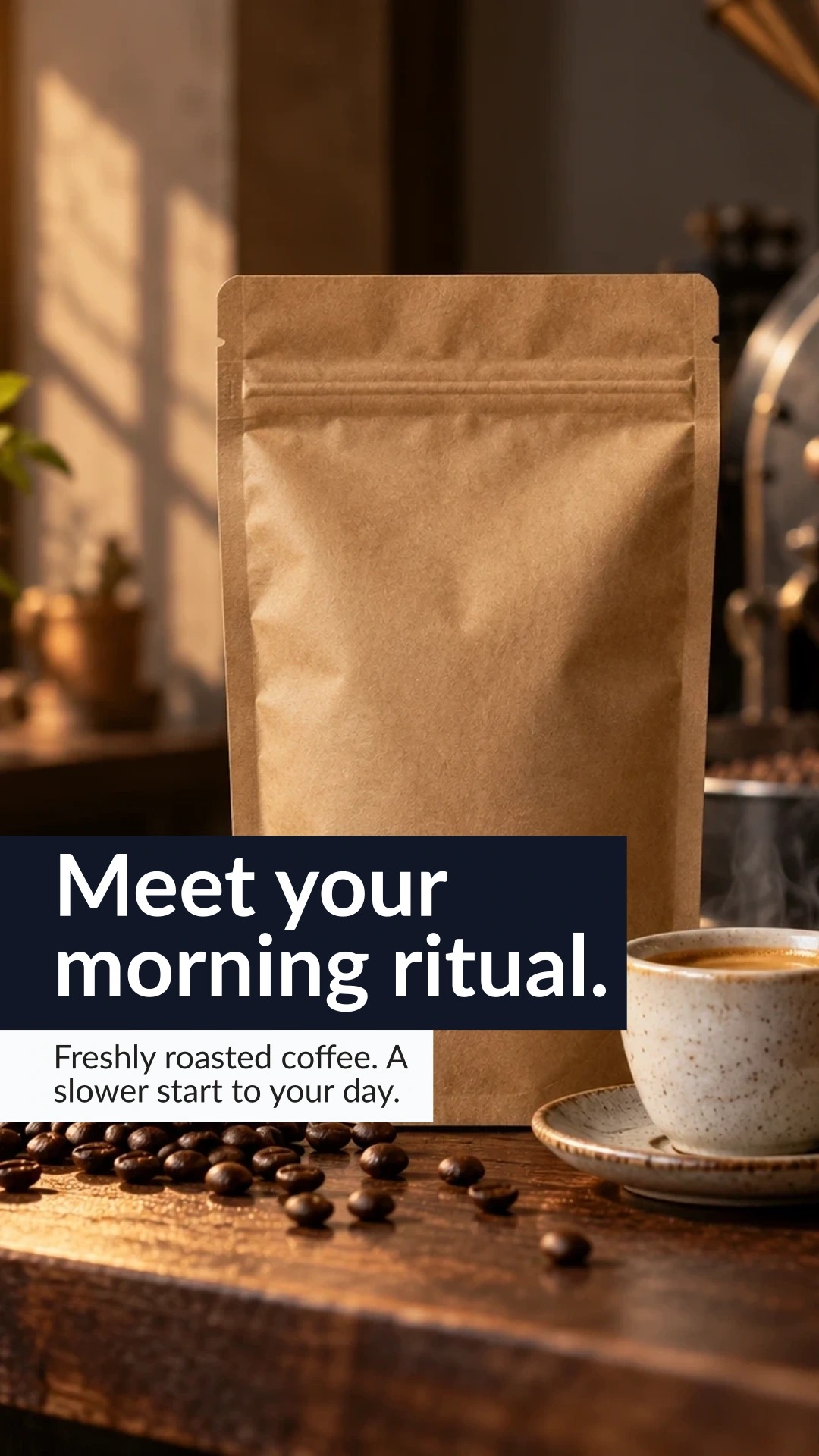
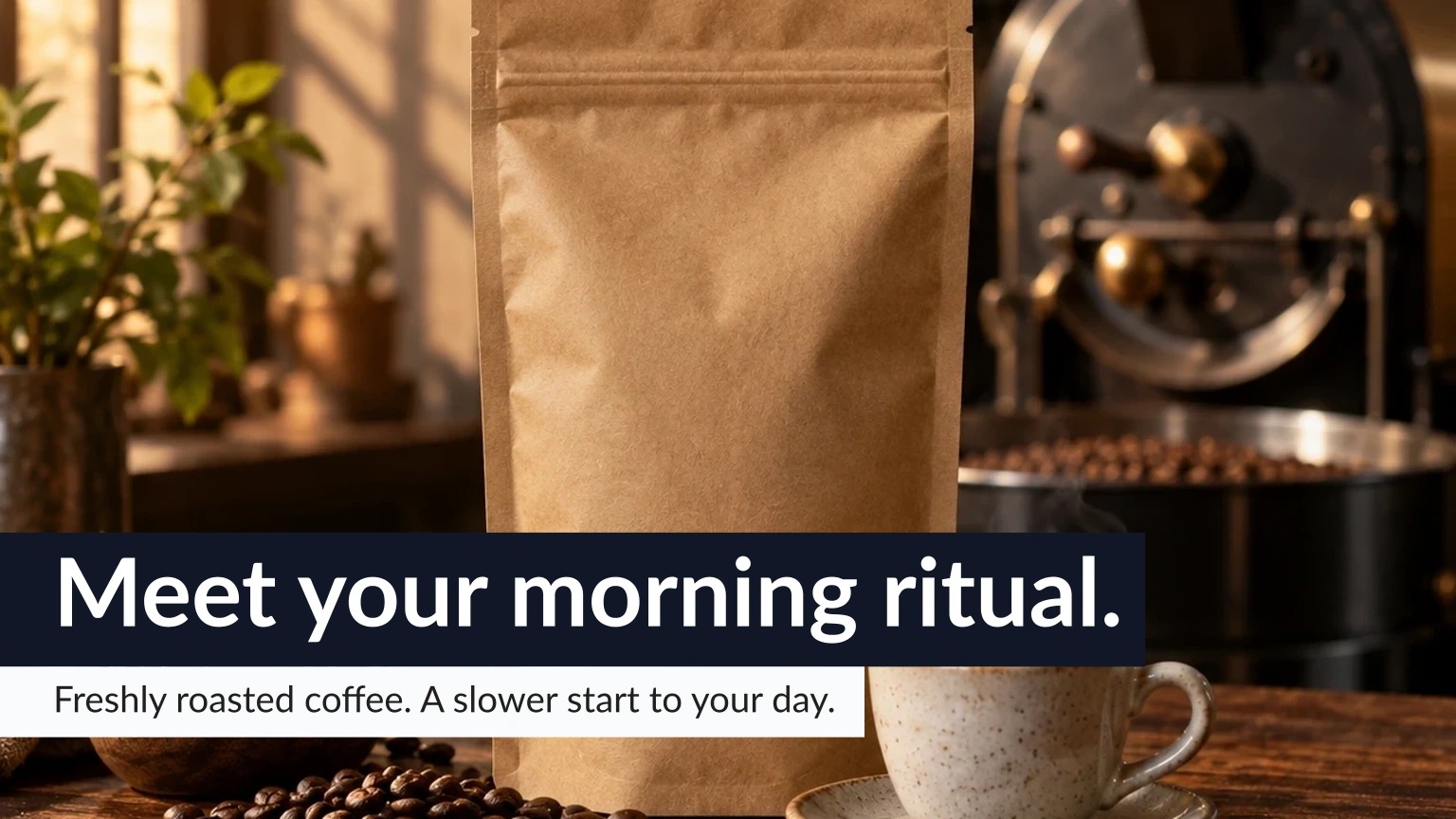
Use the published fictional coffee launch to inspect the relationship between an approved source image, supplied campaign message, generated copy variants and channel exports. Review the artifact for each destination instead of judging the kit from one thumbnail.
Inspect channel copy beside an actual campaign package
The downloadable coffee campaign is an actual retained Campaign Kit package. A separate, newer Northwind capture records six Ready channel cards, each with a picture and alternative text; caption-bearing channels include their proposed copy. Inspect its retained text record to see how the same fictional brief is shortened for different destinations.
The 1,200 by 627 LinkedIn image is byte-identical to the file in coffee.zip. Open full size ↗The 1,080 by 1,350 feed image uses the same fictional campaign in a different channel composition. Open full size ↗The 1,080 by 1,920 Story image has no separate caption file; review the image text and its alternative text. Open full size ↗The 1,536 by 864 X image is supplied alongside its own caption and alternative text. Open full size ↗
These are separate fictional campaigns. The new Northwind capture establishes six Ready cards and proposed copy, not a downloaded ZIP, scheduled posts, publication or campaign performance. Review each selected caption, image crop and alternative text before use.
The supplied brief
Source photo
The approved source image and its permitted use; a generated marketing source image is labelled as such.
Campaign message
A supplied headline, supporting line, audience and destination.
Channels
Select the supported destinations and inspect their individual sizes, crops and copy.
Review record
Keep chosen captions, alternative text, source attribution and any copy corrections with the selected artwork.
Review the source and brief
Choose the source image and supply the campaign inputs, then inspect any generated descriptions and captions.
Inspect: A generated caption can add an unsupported product claim. Compare it with the supplied offer and facts before accepting it.
Compare the channel outputs
Inspect crop, headline fit, supporting copy, contrast and alternative text for each selected channel.
Inspect: A landscape crop and a square crop can lose different information. Check the actual exported pictures rather than assuming a single layout fits every channel.
Refine at the offered scope
Use the available design choices and supported selected-channel regeneration, then inspect the revised result.
Inspect: Changing one channel should not be treated as approval of the whole kit. Read the final selected caption after editing.
Inspect the package and print separately
Open the actual ZIP or scheduler CSV. For a separate print document, review copy, layout, fit, density, photo placement and the final proof.
Inspect: Prism print already supports Latin, Cyrillic, Arabic RTL, Indian scripts and Chinese/Korean/Japanese. Inspect the actual script and print destination; a digital campaign crop is not a print proof.
Before approving the result
Check every exported channel’s crop and copy.
Keep image permissions and attribution accurate.
Verify that the package contains the selected captions and actual artwork.
The published campaign sample uses actual Campaign Kit renders and generated copy from a supplied fictional brief. It is not a measured campaign outcome, live scheduled delivery or a print certification.