
AI Presentation Creator
Create finished decks from a topic when you need speed, or from notes, briefs, articles, and reference material when the deck needs outline control before slide generation.
Create a finished deck, not a loose first draft
Create a finished presentation in one workspace, with outline planning, workflow-specific structure, slide editing, citations, presenter tools, and export attached to the same deck.
Keep decks grounded to source material and approved web research when needed. Gixo extracts key claims, highlights what needs verification, and surfaces citations, attribution, and trust status inside the deck viewer.
Use the fast topic path for speed, or start with an outline when the deck needs to be shaped from notes, briefs, articles, and reference material first.
Every presentation looks like it was designed by a professional. Consistent themes, balanced layouts, and clear visual hierarchy across all slides.
Choose from business, startup, creative, academic, executive, and workflow-specific themes, then switch the visual system after generation without rebuilding the deck.
Edit any slide after creation. Change content, swap layouts, add images, regenerate sections, or restructure the deck to match your vision.
Generate custom visuals on any slide with AI. No stock photos needed — create images that perfectly match your presentation content and theme.
Present directly in the browser with full-screen mode and speaker notes. Export to PDF for offline sharing or email distribution.
Proof from the actual deck workflow
Citations, speaker notes, present mode, and PPTX, PDF, HTML, and slide-image exports stay attached to the same deck.
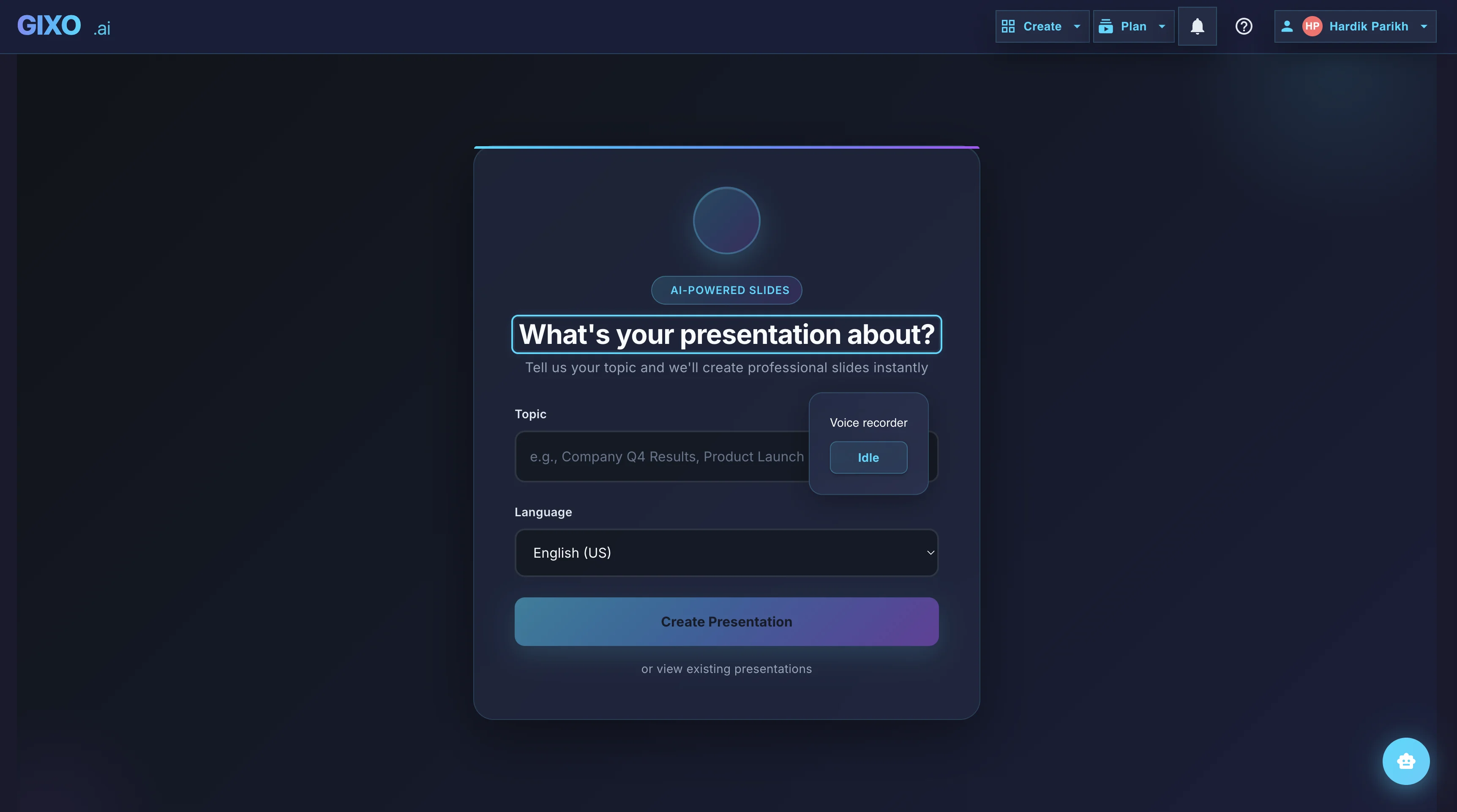
Outline First
Deck creation starts from source material and workflow fit, so the structure is reviewable before the full deck is generated.
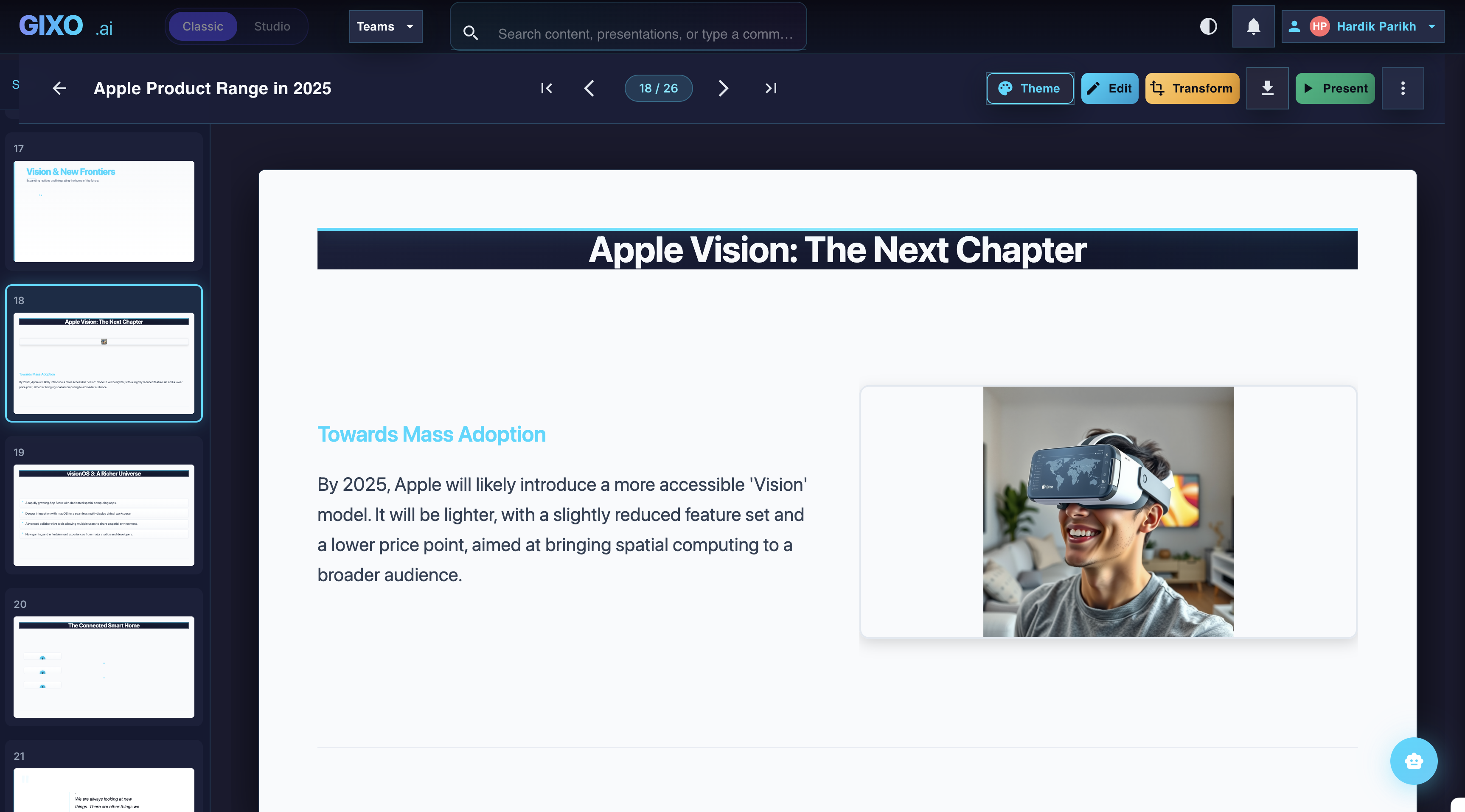
Edit the Finished Deck
Theme changes, slide-level edits, transformations, and layout control stay inside the same workspace after the first pass lands.
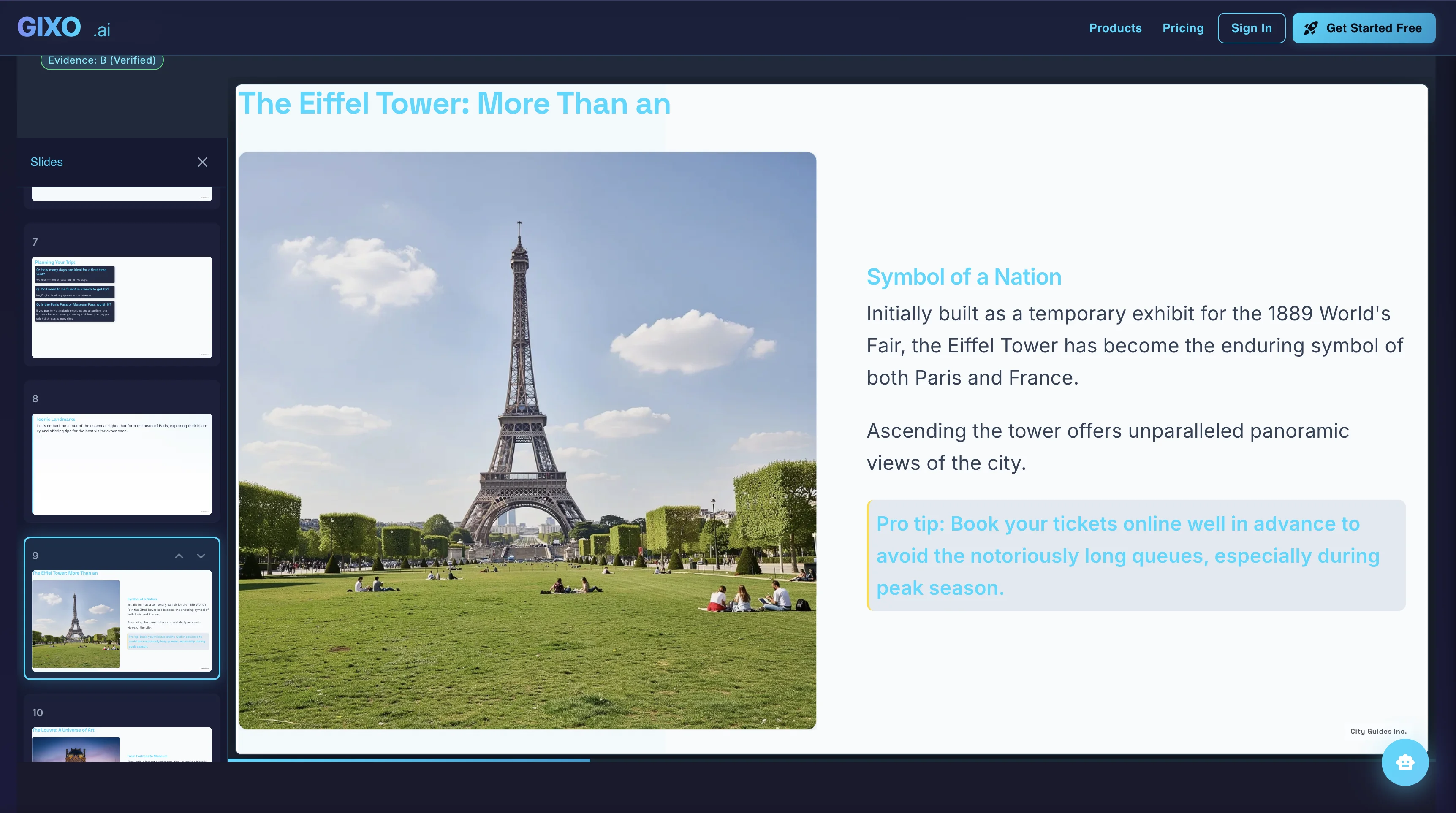
Present and Export
Presenter notes, citations, shareable delivery, and exports belong to the same deck instead of being rebuilt in another presentation tool.
How teams create a finished deck
Start from a topic for the fastest result, or open the outline workflow for notes, a brief, an article, or uploaded reference material.
Pick the workflow fit first, then choose the visual direction. That keeps the first pass aligned to consulting, finance, sales, executive, product, startup, or general business decks.
Review the outline first if you want, then let Gixo build the full deck with layout rhythm, content structure, evidence checks, and slide types that fit the workflow.
Refine slides, swap layouts, update notes, review citations, then share, present, or export the same finished deck.
Frequently Asked Questions
Looking for the full AI presentation platform? See our comprehensive AI Presentation Maker page.