
One source pack for briefs, decks, recommendations, decisions, and frameworks
Gixo Business, not a generic summarizer
Upload contracts, reports, research, or internal notes and turn them into the business artifact the job actually needs.
Built for grounded, reviewable business work rather than quick topic-in/topic-out summaries.
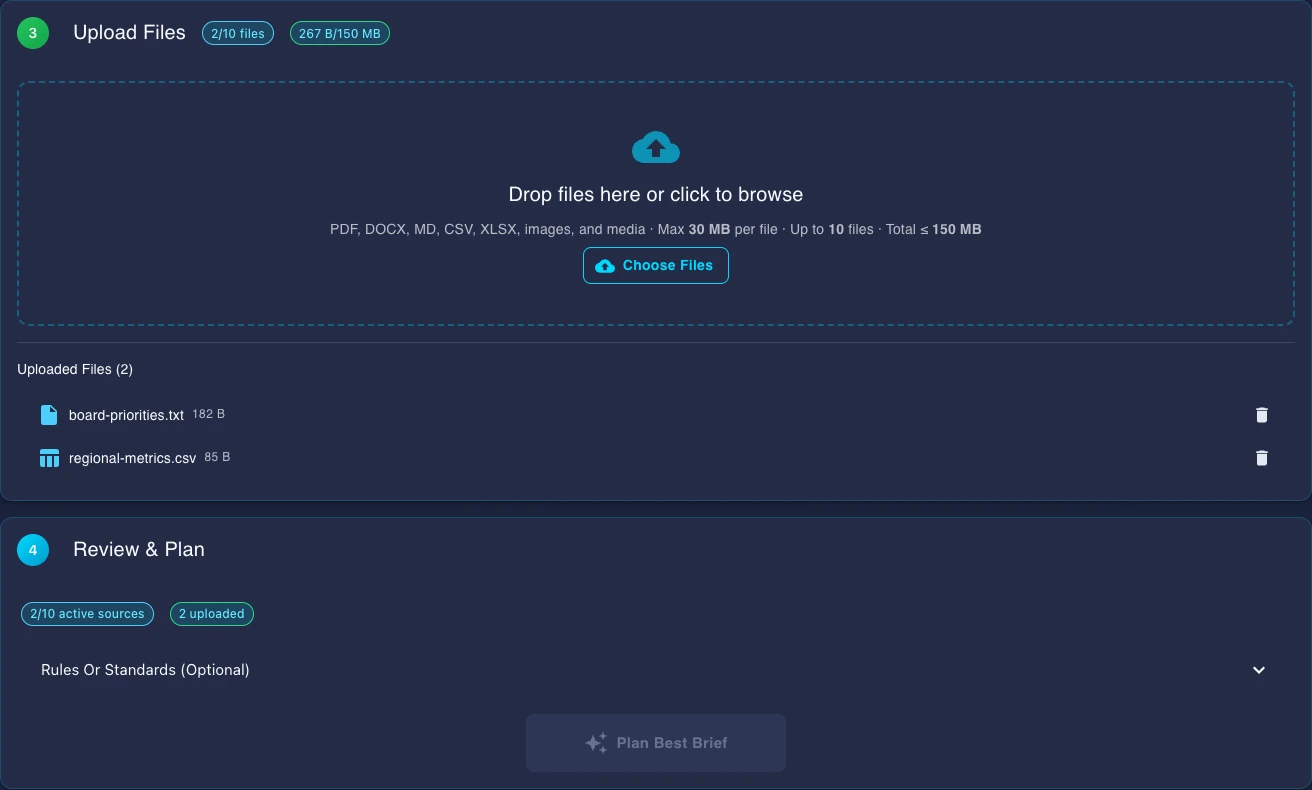
One source pack. Multiple business modes.
Start from the same uploaded documents and choose the mode that fits the business job, while keeping the evidence and review workflow in one place.
Use when you need a checked summary, key findings, source notes, and next steps.
Use the same source pack to generate business slides for leadership reviews, board updates, and stakeholder meetings.
Use when the work needs options, trade-offs, follow-up questions, and a decision-ready recommendation draft.
Keep options, criteria, confidence, and trade-offs explicit instead of hiding the decision logic inside prose.
Use matrices, pyramids, funnels, and other structured frameworks when the case needs a visual analytical surface.
See the actual business surfaces
Gixo Business is strongest when the same case moves from source-pack intake into recommendation, decision, and framework work without dropping the evidence trail.
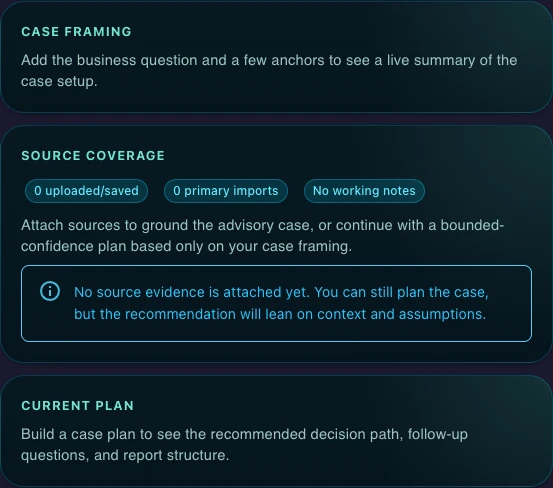
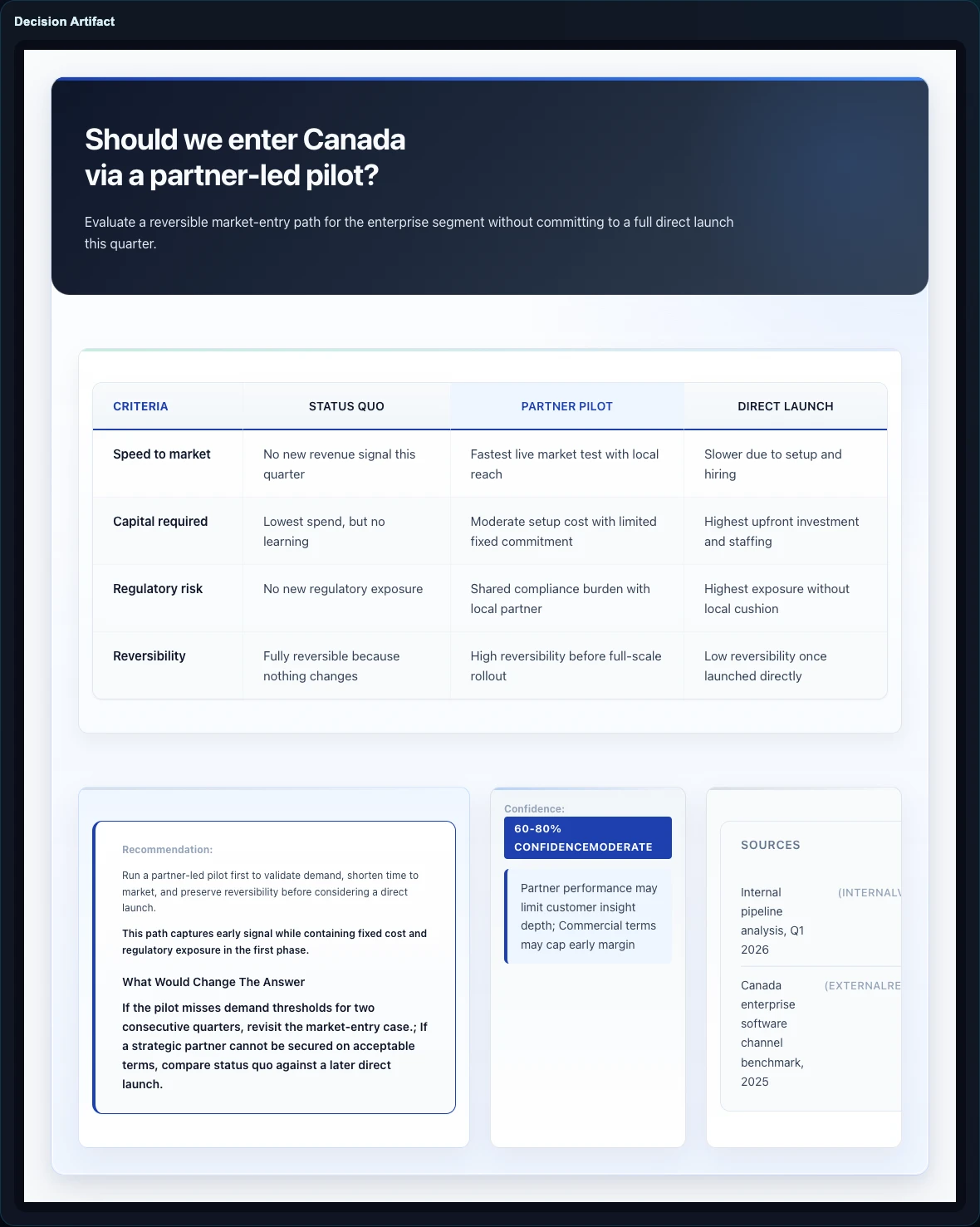
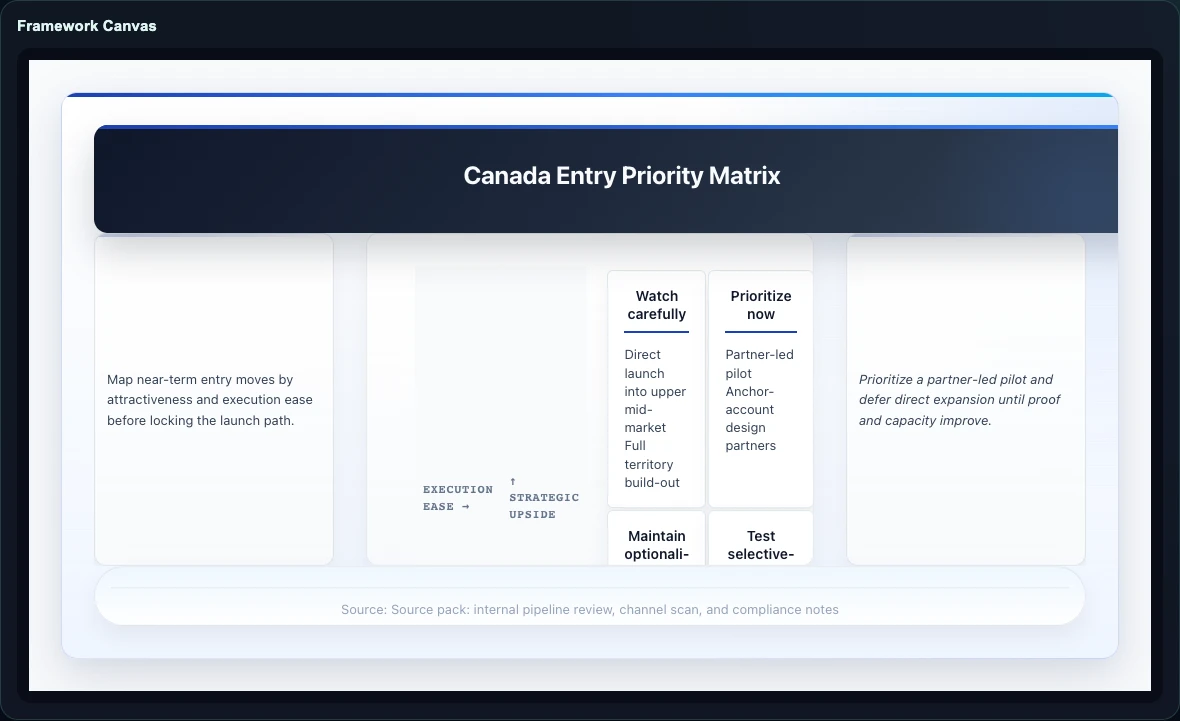
Starting points across five business categories
Brief Mode includes 54 recipe-backed ways to start across five business categories. From there, the same source pack can move into decks, recommendation work, decisions, and frameworks.
How Gixo Business works
Start with the work itself: a brief, a deck, a recommendation, a decision artifact, or a framework tied to the same business question.
Upload files or pick from saved work. PDFs, Word docs, spreadsheets, and images are supported, including scanned files.
Gixo analyzes your goal and source pack, picks the right business category or workflow, and plans before generating so the output shape is explicit.
Many teams start with Brief Mode, then extend the same source pack into a briefing deck, recommendation draft, decision artifact, or framework when the work becomes more analytical.
Checks Built Into Every Brief
Each brief is checked so your team can review, edit, and use it with confidence.
A Full Editor, Not Just Output
Every brief opens in a rich editor with semantic blocks, inline AI editing, and real-time collaboration.
Insert 20+ semantic blocks with slash commands: KPIs, Checklists, Steps, Pros/Cons, CTAs, Comparison Tables, Definitions, and more. Each block has AI-powered field generation.
Select text and use Quick AI for instant rewrites, simplification, expansion, grammar fixes, or tone changes. Open Power Edit for a full AI chat dialog with document context and voice input.
Every number is batch-verified against your source documents. Hallucinated statistics are automatically repaired.
Inline [1], [2] references are injected throughout with a full Sources section mapping to your files.
Invite teammates to co-edit briefs in real time. See remote cursors, leave inline comments, and share work.
Post-generation compliance checking ensures your brief matches your organization's tone and style guidelines.
Upload Anything. Export Everywhere.
Broad file support with intelligent content extraction. Export to professional formats ready for distribution.