Write Better Business Documents in Half the Time

Looking for the best AI tool for business writing in 2026? We compare the top options for generating briefs, memos, reports, and strategic documents — evaluating structure, formatting, export capabilities, and domain expertise.

8Pipeline Stages
20+Semantic Blocks
54Curated Recipes
LiveCollaboration

What Actually Matters When Choosing an AI Writing Tool

Generic AI produces flat text. The best business writing tool in 2026 runs an 8-stage pipeline, offers 20+ semantic blocks, and verifies every number and citation automatically.

8-Stage Verified Pipeline

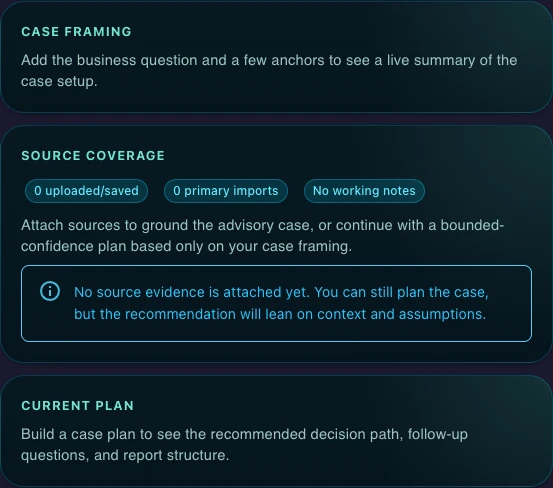
The best AI writing tool does not just generate text -- it verifies it. Gixo's pipeline runs every document through generate, word count, brand compliance, number verification against source documents, optimization, automatic [1],[2] citations, normative references, and validation.

20+ Semantic Blocks

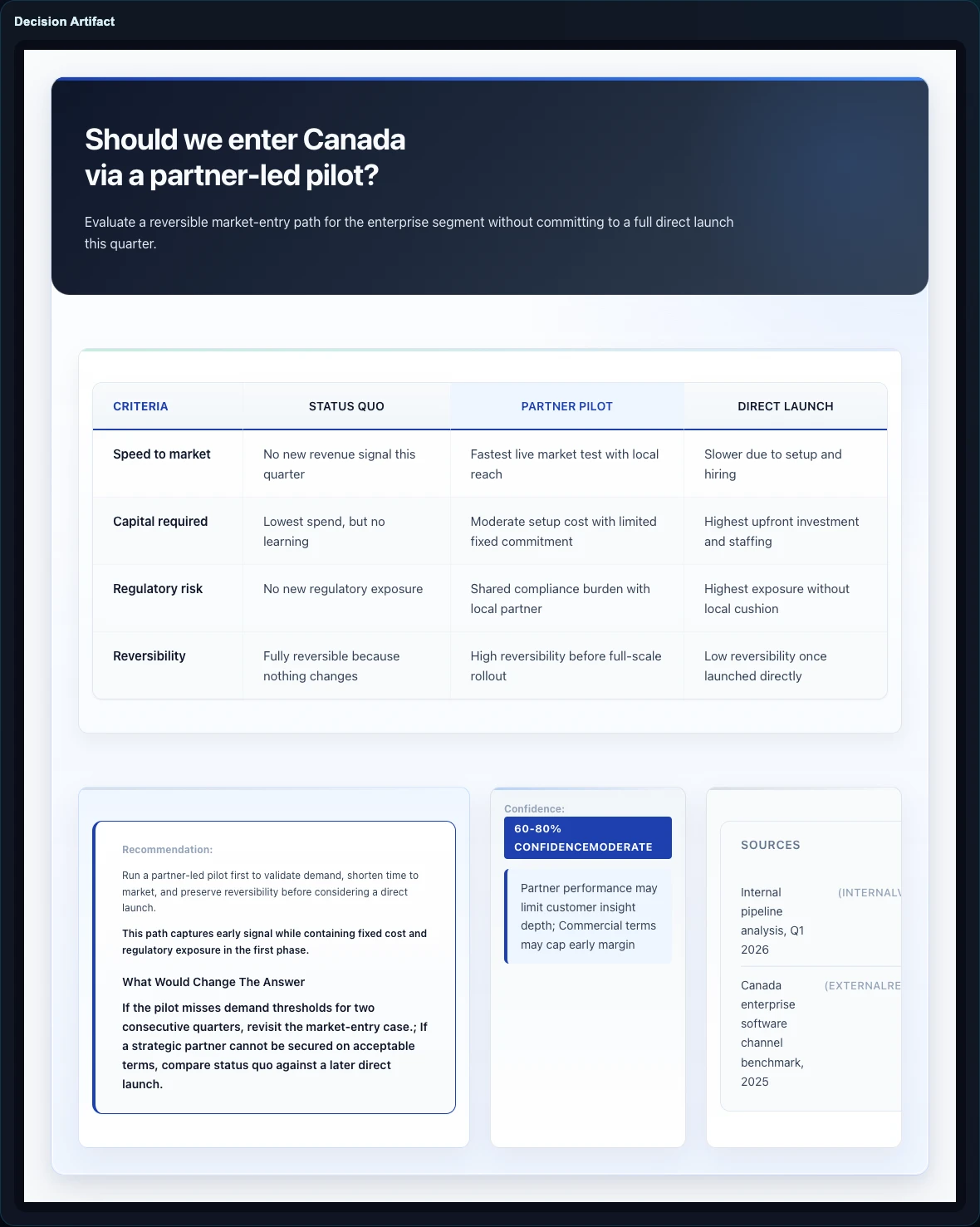
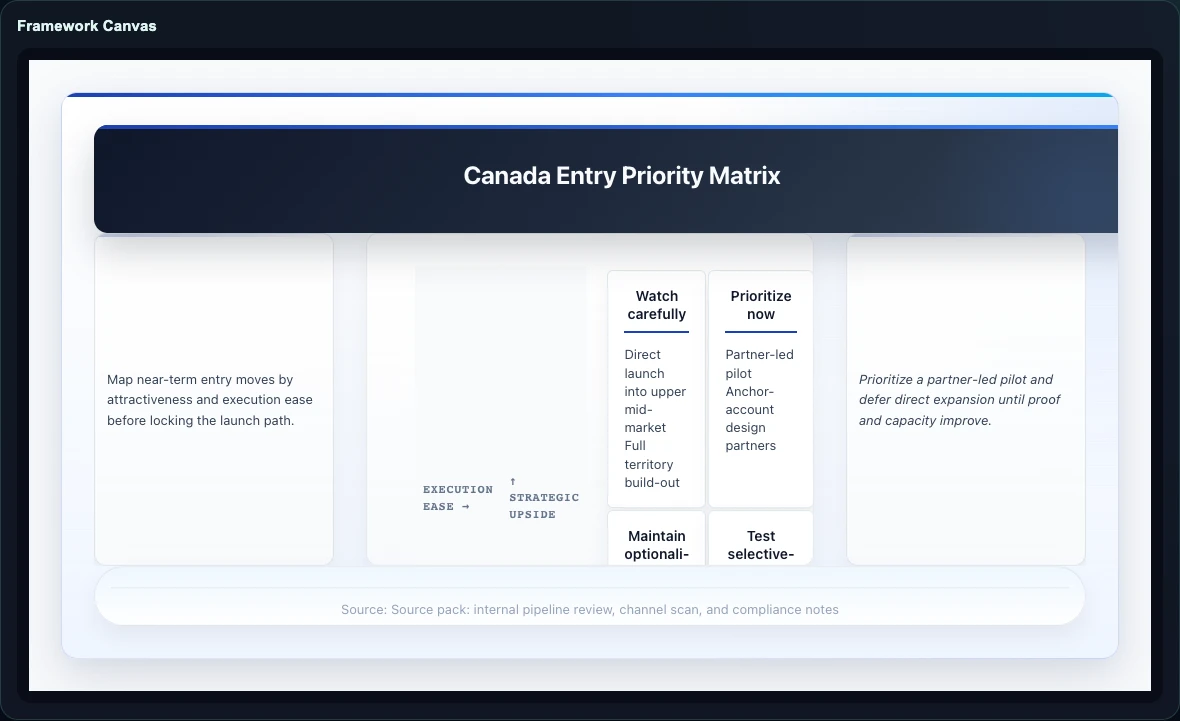
KPIs, Checklists, Steps, Pros/Cons, CTAs, Comparison Tables -- structured content blocks that give business documents the visual hierarchy executives expect. No other AI writing tool offers this level of structured output.

Automatic [1],[2] Citations

Every claim is backed by inline [1],[2] citations with a full Sources section. While ChatGPT and Notion AI produce uncited text, Gixo ensures every data point is traceable to its origin.

54 Curated Recipes

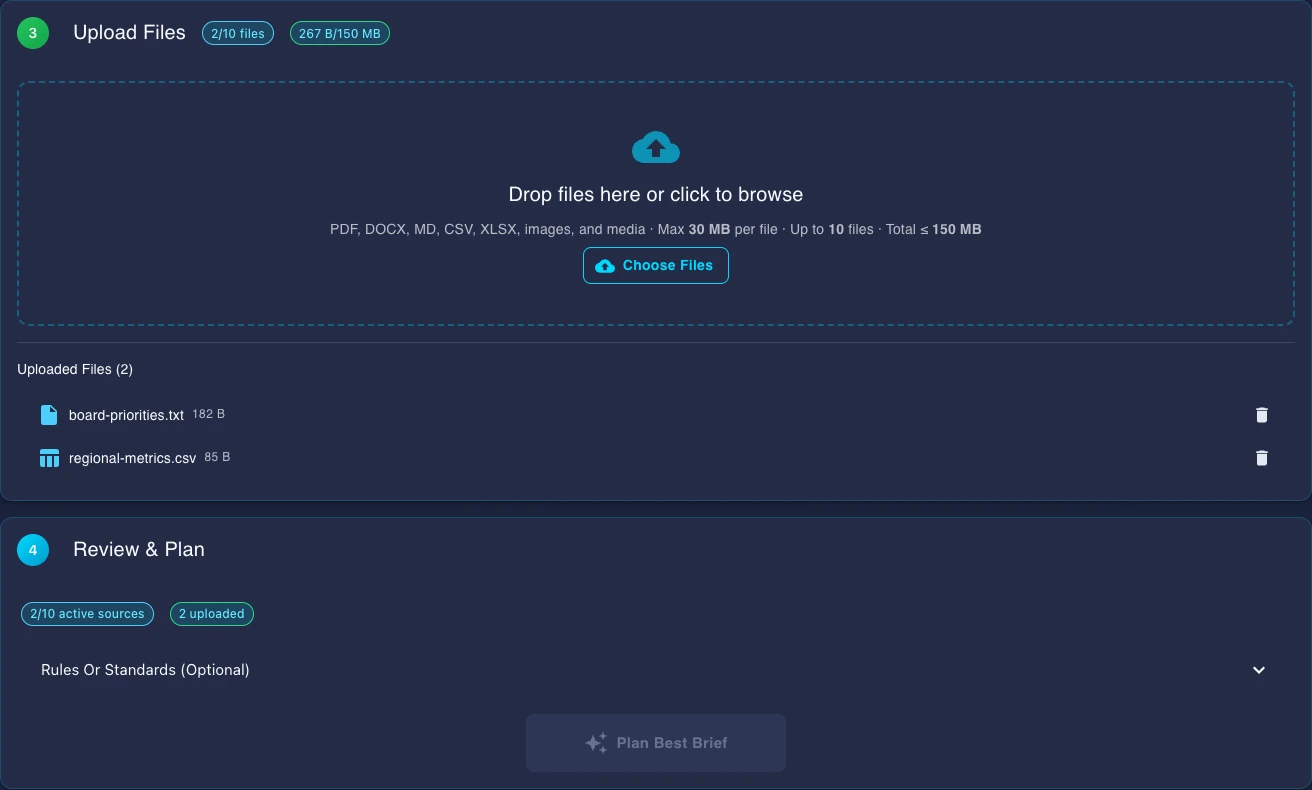
Choose from 54 recipes across strategy, market analysis, competitive intelligence, finance, compliance, legal, and more. Each recipe pre-loads the right frameworks and blocks -- no prompt engineering required.

Quick AI + Power Edit

Quick AI provides 6 instant actions (shorten, expand, rephrase, formalize, simplify, translate). Power Edit opens an AI chat dialog for deeper restructuring. Together they replace the revision overhead of traditional writing.

Brand Compliance and Collaboration

The pipeline enforces your brand rules for tone, terminology, and formatting on every generation. Real-time collaboration in saved workspaces lets your team edit the same verified document simultaneously.

Why Business Writing Needs Specialized AI

The Gap Between Chat AI and Verified Business Documents

General-purpose chatbots produce conversational text that reads well in a chat window but falls apart when pasted into a professional document. They cannot verify numbers against source documents, cannot insert inline [1],[2] citations automatically, and cannot enforce brand compliance. The best AI business writing tool in 2026 closes this gap with an 8-stage pipeline that generates, verifies, cites, and validates every document before you see it. With 20+ semantic blocks (KPIs, Checklists, Steps, Pros/Cons, CTAs, Comparison Tables), the output arrives structured for executive review from the start.

How AI Business Writing Tools Have Evolved in 2026

The landscape has shifted dramatically from 2024-era text generators. The best tools now run multi-stage verification pipelines that check numbers against source documents, enforce brand rules for tone and terminology, and insert inline citations automatically. They offer curated recipes (Gixo has 54) that pre-load domain-specific frameworks, and they provide block-based editing with Quick AI (6 instant actions) and Power Edit (AI chat dialog) for rapid refinement. Real-time collaboration in saved workspaces means teams work on the same verified document simultaneously. The result competes with consulting-grade deliverables.

How Gixo Compares to Other AI Writing Tools

1
8-stage verified pipeline

Every document runs through generate, word count, brand compliance, number verification against source documents, optimization, automatic [1],[2] citations with Sources section, normative references, and validation. No other writing tool verifies output this rigorously.

2
54 curated recipes across 15+ domains

Choose from 54 recipes spanning strategy, market analysis, competitive intelligence, finance, compliance, HR, legal, operations, technology, marketing, supply chain, product, sustainability, risk, and M&A.

3
20+ semantic blocks with Quick AI and Power Edit

Structure documents with KPIs, Checklists, Comparison Tables, Pros/Cons, Steps, and CTAs. Refine with Quick AI's 6 instant actions or Power Edit's AI chat dialog. No prompt engineering required.

4
Real-time collaboration and PDF export

Work with your team in saved workspaces with real-time collaboration. Export polished PDFs with verified numbers, inline citations, and brand-compliant formatting built into every document.

What Teams Actually Use This For

How teams across industries use AI business writing tools to work faster and communicate better.

Board-Ready Strategy Memos
Generate structured strategy briefs with executive summaries, market data, and actionable recommendations that are ready to present to leadership and board members without additional formatting.
Competitive Intelligence Reports
Produce multi-page competitive analyses covering market positioning, product comparisons, pricing strategies, and threat assessments — complete with cited data sources and visual structure.
Investor and Fundraising Decks
Create evidence-backed market analyses and business case documents for fundraising conversations, due diligence, and investor updates with professional formatting built in.
Cross-Functional Business Cases
Build comprehensive business cases spanning finance, operations, compliance, and strategy. AI covers all domains in a single document rather than requiring separate specialist inputs.

A Side-by-Side Look at the Top Tools

How Gixo stacks up against other popular AI writing tools for business document creation.

FeatureGixoChatGPTNotion AIJasper
Verification pipeline8 stagesNoneNoneNone
Number verificationAgainst sourcesNoNoNo
Auto citations [1],[2]Built-in + SourcesUnreliableNoNo
Semantic blocks20+ typesPlain textBasic blocksNo
Curated recipes54Prompt-dependentNoTemplates
Brand complianceAutomaticNoNoPartial
Quick AI + Power Edit6 actions + chatRe-promptBasic editRe-prompt
Real-time collaborationSaved workspacesNoYesNo
PDF exportProfessionalNoBasicNo

How to Get the Most from Your AI Writing Tool

Maximize the value of AI business writing with these practical strategies.

Start with a curated recipe. Browse the 54 recipes to find the one that matches your document type. Each recipe pre-loads the right frameworks and semantic blocks, so you get structured output without prompt engineering.
Trust the pipeline for verification. The 8-stage pipeline checks numbers against source documents, enforces brand compliance, and inserts [1],[2] citations automatically. Add proprietary data after verification -- the analytical foundation is already rigorous.
Use Quick AI and Power Edit to iterate. Quick AI provides 6 instant actions (shorten, expand, rephrase, formalize, simplify, translate) for fast refinement. Power Edit opens an AI chat dialog for deeper restructuring. Both work on any semantic block.
Collaborate in saved workspaces. Invite your team into shared workspaces for real-time collaboration. Build a library of verified briefs across domains and topics. Revisit and regenerate quarterly to maintain a living strategic reference with updated numbers and citations.

Frequently Asked Questions

What makes Gixo the best AI business writing tool in 2026?
Gixo runs an 8-stage verified pipeline (generate, word count, brand compliance, number verification, optimization, auto [1],[2] citations, normative references, validation) with 20+ semantic blocks, 54 curated recipes, and real-time collaboration in saved workspaces. No other writing tool combines this level of verification with structured output.
Can ChatGPT write business briefs?
ChatGPT generates plain text without a verification pipeline, number checks, structured blocks, brand compliance, or reliable citations. You would need to manually verify, format, cite, and layout the output. Gixo automates all of this through its 8-stage pipeline.
Is Gixo better than Notion AI for business writing?
For verified business documents, yes. Notion AI enhances text within documents but lacks a verification pipeline, number checking, automatic [1],[2] citations, curated recipes, or brand compliance. Gixo is purpose-built for business briefs with 20+ semantic blocks and real-time collaboration.
What are the 54 curated recipes?
Pre-built templates spanning strategy, market analysis, competitive intelligence, financial due diligence, compliance, HR, legal, operations, technology, marketing, and more. Each recipe pre-loads the right frameworks and semantic blocks for that document type.
How does number verification work?
The pipeline cross-checks every number in the generated document against the source documents it drew from. Unverifiable figures are flagged before the document reaches you. This is a quality check that no other AI writing tool performs automatically.
What is the difference between Quick AI and Power Edit?
Quick AI provides 6 instant actions -- shorten, expand, rephrase, formalize, simplify, and translate -- for one-click refinement of any block. Power Edit opens a full AI chat dialog where you can have a conversation to reshape content more deeply.
How does brand compliance work?
The brand compliance stage in the pipeline checks every document against your configured brand rules for tone, terminology, and style. This ensures consistent voice across all briefs regardless of which team member creates them.
Can my team collaborate on documents?
Yes. Real-time collaboration in saved workspaces lets your entire team edit the same verified document simultaneously. Everyone works with the same blocks, verified numbers, and citations. Build a library of briefs across business functions for ongoing reference.
Is there a free trial?
Yes. Generate your first business brief for free and experience the 8-stage pipeline, semantic blocks, automatic citations, and professional PDF export before committing to a plan.

Start Writing Smarter Business Documents Today

8-stage pipeline. 20+ semantic blocks. 54 recipes. Verified numbers. Auto citations. Real-time collaboration.

High Contrast Mode Disabled
An error has occurred. This application may no longer respond until reloaded. Reload 🗙