
Your Content Generator Questions, Answered
Common questions about creating SEO articles, blog posts, newsletters, and marketing content with Gixo AI — including Brand Voice, bulk generation, and export options.
What your plan includes. Writing, checks, exports, public share links, publishing to WordPress and Ghost, and the Medium export are on every plan, from $10 per seat a month. Brand Voice needs Starter; comments and Brand Kit need Professional; bulk needs Business.
Core editing and generation are available in Quill; Brand Voice, comments, named collaboration, and bulk workflows can depend on the current plan. Check the plan details before assuming a team feature is included.
What You Can Create with the Content Generator
All the ways Gixo helps you create professional content at scale.
Every article can use structured headings, target keywords, source grounding, citations, readability analysis, and deterministic SEO checks. Generate or edit destination metadata in the delivery workflow, then confirm it in your CMS before publishing.
Define your brand tone, style, vocabulary, and formatting rules. When the selected plan includes Brand Voice, Quill can apply that profile during generation; review the output for consistency.
Where the selected plan supports bulk generation, upload a list of topics and queue separate articles, blog posts or news reports. Review each result before delivery. A newsletter-style draft needs an explicit brief within a supported type.
Create SEO articles, blog posts, news reports, how-to guides, checklists and other supported formats. Each selected type supplies generation guidance. Describe newsletter-style requirements in the brief rather than looking for a Newsletter selector.
Edit any generated content with a full rich-text editor. Use inline AI assistance to rewrite paragraphs, expand sections, adjust tone, or add new content blocks.
Transform existing content into a checklist, LinkedIn post or Twitter thread. Newsletter-style copy can be requested through a brief within a supported text type; it is not a dedicated transformation option. Presentations belong to Gixo Lumen and infographics to Gixo Prism — approved Quill content can move into either as source material, but both are separate products and plans.
How Content Generation Works
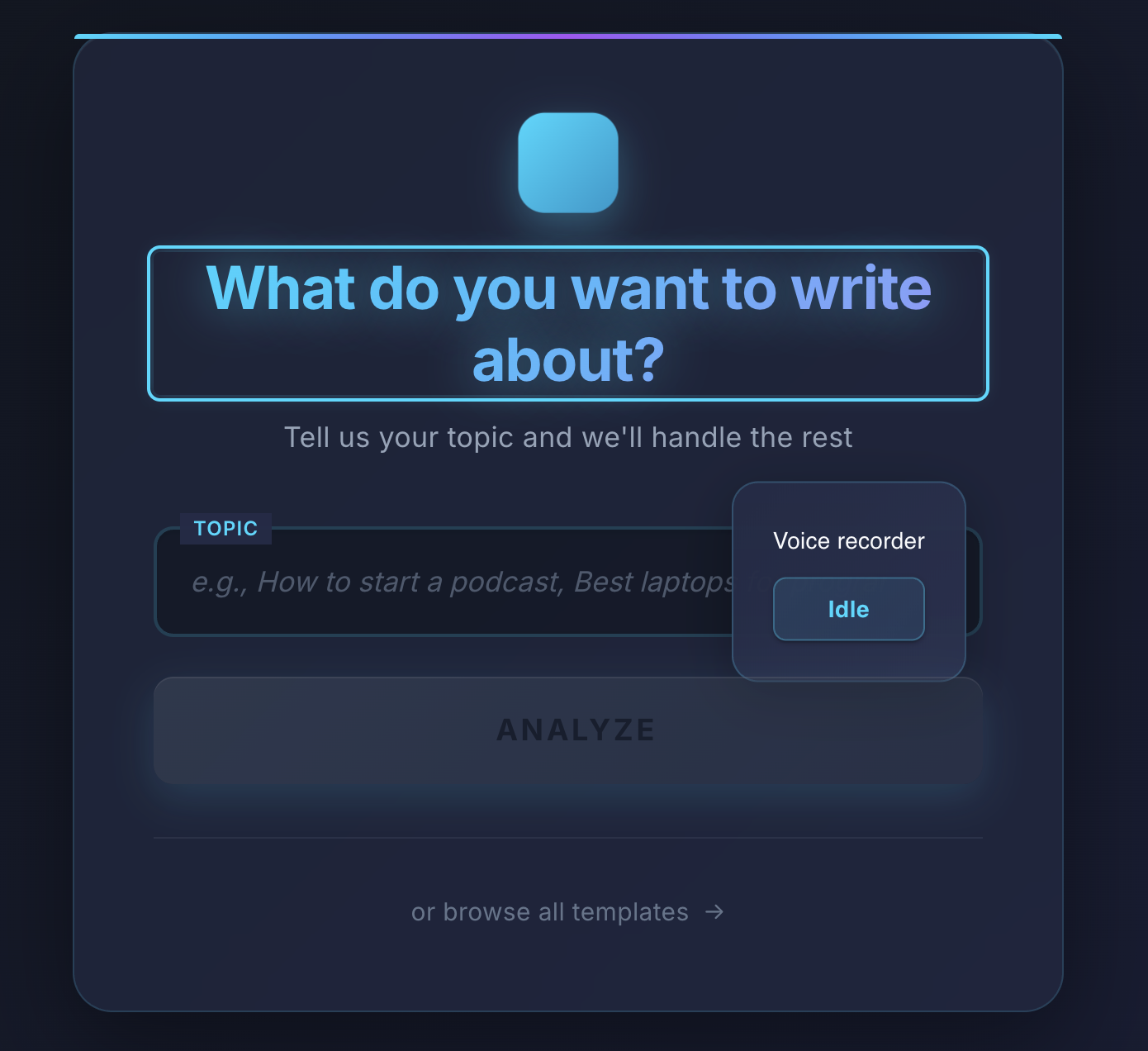
Select a supported type such as SEO article, blog post, news report, how-to guide or checklist. Each type supplies generation guidance; put any newsletter-style requirements in the brief.
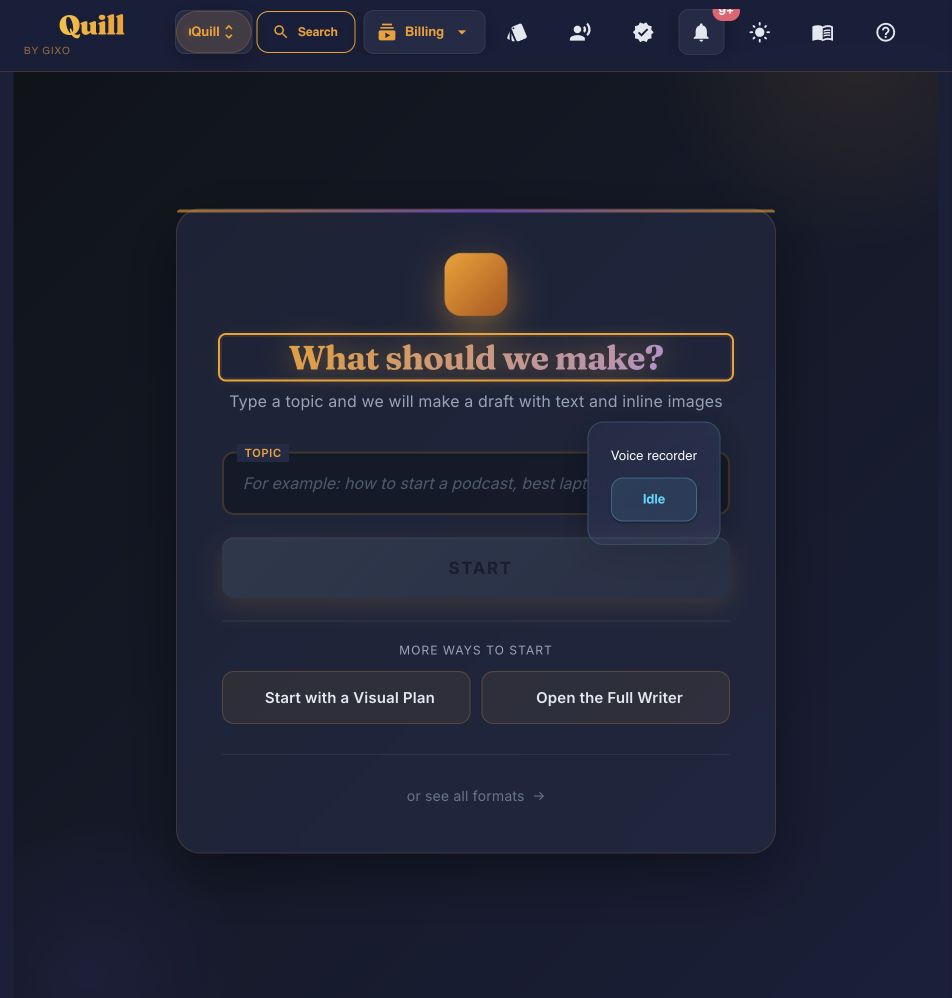
Enter your topic, target keywords, desired length, and any specific instructions. Optionally select a Brand Voice profile for consistent tone.
Gixo produces a structured, source-grounded article with headings, citations, and formatted content ready for review. SEO metadata can be generated and edited in the delivery workflow before publishing.
Refine with the built-in editor, export to PDF, HTML, or DOCX, publish directly to WordPress or Ghost, or use the Medium draft handoff, with Substack available through export.
Every Content Type You Can Generate, from SEO Articles to Newsletters — the Types of Content Writing Quill Covers
Newsletter, marketing and technical examples here are brief-driven uses of supported Quill types, rather than dedicated selector options. Brand Voice starts at the Starter plan. Legal document workflows belong to Gixo Lex; check that product’s access and plan.
| Content Type | SEO Optimized | Brand Voice | Export |
|---|---|---|---|
| SEO Articles | Yes | Yes | PDF, HTML, DOCX |
| Blog Posts | Yes | Yes | PDF, HTML, DOCX |
| Newsletter-style drafts from a brief; no dedicated selector | Review supplied keywords | When the plan includes it | PDF, HTML, DOCX |
| Marketing copy from a brief within a supported Quill type | Draft checks; review the result | Professional and above | PDF, HTML, DOCX |
| Technical copy from a brief within a supported Quill type | Draft checks; review the result | Professional and above | PDF, HTML, DOCX |
| Legal document workflows: separate Gixo Lex product | Check Lex capabilities | Check the Lex plan | Review Lex export options |
Frequently Asked Questions
Inside Quill
Start with the amount of structure you already have
Updated