
AI Presentation Workspace for Finished Decks
Start fast from a topic, or plan from notes, briefs, articles, and reference material. Build a finished deck with outline control, editing, citations, presenter tools, sharing, and export in one workspace.
Lite
Good for one person getting started
$19/seat/month
Starter
Good for one person making decks regularly
$49/seat/month
14-day free trial on monthly planAI deck generation
Themes, speaker notes, and present mode
Slide editing plus PDF and HTML export
Personal presentation workspace
Professional
Good for teams creating and sharing presentations
$69/seat/month
Everything in Starter
Sharing and presentation collaboration
More polished deck workflows
Stronger review and reuse flow
Business
Good for brand-led presentation teams
$79/seat/month
Everything in Professional
Brand controls and team workflows
Shared presentation workspaces
Admin-ready team setup
Enterprise
For Azure and private-offer deployments
$99/seat/month
Everything in Business
Azure marketplace or private offer
Onboarding and commercial support
Enterprise rollout support
Direct web checkout starts at Lite. Eligible monthly Starter subscriptions include the web trial. Professional adds stronger sharing and collaboration. Business adds brand and team workflows. Enterprise buying is handled through Azure or private offer.
Why deck teams switch
One presentation workspace for teams that need a strong first pass, outline control, theme switching, citations, presenter tools, and delivery without rebuilding the deck somewhere else.
Deck-shaped first pass
Teams switch when the first pass already understands the workflow, the section order, and the layout rhythm instead of dropping them into blank-slide cleanup.
Real control after generation
Theme changes, slide edits, layout swaps, transformations, and regeneration stay available after the deck exists, so refinement does not mean starting over.
Finish path attached
Evidence checks, citations, speaker notes, present mode, and exports stay on the same deck instead of being rebuilt in a second presentation tool.
Choose the starting path that fits the job
Use the fast path when you need a clean first pass from a topic. Use the outline-first path when the deck needs to come from notes, briefs, articles, or reference material before slides are generated.
From first input to a finished deck
The public story needs to match the actual product: fastest from a topic, deeper control from an outline built on notes, articles, briefs, and reference material.
Start from a topic for the fastest first pass, or open the outline workflow when you already have notes, a brief, an article, or uploaded reference material.
Pick the deck workflow that fits consulting, finance, startup, sales, executive, product, or general business decks, then choose a theme direction that supports that audience.
Use the outline-first path when you want a reviewable structure, then build the full deck with workflow-specific sections, layout rhythm, and slide types.
Change text, switch layouts, update speaker notes, regenerate sections, and review grounding details without rebuilding the whole deck.
Present in the browser, review citations, share a link, or export the same finished deck as PPTX, PDF, HTML, and slide images.
See the kinds of decks teams actually need
Cold traffic should see business-facing proof, not generic classroom-style samples. These use cases match the real jobs buyers are trying to complete.




Proof from the actual deck workflow
Citations, speaker notes, present mode, and PPTX, PDF, HTML, and slide-image exports stay attached to the same deck.
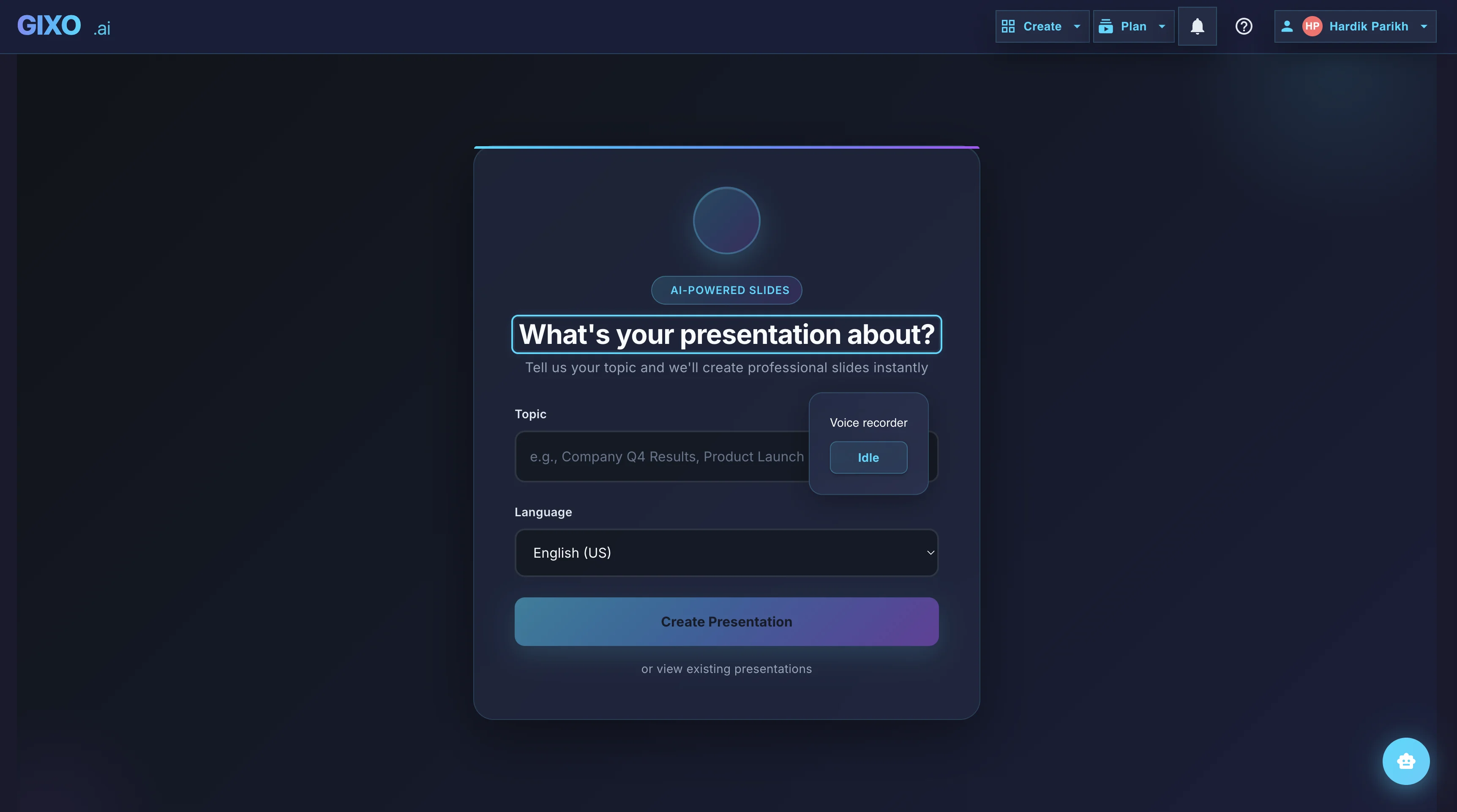
Outline First
Deck creation starts from source material and workflow fit, so the structure is reviewable before the full deck is generated.
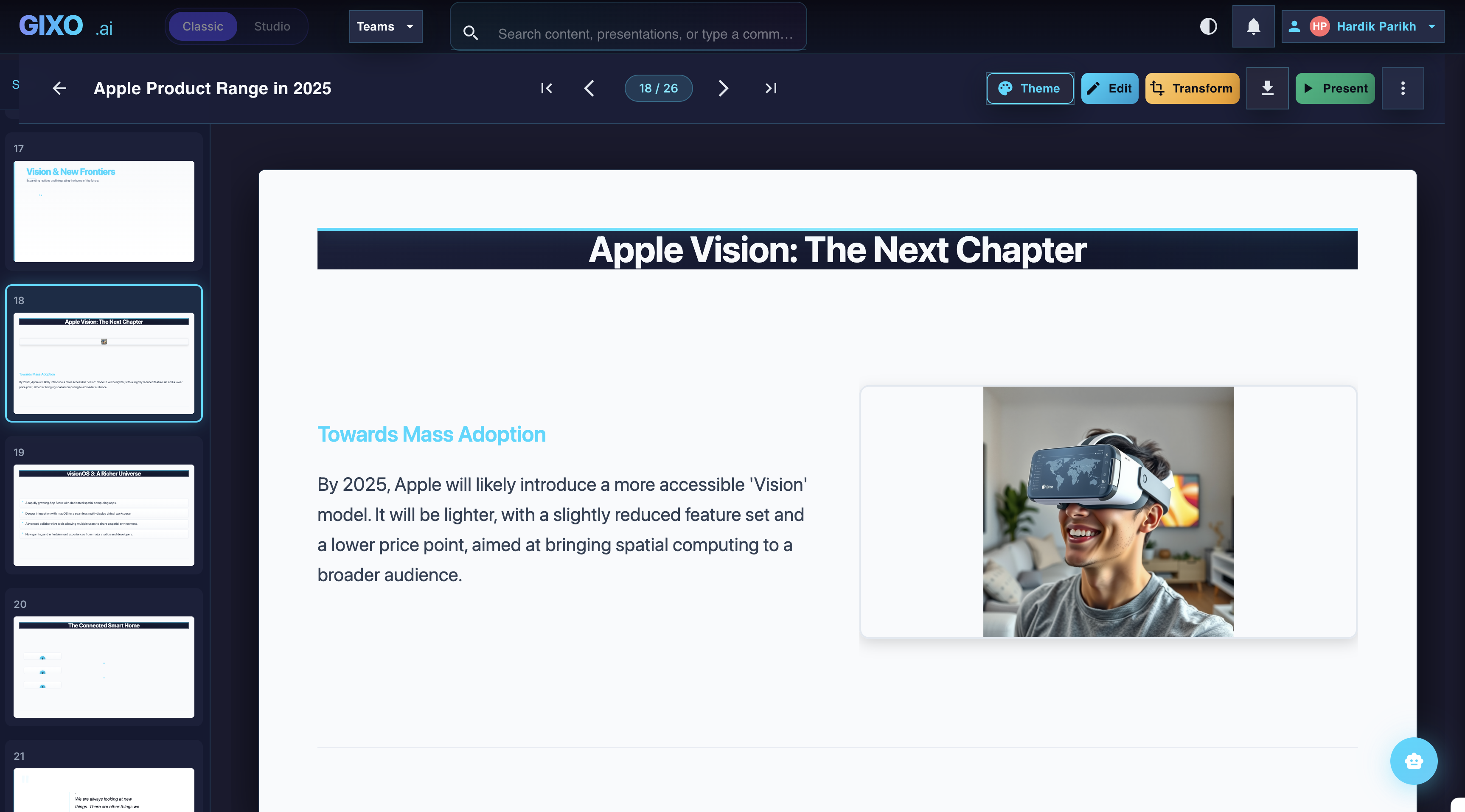
Edit the Finished Deck
Theme changes, slide-level edits, transformations, and layout control stay inside the same workspace after the first pass lands.
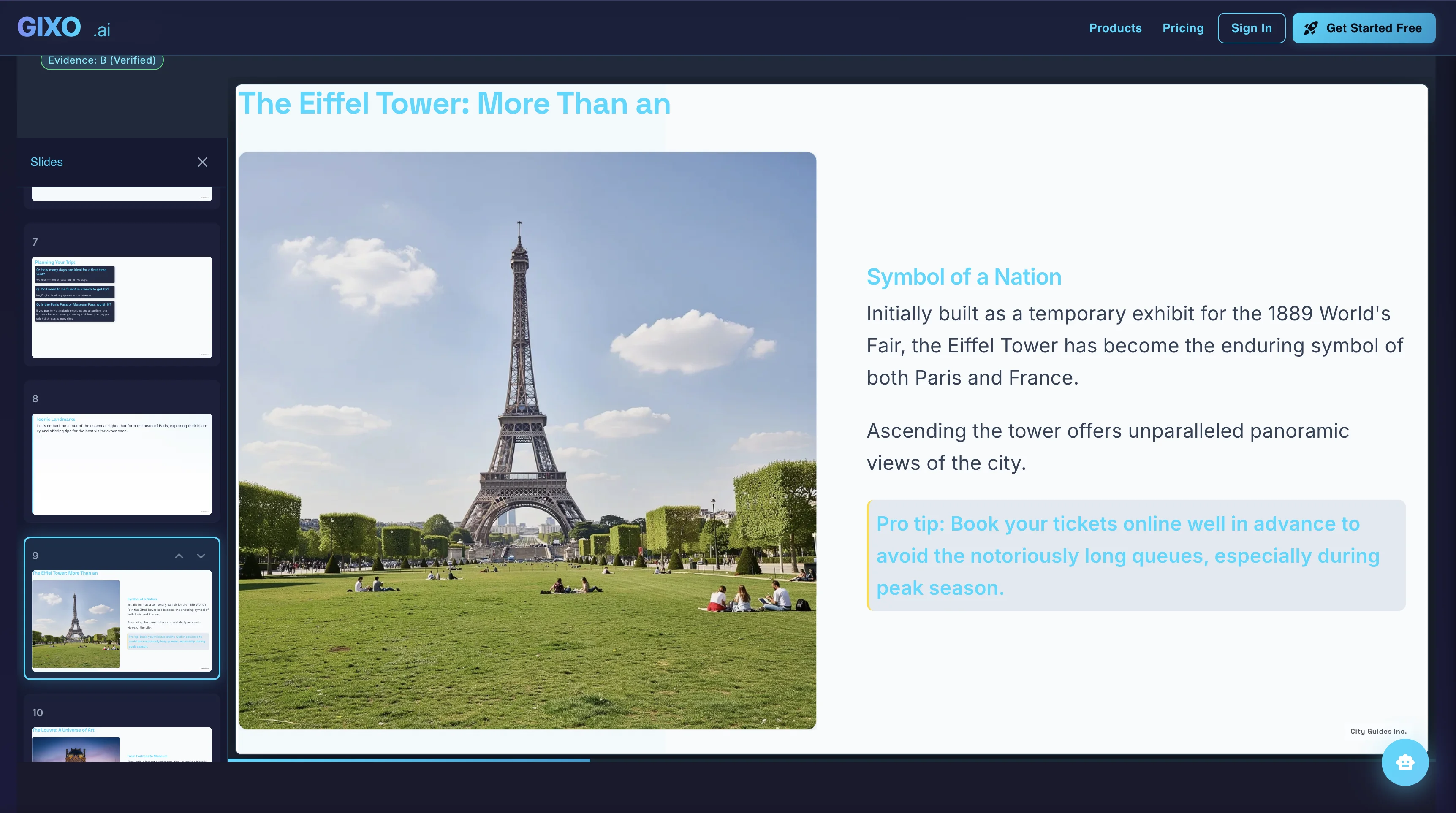
Present and Export
Presenter notes, citations, shareable delivery, and exports belong to the same deck instead of being rebuilt in another presentation tool.
Switch the visual system without rewriting the deck
These are sample directions from a live theme library with 33 active themes and workflow-specific packs.
One workspace from first pass to delivery
Create a finished presentation in one workspace, with outline planning, workflow-specific structure, slide editing, citations, presenter tools, and export attached to the same deck.
Keep decks grounded to source material and approved web research when needed. Gixo extracts key claims, highlights what needs verification, and surfaces citations, attribution, and trust status inside the deck viewer.
Turn slides into infographics without switching tools
13 module types — data grids, process flows, timelines, comparisons, and more. Same themes, same workspace.