Create Stunning Infographics in Seconds

Generate professional multi-section infographics from any topic in minutes. Gixo's AI infographic maker handles layout, data visualization, and design so you can focus on your message. Choose from 15+ themes and export to PNG or PDF.

15+ Professional Themes
Multi Section Layouts
PNG/PDF Export Formats
60s Average Generation

Everything You Need for Beautiful Infographics

From topic to finished infographic in under a minute. No design skills required.

AI-Powered Generation

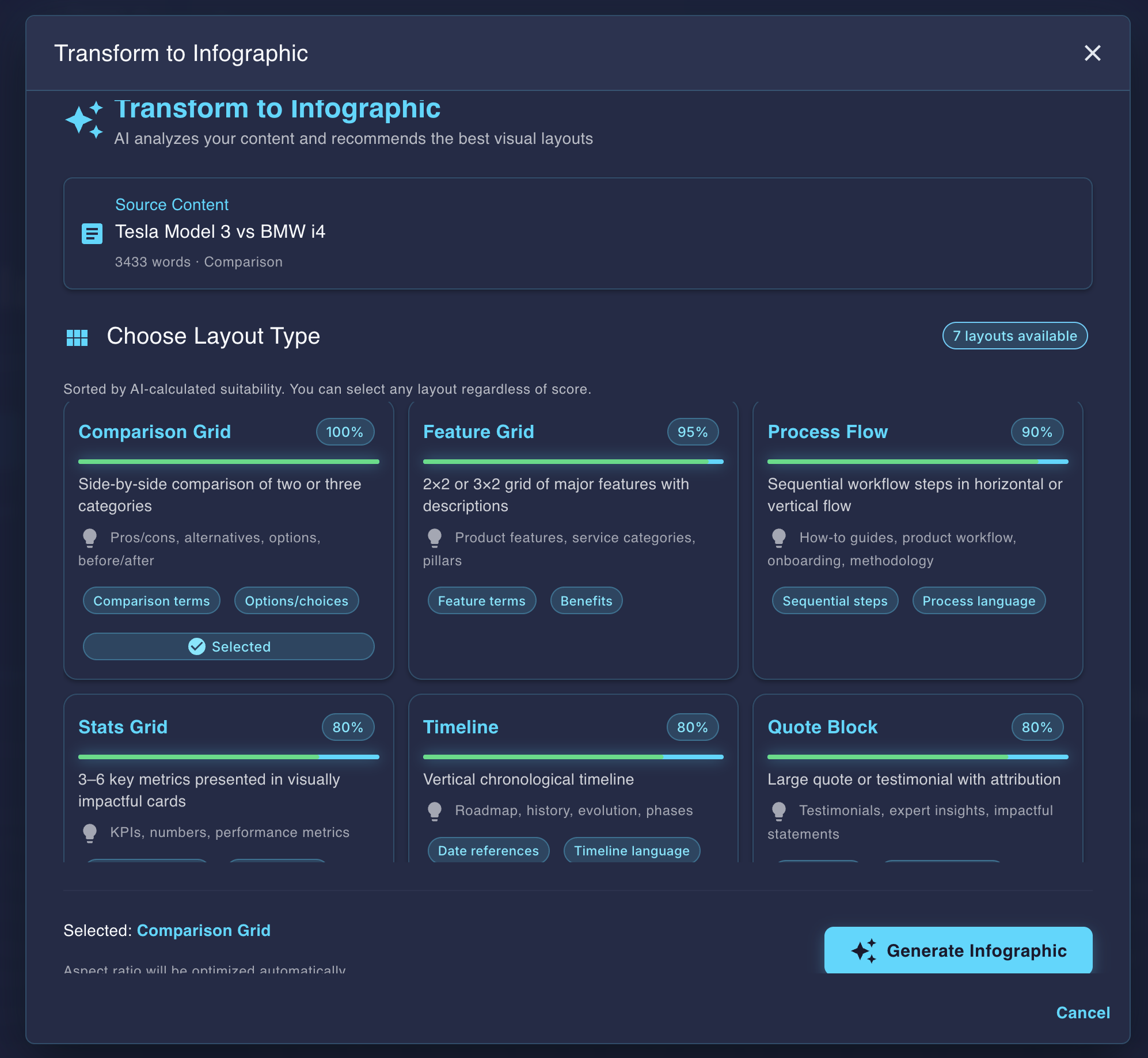
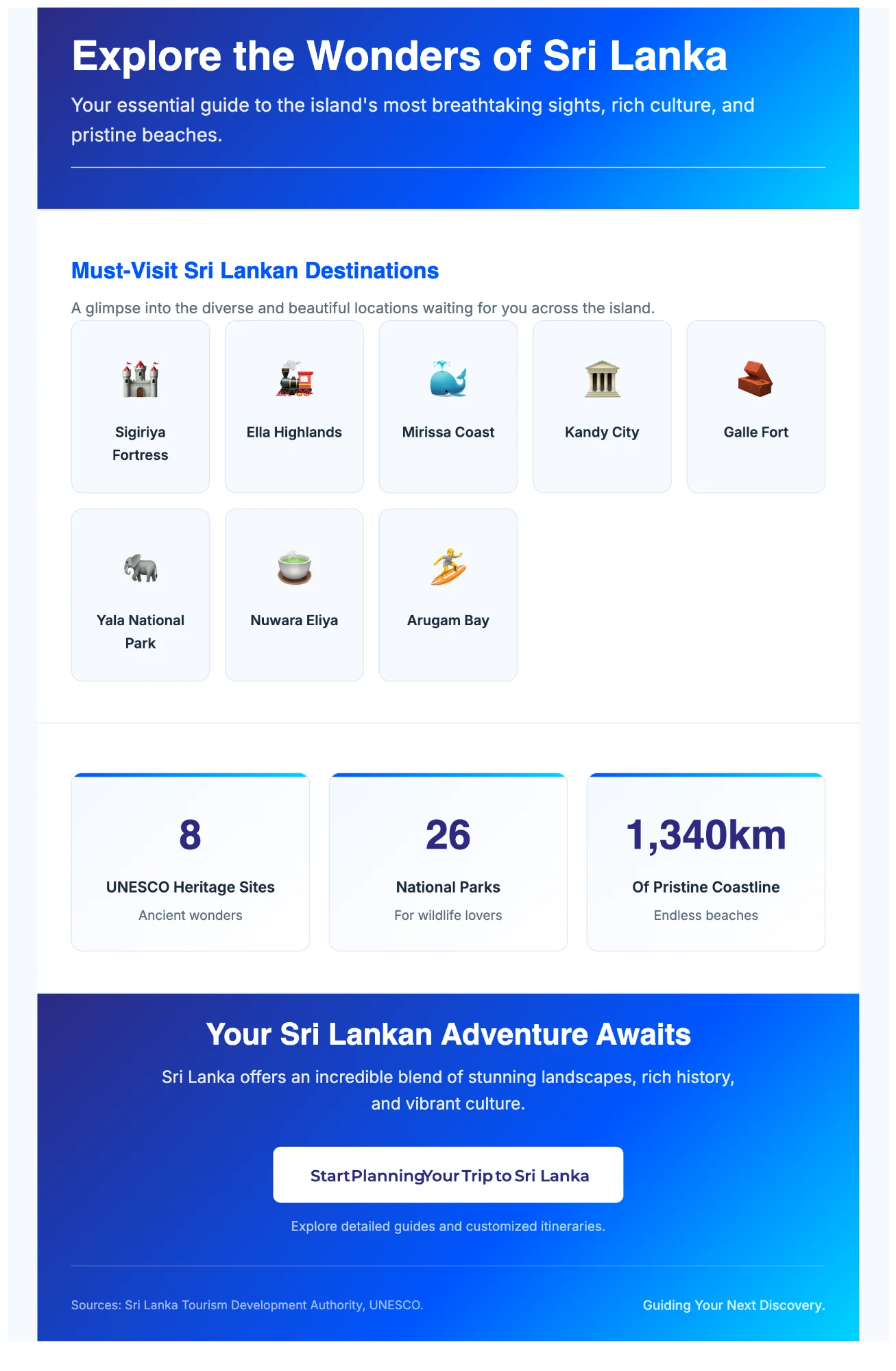
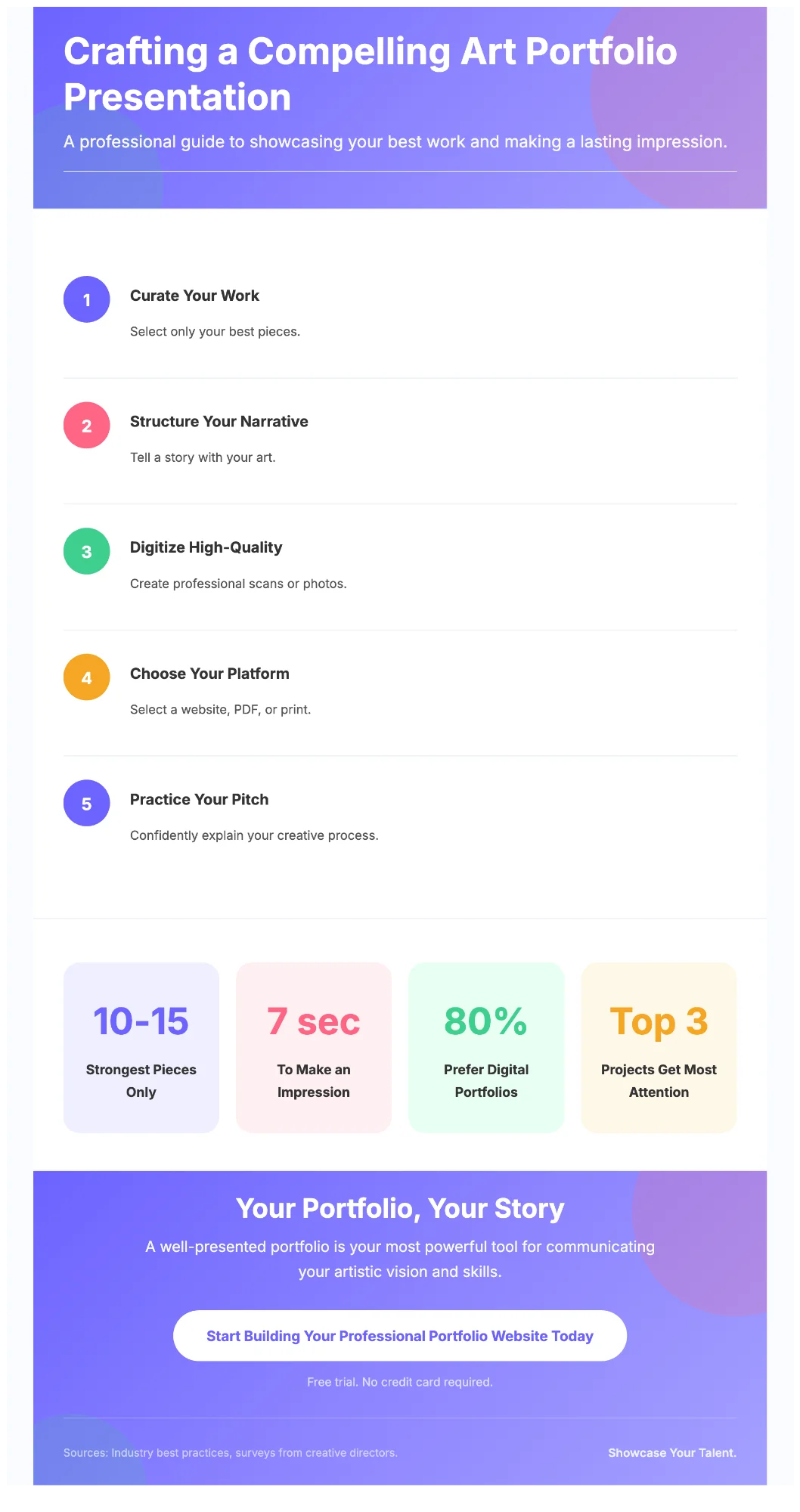
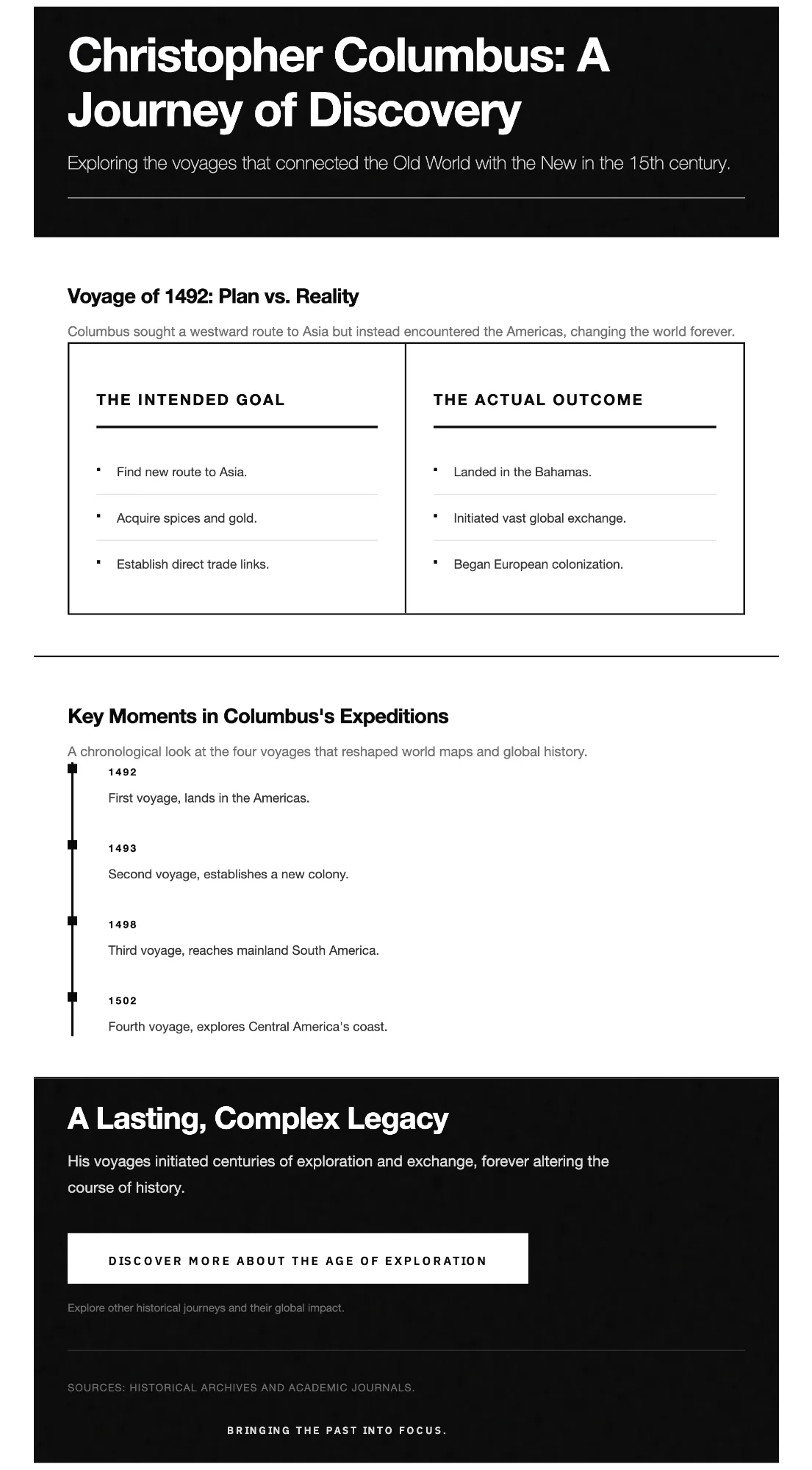
Enter any topic and Gixo's AI generates a complete multi-section infographic with structured data, statistics, and visual hierarchy. No manual layout work needed.

15+ Professional Themes

Choose from curated themes including enterprise, editorial, healthcare, tech neon, botanical, and more. Each theme provides consistent typography, colors, and section styling.

Data Visualization

Automatically transforms statistics and data points into charts, progress bars, icon arrays, and comparison sections that make your data visually compelling.

Multi-Section Layouts

Each infographic features multiple content sections with headers, statistics, process flows, comparisons, and key takeaways organized in a logical visual hierarchy.

PNG & PDF Export

Export your finished infographic as a high-resolution PNG for social media or a PDF for printing and sharing. Both formats maintain pixel-perfect quality at any size.

Responsive Design

Infographics render beautifully on any screen size. Share directly via link and your audience sees a polished, mobile-friendly visual regardless of their device.

How It Works

Four simple steps from idea to finished infographic.

1
Enter Your Topic

Type any subject, paste data, or describe what your infographic should cover.

2
Choose a Theme

Select from 15+ professional themes designed for different industries and use cases.

3
AI Generates

Gixo's AI creates a complete multi-section infographic with data visualization and layout.

4
Export & Share

Download as PNG or PDF, or share directly via link with your audience.

How Gixo Compares to Traditional Design Tools

See how AI-powered infographic creation compares to manual design tools.

Feature Gixo AI Traditional Tools
Generation methodAI from topicManual drag-and-drop
Time to createUnder 60 seconds30-60 minutes
Design skills neededNoneIntermediate to advanced
Data visualizationAuto-generatedManual chart creation
Professional themes15+ built-inTemplates (limited free)
Multi-section layoutAutomaticManual arrangement
PNG exportYesYes
PDF exportYesVaries by plan
Content generationAI writes copyYou write everything

Frequently Asked Questions

What is an AI infographic maker?
An AI infographic maker uses artificial intelligence to generate complete infographics from a topic or data input. Instead of manually designing layouts and placing elements, the AI handles structure, content, data visualization, and styling automatically. Gixo's AI infographic maker creates multi-section infographics with professional themes in under a minute.
How many themes does Gixo offer for infographics?
Gixo offers 15+ professionally designed infographic themes spanning categories like enterprise, editorial, healthcare, tech neon, botanical, luxury fashion, geometric pro, and more. Each theme provides coordinated colors, typography, section styles, and icon treatments for a polished result.
Can I export infographics as PNG and PDF?
Yes. Gixo supports both PNG and PDF export for all infographics. PNG is ideal for social media, blog posts, and web sharing. PDF works best for printing, email attachments, and professional distribution. Both formats maintain full resolution and quality.
Do I need design skills to use Gixo's infographic maker?
No design skills are required. Gixo's AI handles all layout decisions, color coordination, typography, and data visualization. You simply enter your topic or data, choose a theme, and the AI generates a complete, professional infographic ready for export.
How is Gixo different from Canva for infographics?
Canva requires you to start from a template and manually add content, arrange elements, and design each section. Gixo generates a complete infographic from your topic using AI, handling content creation, data visualization, and layout automatically. Gixo is faster for creating data-rich infographics, while Canva offers more manual design control.

Create Your First AI Infographic

Enter a topic. Get a professional multi-section infographic in under a minute. No design skills needed.

High Contrast Mode Disabled
An error has occurred. This application may no longer respond until reloaded. Reload 🗙