
Finished decks, proposals and content
Bring your sources, review the evidence, and export a finished file you can send.
Each count is read from that product's current catalog. See what each product includes.
Pick the job, draft, review, and export — all in one workspace. No copy-pasting between a chatbot and other tools.
Structure, visuals, and citations rendered into the finished deck, doc, or article — ready to send or hand to review.
Bring your source material and brand controls, then inspect the evidence behind claims before you approve.
Export the approved work as PDF, PPTX, DOCX and more, or publish straight to your connected channels.
What "publish-ready" actually looks like
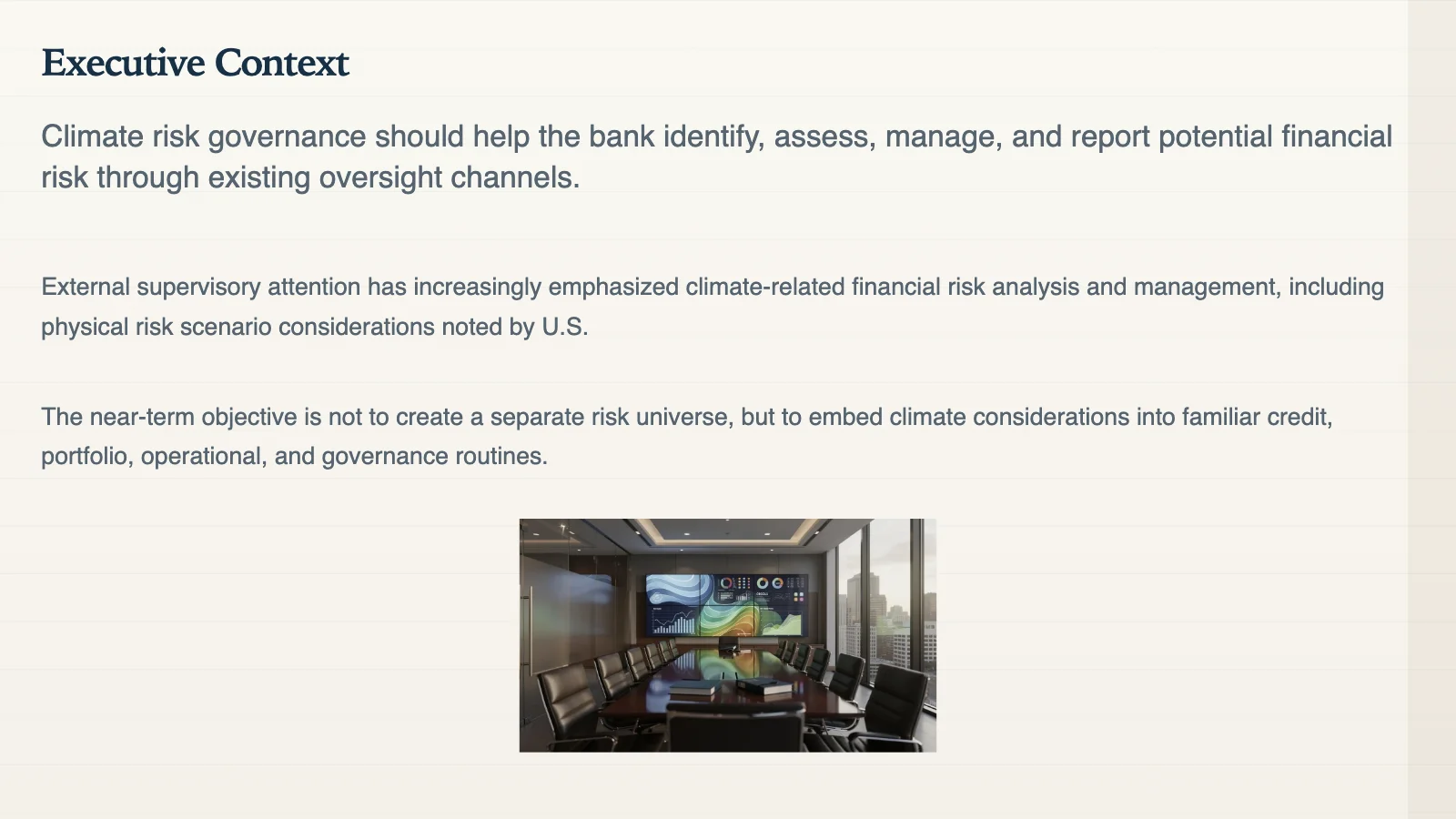
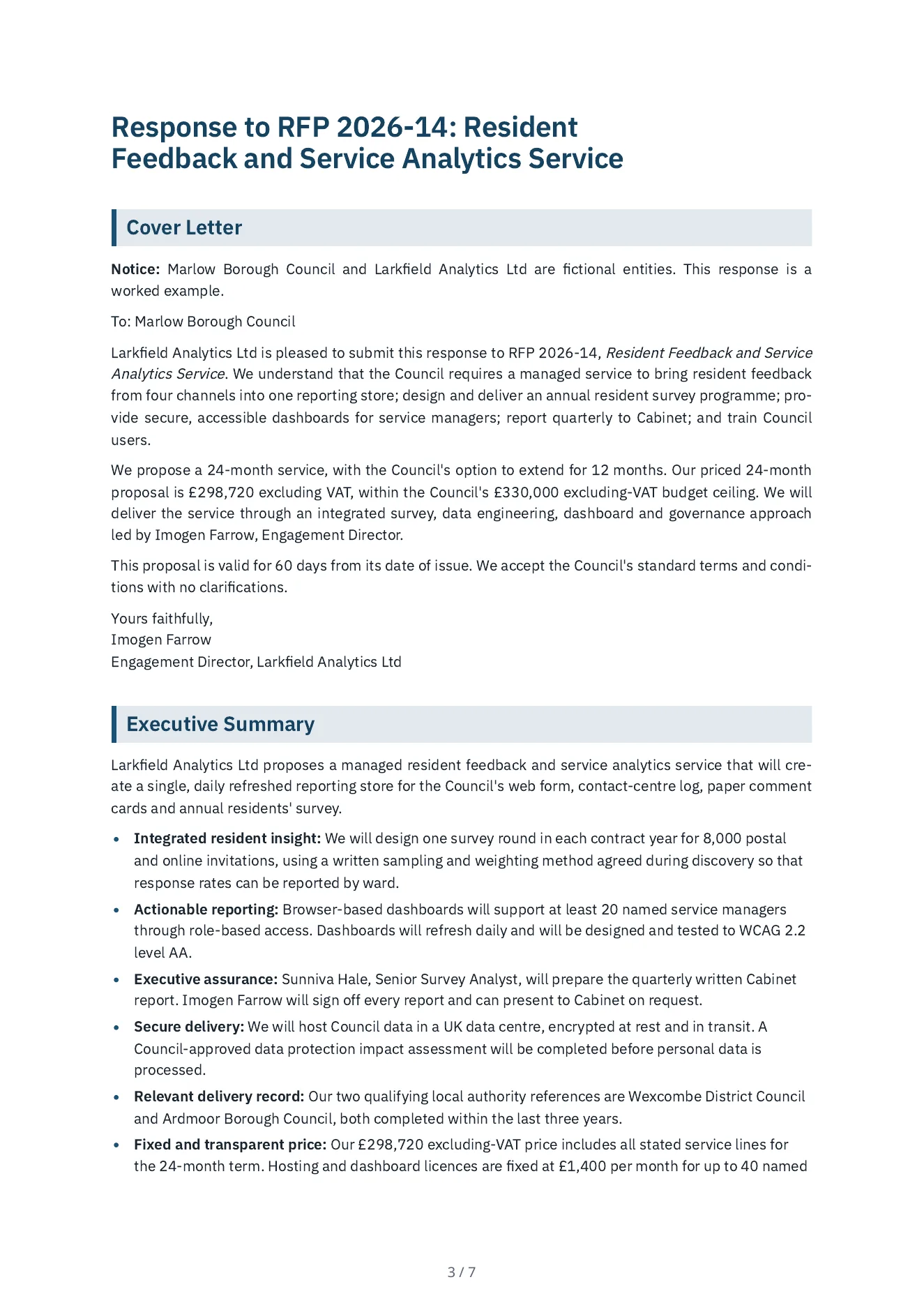
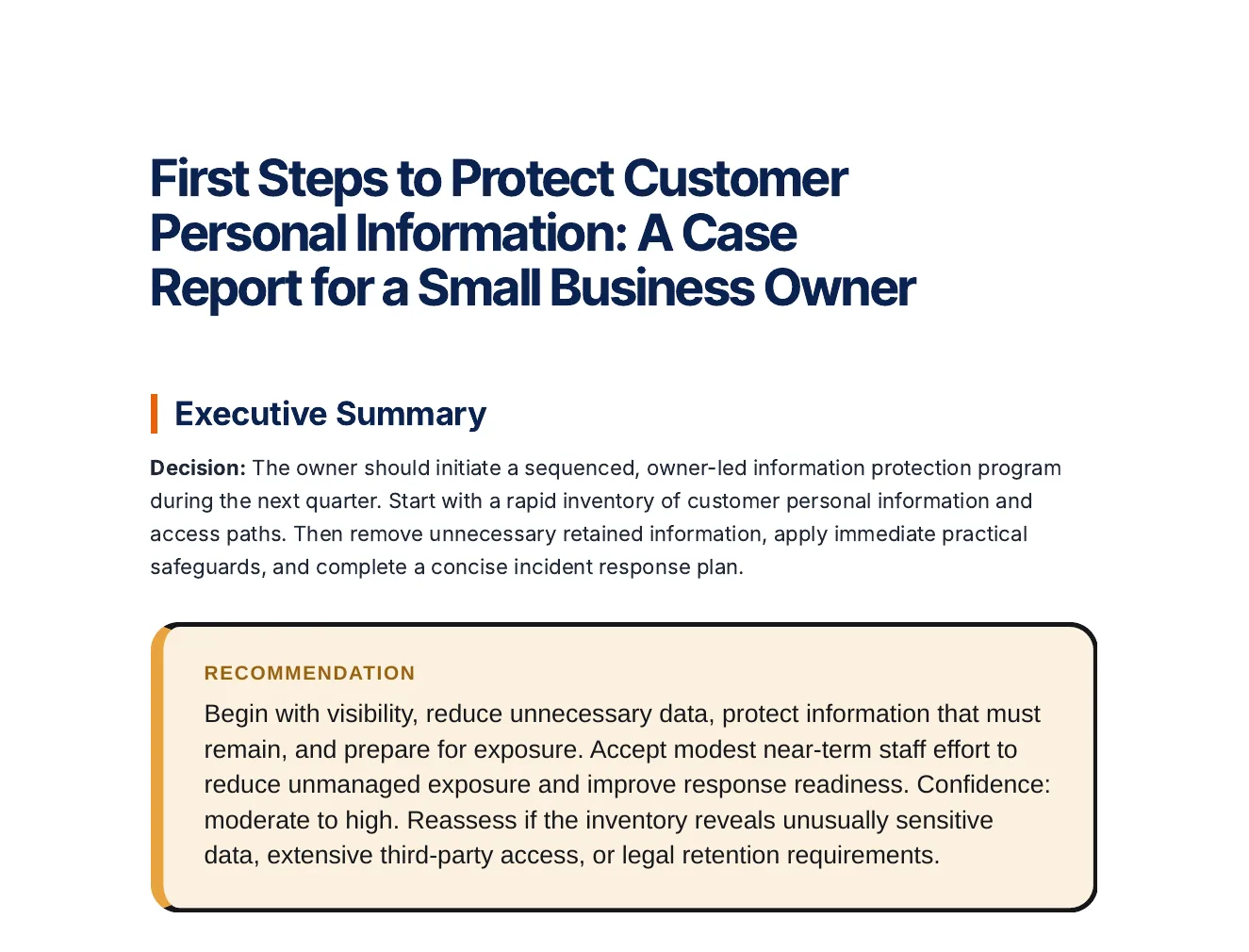
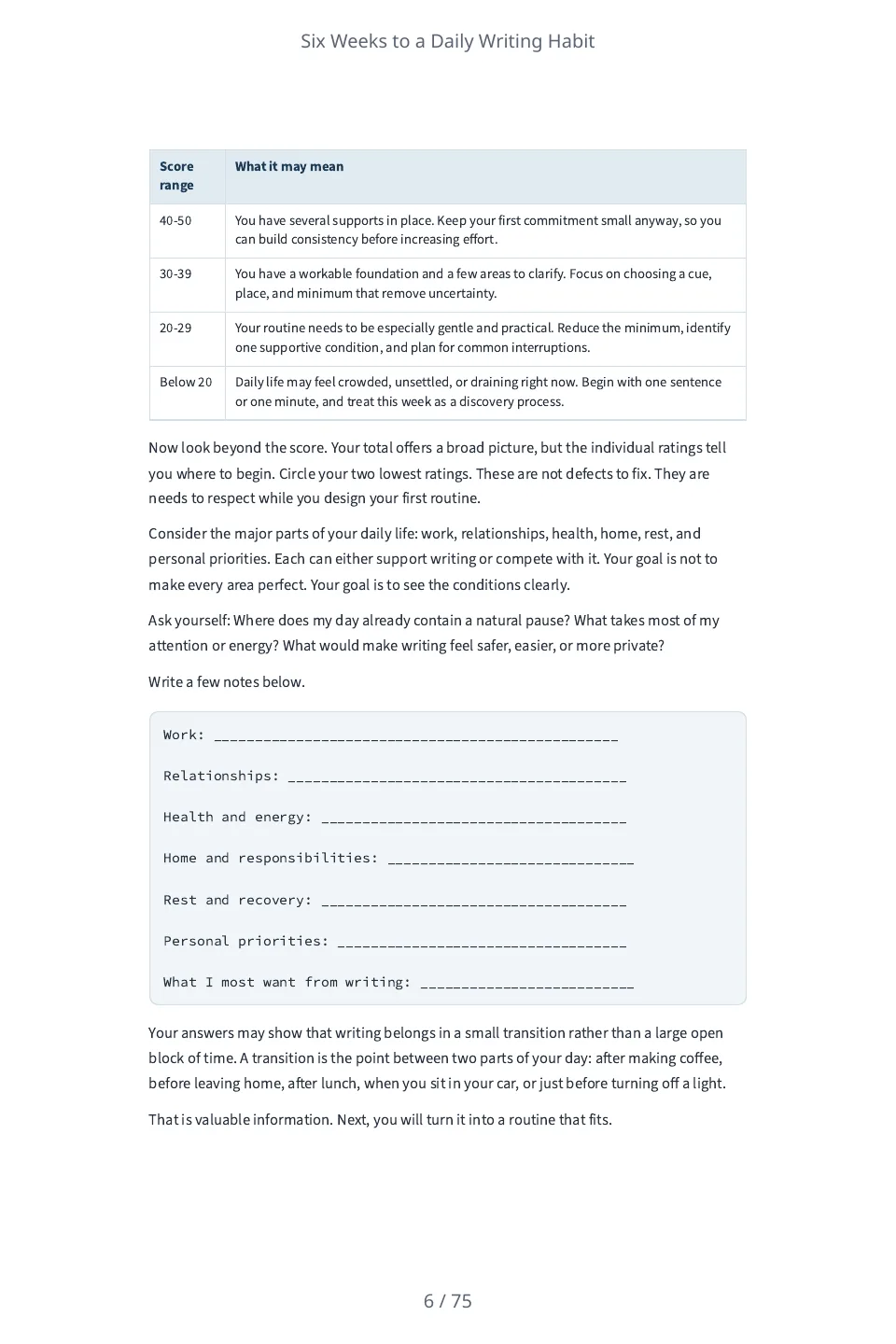
A small sample of real Gixo outputs. Each one is a download of a file the product generated or exported, not a mock-up. Click any thumbnail to view or download it.



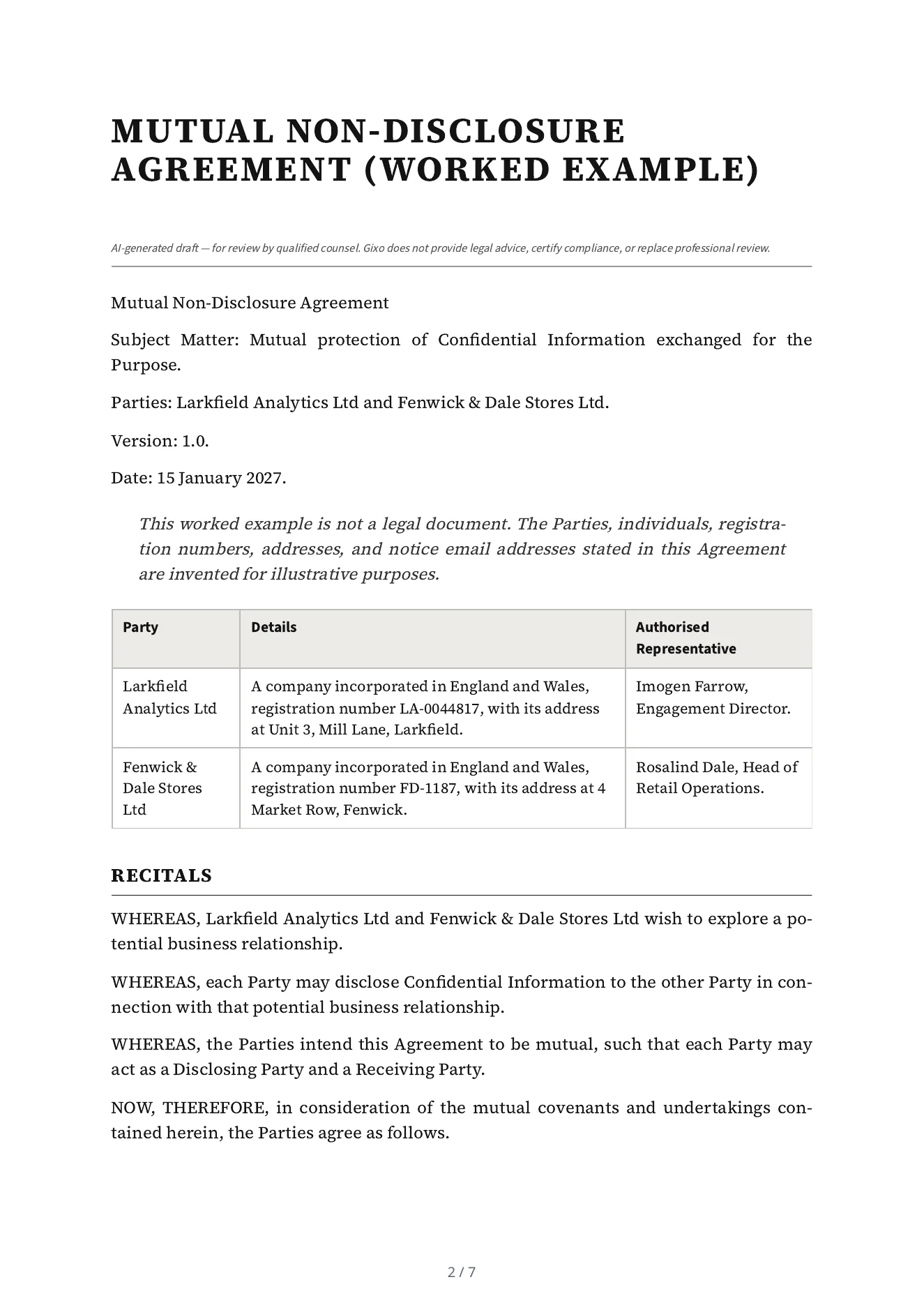
Choose The Workflow That Fits The Job
Gixo is not one generic generator. Each product is built around a business deliverable, then keeps review, collaboration, and export in the same flow.
Presentations
Build client-ready decks from topics, notes, briefs, and source material with editing, themes, and delivery built in.
View presentation workflow →Content
Create review-ready articles, guides, landing pages, and reports with editing, repurposing, and publishing in one workspace.
View content workflow →Visuals
Turn any data or idea into an exact visual — infographics, charts, and diagrams — and one message into a Campaign kit for every channel. Words set by the renderer, never a garbled AI image.
View visuals workflow →Briefs & Decisions
Turn a source pack into a checked brief or a recommendation draft with its decision logic; decks come with a Gixo Lumen plan, and decision pages and framework artifacts with a Gixo Prism plan.
View business workflow →Proposals
Turn RFPs, decks, and account context into proposals your team can review, polish, and send.
View proposal workflow →Legal
Draft contracts, policies, and compliance artifacts with guided intake and a cleaner review workflow.
View legal workflow →Books
Turn a backlog of notes, guides, or drafts into a book or playbook, chapter by chapter, then export when it is ready.
View books workflow →Projects & Delivery
Run client projects with List, Board, and Timeline scheduling, team capacity, time and budget tracking, and priced change orders.
View project workflow →Product details and plans
Which Gixo product should you use?
Each product is a separate workspace with its own workflow and access. Start with the deliverable another person needs to review or use.
Whichever product you choose, review source-critical facts and approve the final work before delivery.
What is Gixo?
Gixo is a suite of separate product workspaces: Quill for content, Lumen for presentations, Arc for proposals, Business for decision-support artifacts, Lex for legal and compliance drafting, Folio for books, and Prism for visuals. No-card 14-day trial with full generation; after the trial, continued generation needs a paid plan (existing work stays viewable in your workspace). Gixo products prepare structured work for review. Human reviewers remain responsible for source accuracy, professional judgment, approvals, and final use.
Which Gixo product should I use?
Choose the Gixo product that matches the deliverable and review workflow you need; each product has its own capabilities, access rules, and approved claims. Gixo is a suite of separate product workspaces: Quill for content, Lumen for presentations, Arc for proposals, Business for decision-support artifacts, Lex for legal and compliance drafting, Folio for books, and Prism for visuals.
Is Gixo free?
Gixo's public tools are free. Folio also supports import and manual manuscript writing without a subscription; account permissions and limits apply. New AI generation uses eligible trial or paid access: a 14-day no-card trial, then a paid plan for continued generation.
Do I have to buy every Gixo product?
No. Each product is bought on its own plan, and buying one product does not include the others.
Does Gixo replace review?
Gixo products prepare structured work for review. Human reviewers remain responsible for source accuracy, professional judgment, approvals, and final use.
Finished Content, Not Drafts
Professionally structured. Visually consistent. Export-ready.
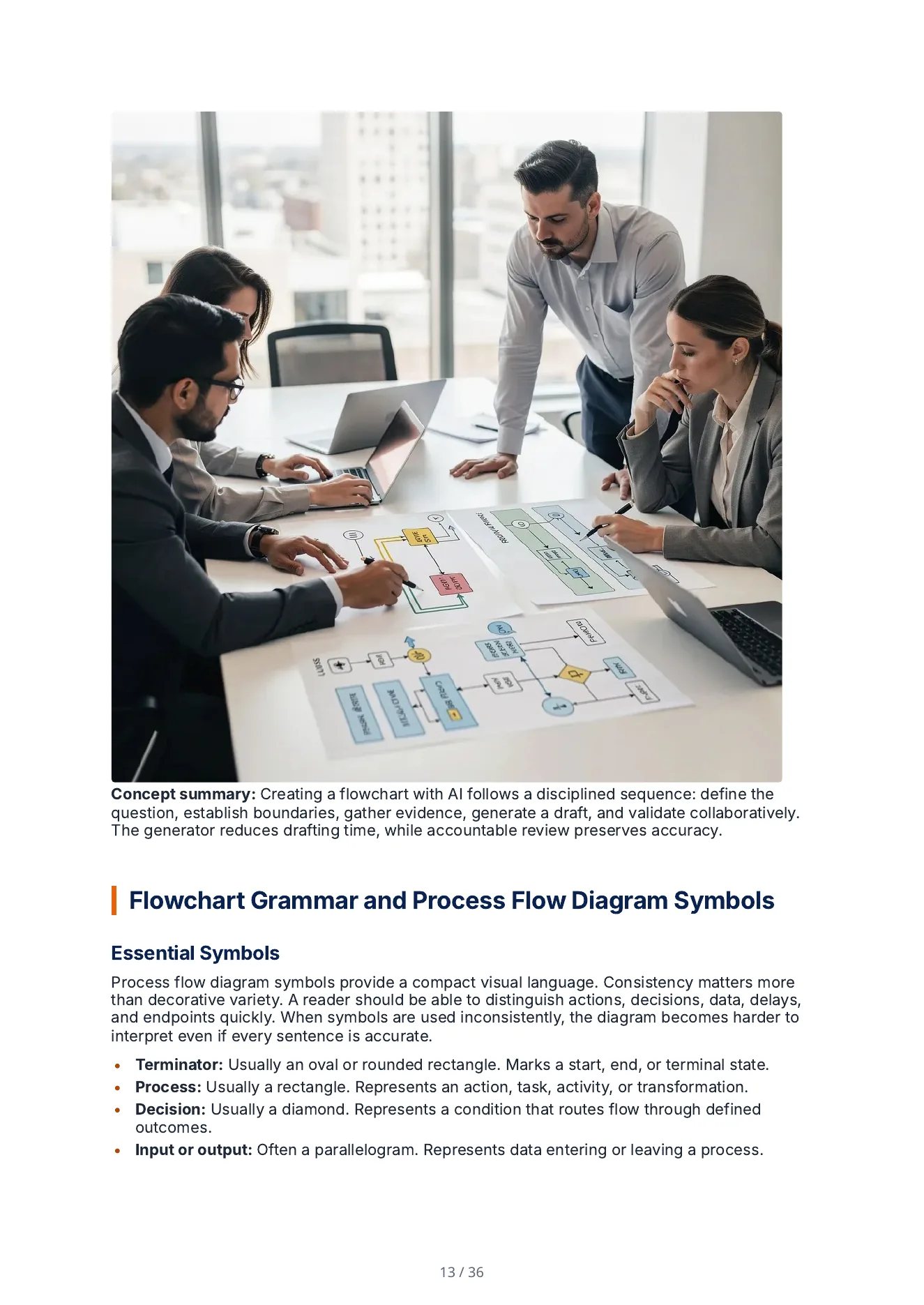
Business Decks You Can Actually Present
Board updates, investor decks, client strategy presentations, and buyer narratives built in a workflow made for real business delivery.
Business Deliverables You Can Trust, Backed by Your Files
Most AI tools sound convincing even when they are guessing. Gixo Business works from the material you provide. Upload contracts, reports, research, or meeting notes, choose the output you need, and get a draft whose claims can be traced back to your files.
- Describe the job — get a brief or recommendation report in Business, a briefing deck in Lumen, or a decision or framework in Prism.
- See what your sources support — missing inputs, evidence strength, and likely review risks are visible before work starts.
- Keep the source pack connected — briefs, decks, recommendations, decisions, and frameworks can all use the same case context.
- Check before you share — required checks, approval warnings, and review notes stay attached to your work.
- Keep larger jobs connected — one request can create related documents while keeping their dependencies clear.
Turn Expertise Into A Book, Playbook, Or Long-Form Asset
Use Gixo Folio when the deliverable is longer than an article and more durable than a campaign. Plan the structure, keep chapters consistent, and export a finished long-form asset from one workspace.
- Shape the right format first. Start with a founder book, expert guide, client playbook, case study collection, or reference manual and let Gixo plan the chapter structure accordingly.
- Keep chapters consistent. Later sections stay aware of what came before, so the manuscript feels like one product instead of stitched-together drafts.
- Revise without losing work. Every version of every chapter is saved, so you can compare, restore, and keep the writing process reviewable.
- Export in publishing-ready formats. EPUB, editable DOCX, chapter PDF, HTML, Markdown, and SCORM are available from the same workspace.
- Create localized editions when the manuscript is approved and ready for a new market.
Run Client Projects From First Task To Approved Delivery
Gixo Keystone starts a project from a saved template or a blank project. It is an agency project management workspace that keeps schedules, team capacity, time tracking, priced change orders, and client sign-off in one place. Starting from a won deal, with its proposal and contract attached, needs Accord, Gixo's CRM, which is not on sale yet.
- Start from a structured template without retyping your delivery steps. Bringing in an accepted Arc proposal or signed Lex agreement goes through a won deal, which needs Accord.
- Plan and review the same project across List, Kanban Board, and Timeline views with critical-path dependency calculation and milestone calendar exports.
- Balance weekly team workload and capacity across active client engagements, then log and approve billable or non-billable hours against project budgets.
- Issue priced change orders and send the client a single-use decision link to approve a change order or accept a priced completion. Ruling requests as in-deal, small change, or extra work needs the scope recorded with a won deal.
- Send project context straight into Quill status updates, Lumen steering decks, and Prism timeline visuals.
Start with One Piece. Build More from It.
Turn approved work into the next business deliverable without rebuilding the core narrative from scratch.
How Gixo Gets You to a Finished Result
Your content moves through a guided workflow instead of one big prompt.
Start With One Workflow. Expand When The Team Is Ready.
Evaluate the product that matches the job, prove the workflow internally, then add more Gixo products as your team needs them.
Start a 14-day trial — no credit cardUpdated